Daily Habit Tracker App: How to Pick One (2026 Guide)
TL;DR. A daily habit tracker app is only useful if you'll open it daily. Five features matter — one-tap check-in, a visible streak or heatmap, reliable reminders, a free tier you can live on, and clean data export. Most other features are noise. Below: the science of why daily reps matter (the 66-day median from Lally et al., UCL), the features to ignore, and six picks by use case — beginner, power user, Apple-only, cross-platform, ADHD-friendly, and community-driven.
If you've downloaded three habit apps already and abandoned them in week two, the issue probably isn't you. Most daily habit tracker apps are designed to feel impressive in the App Store — not to be opened every morning for the next ten weeks. This guide separates what looks good from what actually keeps a habit alive. If you want the complete ranked comparison, start with our best habit tracker app roundup — this page covers how to choose; that one covers every pick head-to-head.
What a daily habit tracker app really does
A daily habit tracker app turns a behavior you want to repeat into a small, visible record. You check the box (or tap the tile) once you've done the thing. The app stores the date, draws a streak, and nudges you at the time you set.
That's it. The category got bloated with AI coaches, social feeds, and gamified XP layers, but the core job is the same as a paper calendar with a pen — only it lives in your pocket and counts the streak for you.
There are three reasons people use one instead of paper:
- Friction. Tapping is faster than writing.
- Memory. A reminder fires whether you remember or not.
- Patterns. A heatmap shows you what's slipping before you notice.
If an app you're considering doesn't deliver on those three, the rest of its feature list is decoration.
The 5 features that actually matter
Most "best of" articles list 15 features and rank apps on all of them. That gives you the wrong shape of list. After tracking habits across six different apps myself and reading the research on what predicts long-term use (more on that in a moment), here are the five features that decide whether you'll still be tracking in week 12.
1. One-tap check-in
You will check in roughly 365 times in your first year per habit. If logging takes three taps and a confirmation dialog, you'll skip days. If it takes one tap from the home screen or a widget, you won't.
Test this in the App Store screenshots before downloading. If you see a "log entry" form with a date picker, slider, and notes field on the main check-in flow, the app is built for someone tracking moods or symptoms — not someone trying to flossed-yes-or-no.
2. Visual streak or calendar heatmap
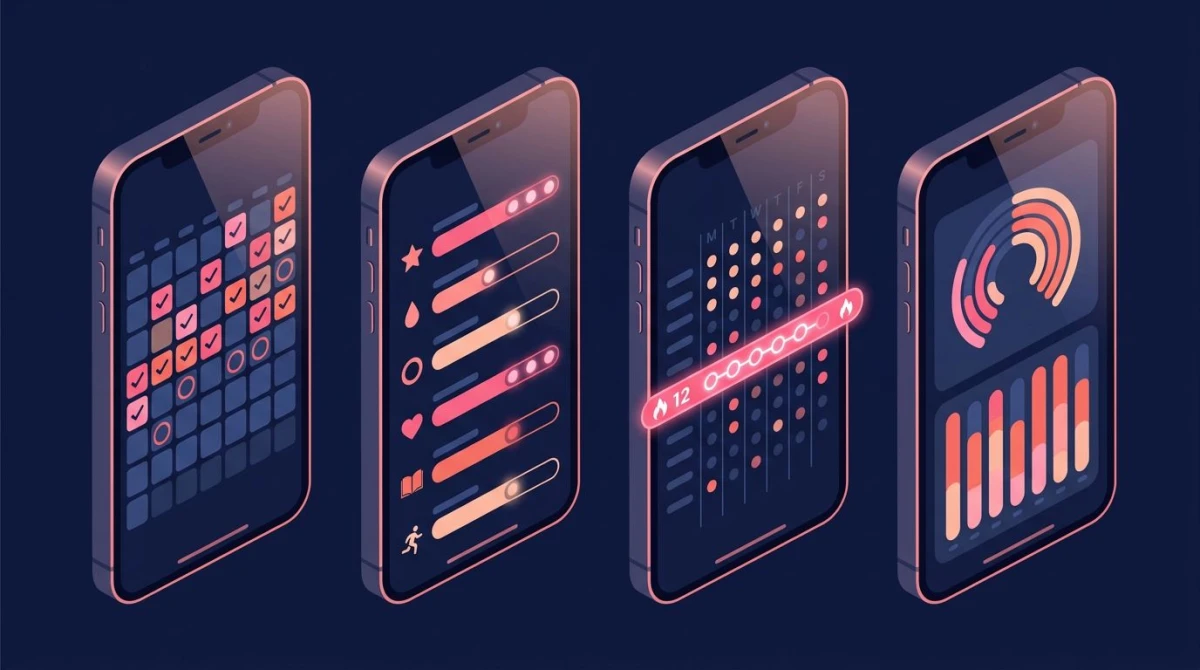
The streak isn't a vanity number. It's the loss-aversion hook that gets you to tap on day 38 when you don't feel like it. Behavioral economists Daniel Kahneman and Amos Tversky showed that people feel losses about twice as strongly as equivalent gains. A 38-day streak you don't want to break is the same psychology that makes you keep your Duolingo flame alive.
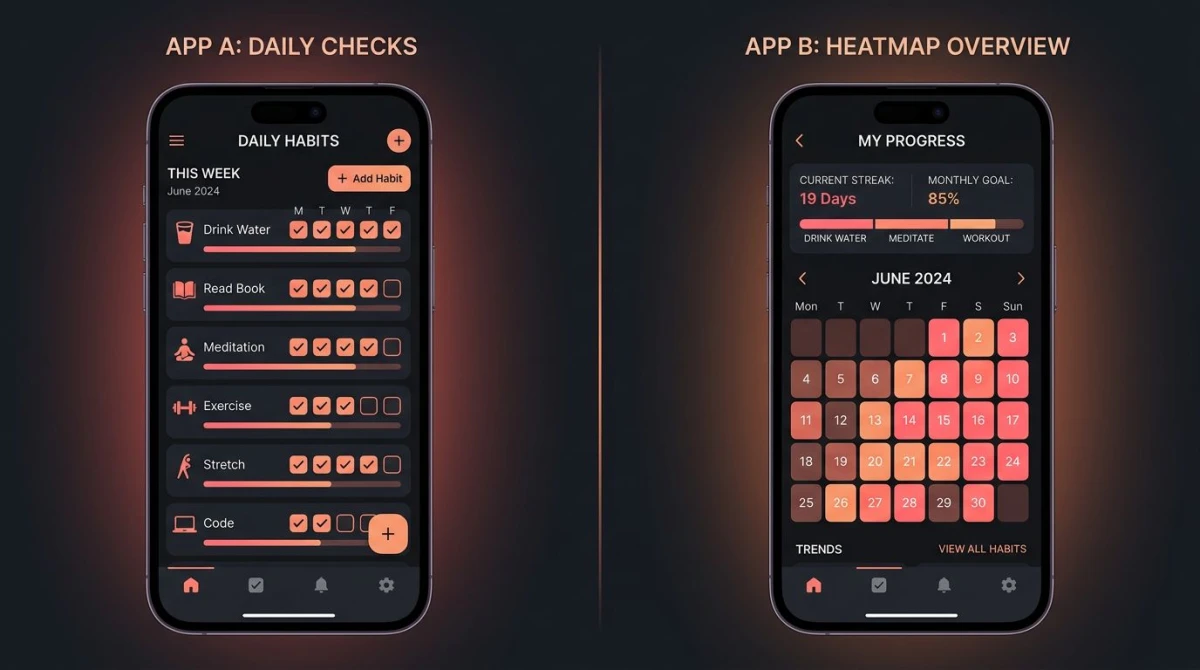
A heatmap (the GitHub-style grid where each square is a day) does a second job: it makes a missed day visible without making you feel bad about it. You can see the gap, decide it's fine, and keep going. Apps that hide history or only show "current streak" lose this.
3. Reminders that actually fire
This is where Android trackers quietly fail. Aggressive battery optimization on Samsung, Xiaomi, and OnePlus phones can kill scheduled notifications from sideloaded or smaller apps. If reminders are how you're going to remember the habit at all, this matters more than any other feature.
Before committing to an app on Android, test it for three days with a 6 PM reminder. If even one fires late or not at all, find a different app. On iOS the platform handles scheduling for you, so this is rarely an issue.
4. A free tier you can actually live on
Most people abandon paid habit trackers in the first two weeks — well before the trial ends. Paying for an app you're not yet using daily is the opposite of how habits form. James Clear's Atomic Habits makes the point that motivation follows action, not the other way around.
Look for an app whose free tier covers the basics: unlimited or generous habit count, full calendar view, and reliable reminders. Pay only after you've used the app for 30 days and you know which premium feature you actually need.
5. Clean local data export
You will switch apps. Maybe in six months, maybe in three years. An app that locks your history inside its own server is one that owns your habit data, not you. Look for CSV export, JSON export, or import-from-other-tracker support before signing up.
This is also a privacy point. Your habit log is a surprisingly intimate record — sleep, mood, exercise, alcohol. Local-first storage with explicit export gives you control. Cloud-only models with vague privacy policies don't.
What to ignore (the feature traps)
These features look great on a feature comparison chart and rarely survive past week three of real use.
AI habit suggestions. "Build the habit our AI recommends!" If you don't already know what habit you want, the issue is goal clarity, not lack of suggestions. AI suggestions tend to push generic recommendations (drink more water, walk 10k steps) that you've already heard. They don't fix the harder problem of starting small enough to actually do the thing.
Social feeds and friend leaderboards. Useful for a small group of people who are already in the habit of using social apps for accountability. For everyone else, the social layer becomes another inbox to ignore — and once you ignore it, the app feels stale. If you genuinely want accountability, a single text-message buddy works better than a feed.
Gamification for non-gamers. XP points, character classes, level-up sounds. If you light up at this stuff, Habitica is built for you. If you don't, it's a layer of work between you and your check-in. Fogg's Tiny Habits research explicitly argues that intrinsic celebration ("yes, I did it") works better than external points for people who aren't already game-motivated.
Mood tracking, sleep tracking, symptom tracking, body weight, water intake — all combined. A habit tracker that's also a wellness tracker is usually a worse habit tracker. The check-in screen gets cluttered, the daily flow gets longer, and the streak becomes ambiguous (did I "complete the day" if I logged sleep but skipped meditation?). Pick one job and let the app do it well. For count-based habits like cups of water, dedicated water tracker apps handle the logging far better than a bloated all-in-one.
Goal-setting frameworks layered on top. SMART goal forms, OKR templates, north-star objectives. A habit tracker is for behaviors you want to repeat, not for project planning. When the app tries to be both, the habit side gets neglected.
The science of "daily" — why frequency beats intensity
The key research question is: how long does it actually take a behavior to become automatic? The answer comes from a 2009 study at University College London by Phillippa Lally and colleagues, who tracked 96 volunteers building one new daily habit over 84 days.
The headline finding most articles quote: a median of 66 days for a new habit to reach automaticity. The popular "21 days" claim is a myth that traces back to a 1960 plastic surgery book and has no research support.
The finding most articles miss: range from 18 to 254 days, depending on the habit's complexity and the person. Drinking water at lunch hit automaticity in three weeks. Doing 50 sit-ups before breakfast took most of a year.
Two practical takeaways for picking an app:
- The app must support daily use for at least 12 weeks without nagging you to upgrade. If the free tier expires at 30 days, it cuts you off before automaticity sets in for most habits.
- Frequency matters more than intensity. A two-minute daily habit forms faster than a 30-minute weekly one, even though the weekly version sounds more impressive. Pick a tracker that lets you log small wins without making you feel like you're cheating.
This is also why "all or nothing" habit tracking fails. A single missed day doesn't break a habit — Lally's data showed one missed day had no detectable effect on the formation curve. Two consecutive missed days started to matter. If your tracker treats one slip as a streak reset and a guilt trip, it's working against you.
6 daily habit tracker apps by use case
Generic "best habit tracker" lists don't help because the right pick depends on what you're tracking and what device you're on. Here are six apps, each genuinely the best choice for a specific situation. None of them are the best choice for every situation.
Best for beginners and minimalists: HabitBox
Rating: (4.6/5)
If you've never used a habit tracker before, start here. HabitBox keeps the check-in to a single tap, doesn't require an account, and stores your data locally on your phone. It's free to start, with an optional Plus upgrade — and the calendar heatmap, streak tracking, and stats are all there from day one.
The minimalist design is the point. There's no XP, no AI coach, no social feed. You see your habits, you tap to log, you see your streak. That's the entire app.
Platforms: iOS and Android.
Free tier: Free to start; Plus unlocks more.
Best habit type: Simple binary (did I do it yes/no), small daily counts, morning and evening routines.
Skip if: You want gamification, you track 30+ habits, you need cross-device cloud sync.
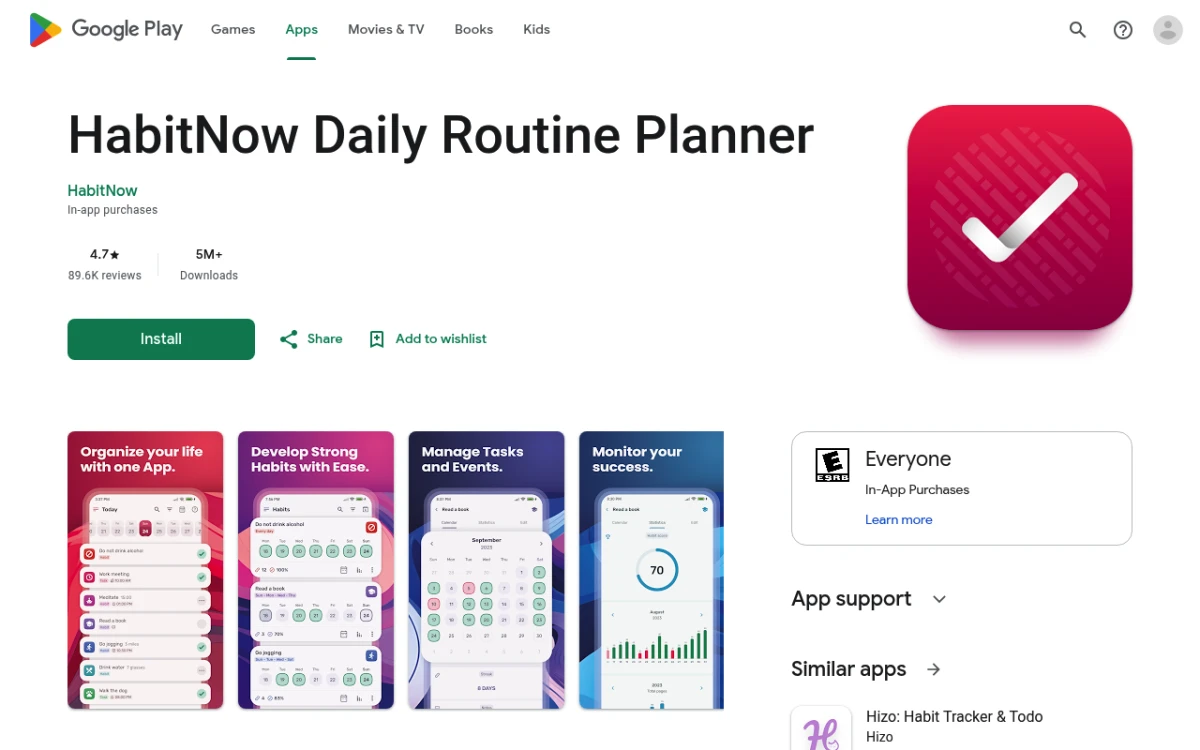
Best for power users with many habits: HabitNow
Rating: (4.4/5)
HabitNow is built for people who treat habit tracking as a system, not a hobby. It supports nested categories, complex schedules ("every other Tuesday and Thursday"), task-style to-dos alongside recurring habits, and detailed time-of-day reminders.
The interface is denser than HabitBox or Streaks. That's what you want if you're tracking 15 habits across morning, work, and evening blocks. It would be overkill for tracking three.
Platforms: Android (primary), iOS available but Android version is more mature.
Free tier: Limited habit count; you'll likely upgrade.
Best habit type: Complex schedules, time-blocked routines, hybrid habit-and-task tracking.
Skip if: You want simplicity, you're on iOS only, you don't enjoy app configuration.
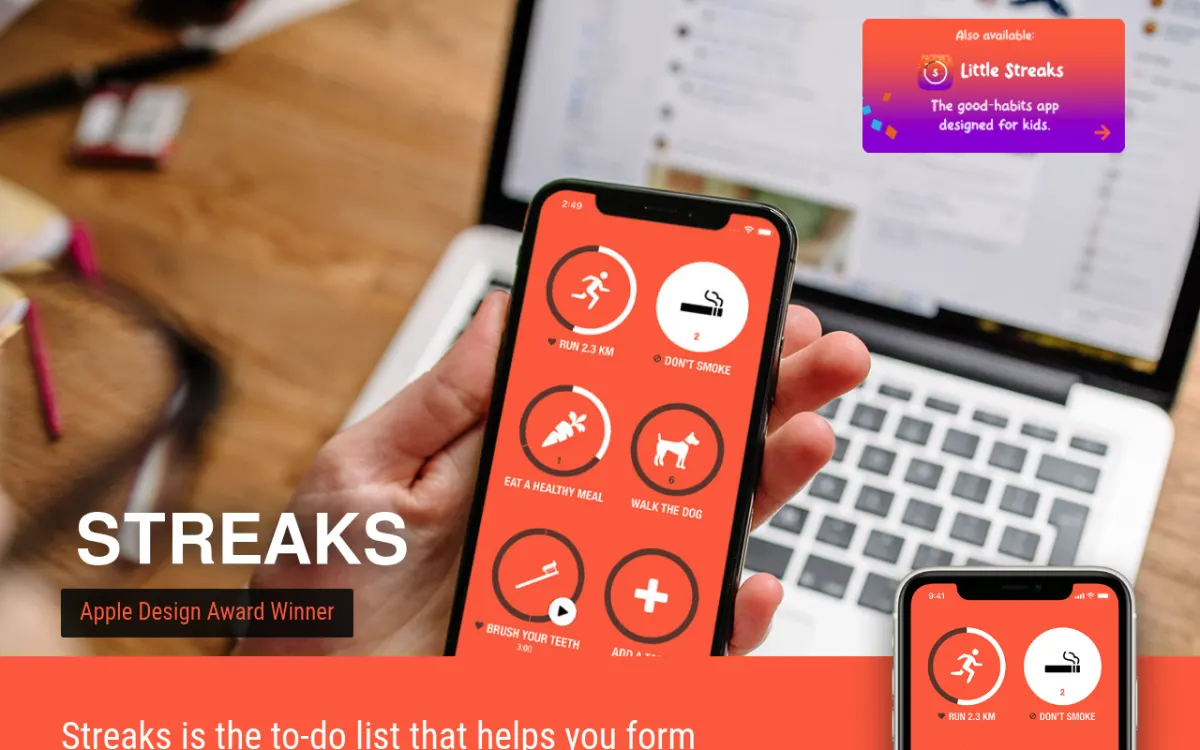
Best for Apple users willing to pay once: Streaks
Rating: (4.7/5)
Streaks is the iOS-native pick. Apple has featured it as App of the Year in the past, and it shows in the integration: deep Apple Health connections, watch complications, Shortcuts support, and a clean iCloud sync between iPhone, iPad, and Mac.
It's a one-time purchase rather than a subscription, which is rare in 2026. You buy it once, you own it. If you live entirely in Apple's ecosystem and want a tracker that feels like a built-in app, Streaks is the obvious answer.
Platforms: iOS, iPadOS, macOS only.
Free tier: None — paid app upfront.
Best habit type: Health and fitness habits with Apple Health integration, up to 24 habits.
Skip if: You're on Android, you want unlimited habits, you don't want to pay before trying.
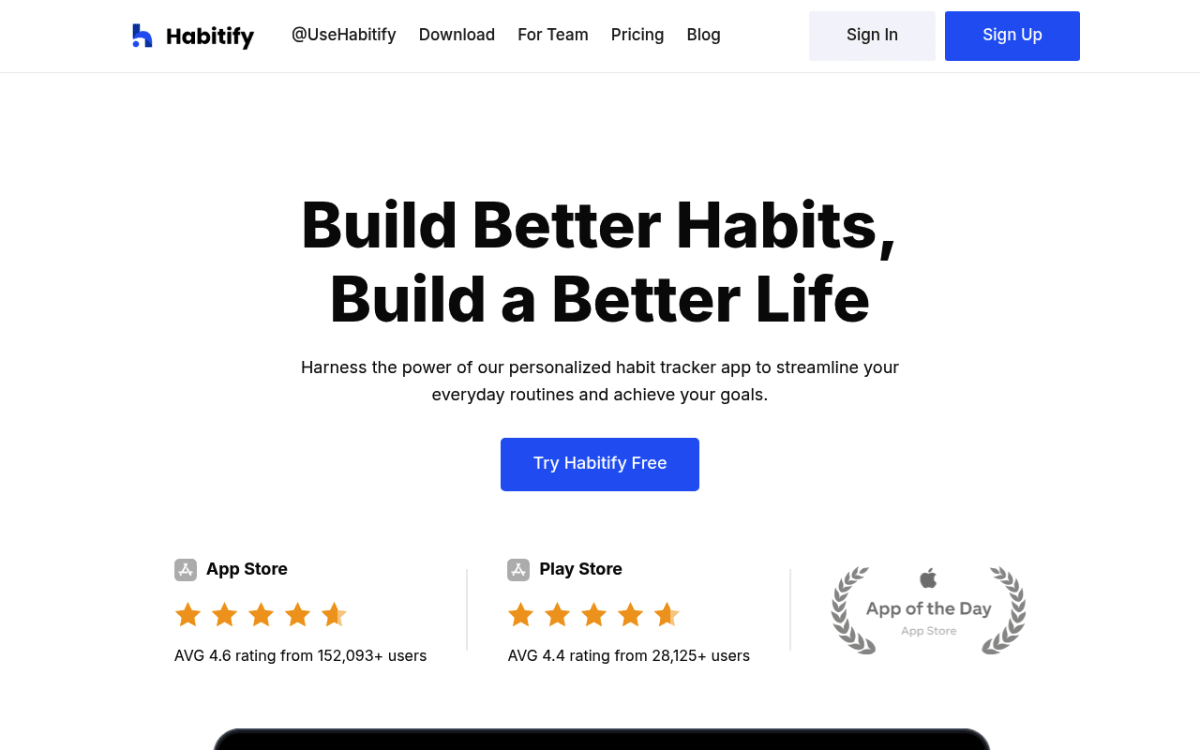
Best for cross-platform with web access: Habitify
Rating: (4.4/5)
Habitify is the pick if you genuinely need to log habits from a web browser, not just a phone. It runs on iOS, Android, web, and macOS, with synced cloud data across all of them. It's also one of the more polished interfaces in the category.
The trade-off: cloud-first storage means an account is required, and the most useful features (multi-device, advanced analytics) are behind a Pro subscription. The free tier exists but is tighter than Loop's.
Platforms: iOS, Android, web, macOS, Apple Watch.
Free tier: Limited habits; multi-device sync requires Pro.
Best habit type: Habits you log from a desktop work setting, complex weekly schedules.
Skip if: You only use a phone, you prefer local storage, you don't want a subscription.
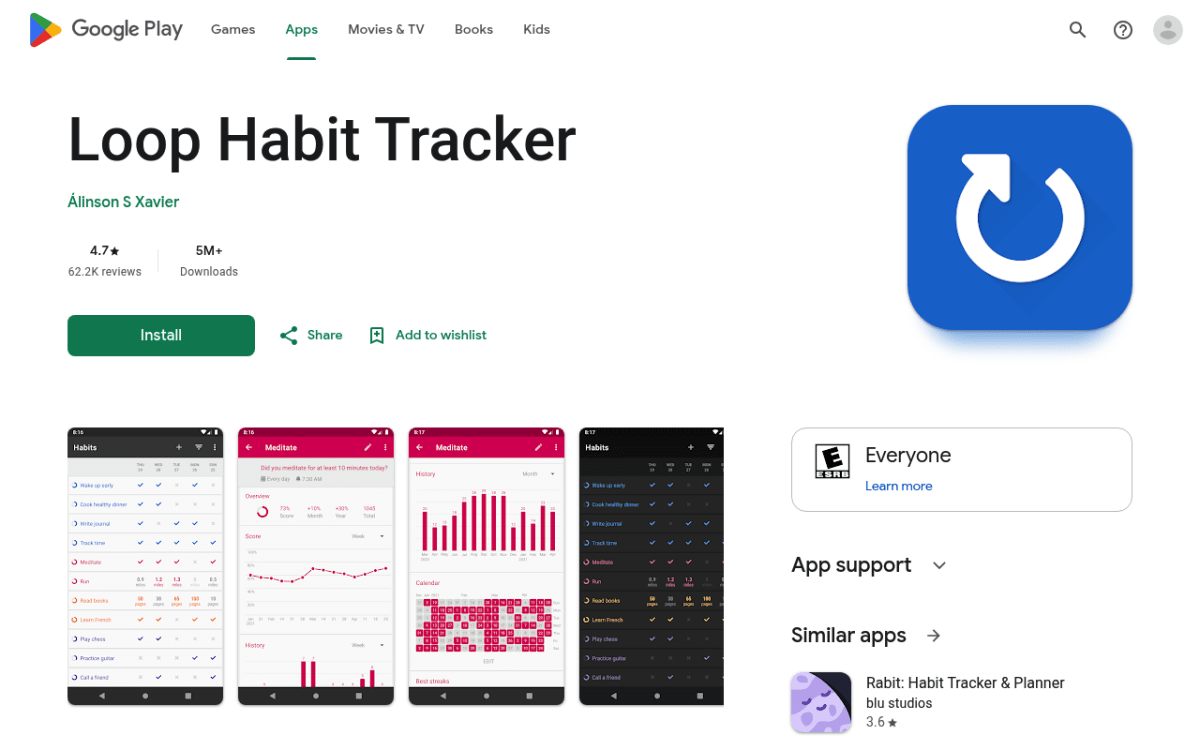
Best for ADHD or anyone who wants pure flexibility: Loop Habit Tracker
Rating: (4.5/5)
Loop Habit Tracker is open-source, free, and refreshingly opinionated. Instead of binary did-I-do-it tracking, Loop uses a "habit strength" score that goes up when you do the habit and decays when you skip — without the punitive streak-reset feeling that breaks people with ADHD or perfectionism.
The score makes it forgiving. You can miss a Wednesday without watching your 41-day streak go back to zero. For people who've abandoned three trackers because of streak anxiety, this is often the app that finally works.
Platforms: Android only.
Free tier: Fully free, no ads, no Pro tier.
Best habit type: Habits you can't always do, recovery-style tracking, anyone who wants forgiveness built in.
Skip if: You're on iOS, you want streaks specifically as motivation, you want polish over function.
Best if you want community and gamification: Habitica
Rating: (4/5)
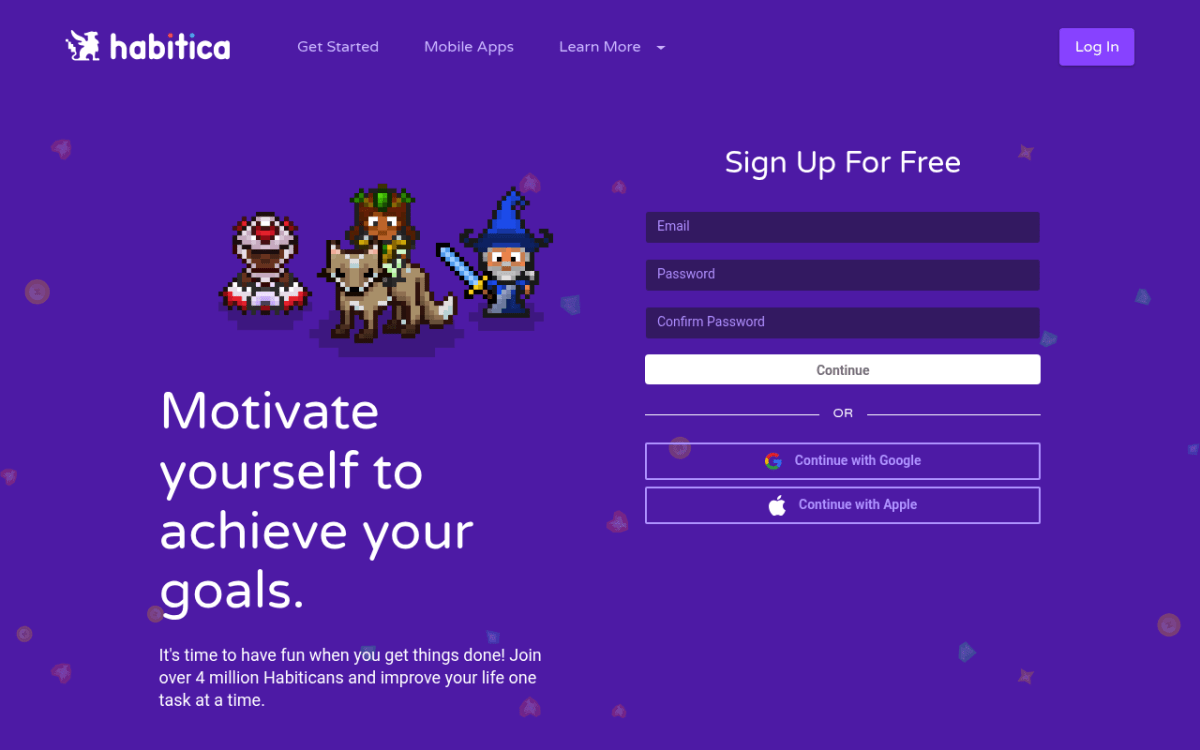
Habitica turns your habits into an RPG. You earn XP and gold for completing habits, lose health for missing them, customize an avatar, and join parties with other users to fight bosses together. If "level up your character by doing pushups" sounds fun, this is the only app that delivers it.
It's also genuinely popular for accountability — Habitica's community Guilds and Challenges are active and supportive. For people who already enjoy games and want their habit tracker to feel like one, the gamification is the feature, not a bug.
Platforms: iOS, Android, web.
Free tier: Most features are free; cosmetics and small power-ups are paid.
Best habit type: Habits that need external motivation, social accountability, anyone who responds to gamification.
Skip if: Gamification feels like work, you're an introvert who doesn't want a party, you find RPG mechanics distracting.
If the RPG layer feels like too much, the simpler picks above (especially HabitBox or Loop) cover the same job without the game. We've written a longer breakdown of Habitica alternatives for readers who landed on Habitica first and want a non-RPG path forward. If you specifically came from Streaks and want a deeper comparison, see our Streaks app alternatives guide.
Quick comparison table
| App | Platforms | Free tier | Best for | Skip if |
|---|---|---|---|---|
| HabitBox | iOS, Android | Free to start (Plus for more) | Beginners, minimalists | You want gamification |
| HabitNow | Android, iOS | Limited habits | Power users, complex schedules | You want simplicity |
| Streaks | iOS, iPadOS, macOS | Paid app, no free tier | Apple ecosystem only | You're on Android |
| Habitify | iOS, Android, web, macOS | Limited; Pro for multi-device | Multi-device, web access needed | You only use phone |
| Loop Habit Tracker | Android | Fully free, open-source | ADHD, flexibility, no streak anxiety | You're on iOS |
| Habitica | iOS, Android, web | Most features free | Gamers, social accountability | Gamification feels like work |
How to set up your tracker so you'll actually use it
Picking the right app is half the work. The other half is the first 30 minutes of setup, which most people get wrong. Here's a setup that makes daily use almost automatic.
Start with three habits, no more
Tracking 12 habits on day one looks productive and predicts failure. Wendy Wood's research at USC on automaticity, summarized in her book Good Habits, Bad Habits, found that adding more concurrent habits dilutes the cognitive load you have available for any one of them.
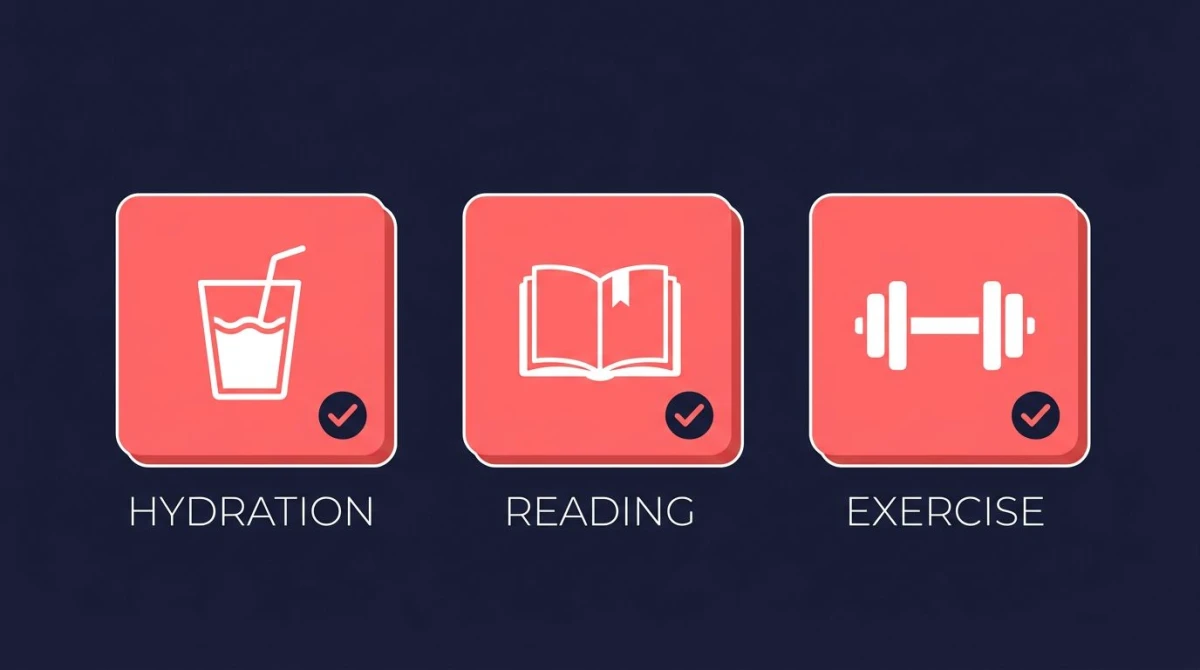
Pick three: one health, one mind, one craft. Examples:
- Health: Drink one glass of water with breakfast.
- Mind: Write one sentence in a journal before bed.
- Craft: Read one page of a book you actually want to read.
Once any of the three is automatic (you stop having to think about it — usually 6 to 10 weeks in), add a fourth.
Put a widget on your home screen
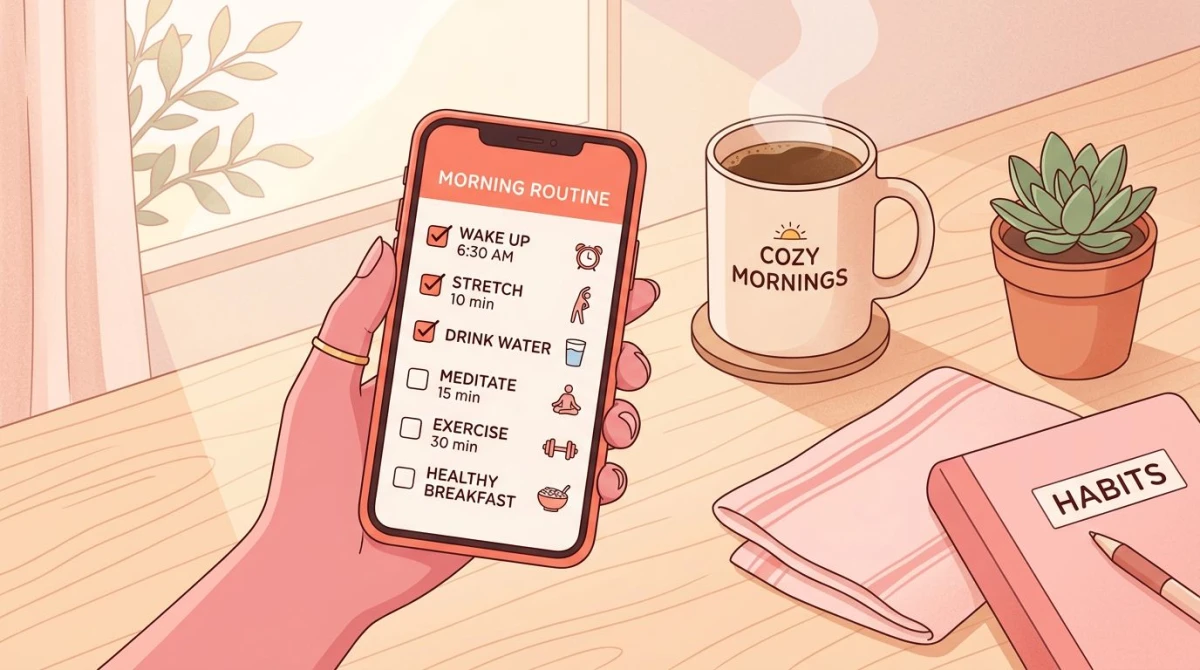
A daily habit tracker app you have to open never gets opened. A widget that shows today's check-ins on your home screen does. iOS, iPadOS, and Android all support widgets in 2026; most apps in the list above include them.
Place the widget on the first home screen, not buried in a folder. The whole point is that you see today's checkmarks every time you unlock your phone. If you want to pick an app specifically for the strongest home-screen widget — iOS 17+ interactive variants, sizing, tap-to-check — see our deeper habit tracker widget comparison of the 7 apps that do widgets best.
Set reminders only at decision points
A reminder at 9 AM that says "did you meditate?" is useless if you wanted to meditate at 7. The reminder needs to fire at the moment you'd actually decide whether to do the habit.
For most morning habits, that's right after your alarm. For evening habits, it's right after dinner. For midday habits, anchor to a fixed event (lunch, end of work) rather than a wall-clock time. If you set seven reminders a day, you'll mute the app inside a week.
Review weekly, not daily
Open the analytics view once a week — Sunday evening works for most people. Look at the heatmap. Note any habit that slipped two or more days. Don't beat yourself up; just notice.
If a habit slipped because the cue was wrong, change the cue. If it slipped because the habit was too big, shrink it. If it slipped because you don't actually want the habit, drop it. The weekly review is where the tracker turns from a record into a tool.
Common mistakes when starting with a tracker
Three patterns repeat across almost every reader who messages us about a failed first attempt.
Tracking the outcome instead of the behavior. "Lose 10 pounds" is not a habit. "Eat one vegetable at lunch" is. Trackers reward repeated actions, not far-off results. If your habit is shaped like a goal, rewrite it as a daily action you can check off.
Picking habits you don't actually want. A habit you adopted because someone told you it would change your life will not stick. The intrinsic motivation isn't there. Pick habits where the action itself feels at least neutral — ideally slightly satisfying. This is the core argument for identity-based habits: build the identity you want and the daily actions follow. The data will not save a habit you secretly hate.
Starting too big and treating slips as failures. If your habit is "run 5K every morning," you'll succeed for four days and then catch a cold and quit. Start with "put on running shoes." Once that's automatic, "walk to the corner." The path to a 5K habit goes through tiny versions of the habit, not through willpower.
Frequently asked questions
How many habits should I track at once?
Are paid habit tracker apps better than free ones?
What's the best daily habit tracker app for iPhone?
Do habit tracker apps actually work?
How long until a daily habit feels automatic?
What if I miss a day?
Putting it together
A daily habit tracker app is a small tool with a focused job: make today's check-in fast, make the streak visible, and remind you when you'd otherwise forget. Pick on those three before anything else.
If you're starting from scratch and want the lowest-friction option, HabitBox is built for exactly that — one tap to check in, a calendar that shows you the streak, no account required. The whole point is that it gets out of your way so the habit can do the work. Try it free and start your first habit in under two minutes.
Whichever app you pick, the rule that matters more than the choice is this: open it tomorrow.

Mira Hartwell
Editor, HabitBoxEditor at HabitBox. Writes about habit science and productivity, grounding every post in named research (Lally, Wood, Walker, Huberman) instead of recycled advice. Read full bio →