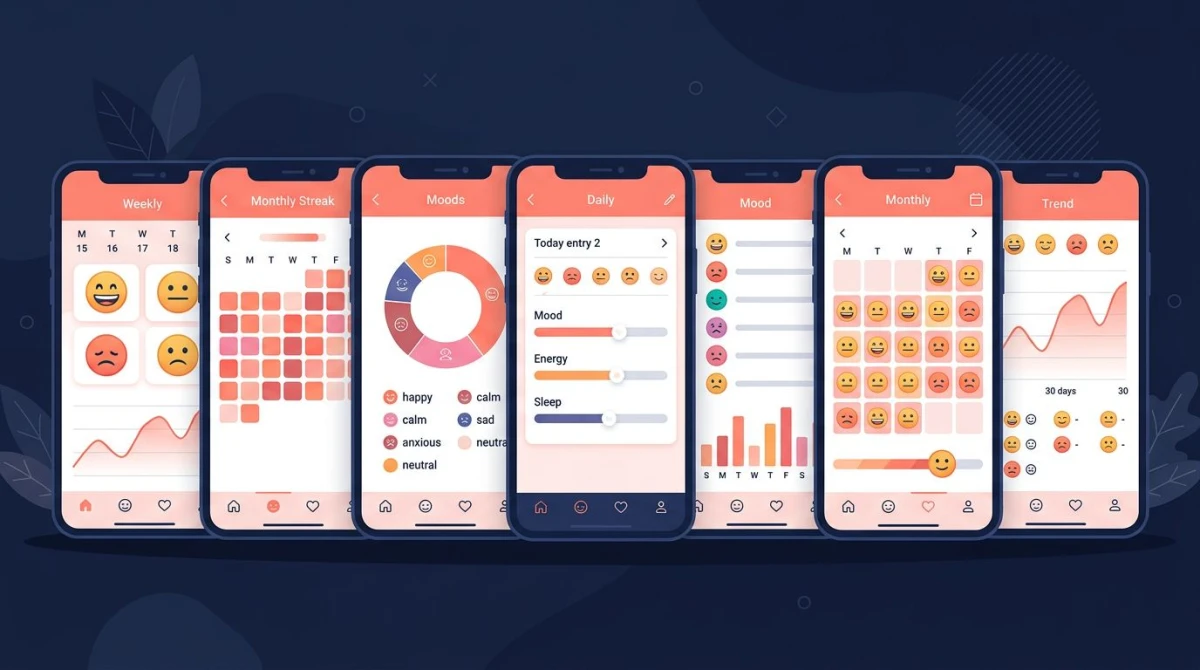
7 Best Habitica Alternatives in 2026 (Free Picks Tested)
Last updated: July 2026.
Looking for the best Habitica alternatives in 2026 — without the RPG layer? The seven picks worth your time are Streaks, HabitNow, Habitify, Loop, Productive, Strides, and HabitBox. Each one tracks habits and streaks. None of them ask you to manage a character or run party quests.
The right pick depends on your phone, your budget, and how much structure you want. This guide compares all seven side by side. Then it walks through who each app is for, so you can pick in under five minutes.
Why people leave Habitica
Habitica is a great app for a specific kind of person. It works if you love RPGs, want tasks to feel like a game, and enjoy managing a character. For that audience, it shines. But three honest reasons keep showing up in reviews when people decide to leave.
The RPG layer becomes its own job. You start tracking habits to save time. Then you end up checking gear, equipping items, and picking a class. The tracker stops feeling lighter than the habits.
Party quests add social pressure. Group quests can punish your party if you skip a day. That works for some people. For others, it turns a personal habit into a social duty. That is the opposite of what they wanted.
The interface has a learning curve. Stats, classes, pets, eggs, dailies versus to-dos versus habits — Habitica has its own vocabulary. People who just want to check off "drink water" find that a lot.
If any of those sound like you, the apps below strip out the game layer. They keep the part that drives change: the streak, the check-in, and the visible track record.

Apps like Habitica: all 7 compared at a glance
Here is the full feature matrix across all seven habit trackers. Use it as a quick filter, then read the deeper write-ups below for the apps that fit your shortlist.
| App | Platform | Free tier | Streak tracking | Reminders | Categories | Import / export | Account required | Pricing |
|---|---|---|---|---|---|---|---|---|
| Streaks | iOS only | No (paid app) | Yes | Yes | Yes | Limited | No | One-time $5.99 |
| HabitNow | Android only | Yes (limit: 5 habits) | Yes | Yes | Yes | Yes | No | Pro ~$8 one-time |
| Habitify | iOS, Android, Web | Yes (3 habits) | Yes | Yes | Yes | Yes | Yes | Premium $7.49/mo or $39.99/yr |
| Loop | Android only | Yes (full) | Yes | Yes | No | Yes | No | Free, open-source |
| Productive | iOS, Android | Yes (limit: 5) | Yes | Yes | Yes | Pro only | Yes | Pro ~$7/mo or ~$50/yr |
| Strides | iOS, Android, Web | Yes (limit: 4 trackers) | Yes | Yes | Yes | Pro only | Yes | Pro ~$5/mo or ~$30/yr |
| HabitBox | iOS, Android | Free to start (Plus for more) | Yes | Yes | Yes | Plus only | No | Free + optional Plus |
A few things stand out. Only one option is fully free with no habit limits, and it is Android-only: Loop. Three apps let you start without an account: HabitBox, HabitNow, and Loop. And only HabitBox pairs cross-platform support with no account, no ads, and a heatmap calendar you can read in a second — free to start, with an optional Plus upgrade for more. That mix is why it shows up later as the closest "Habitica without the RPG" pick for most readers.
The 7 best Habitica alternatives in 2026
1. Streaks — best for iPhone users who want a polished one-time-purchase
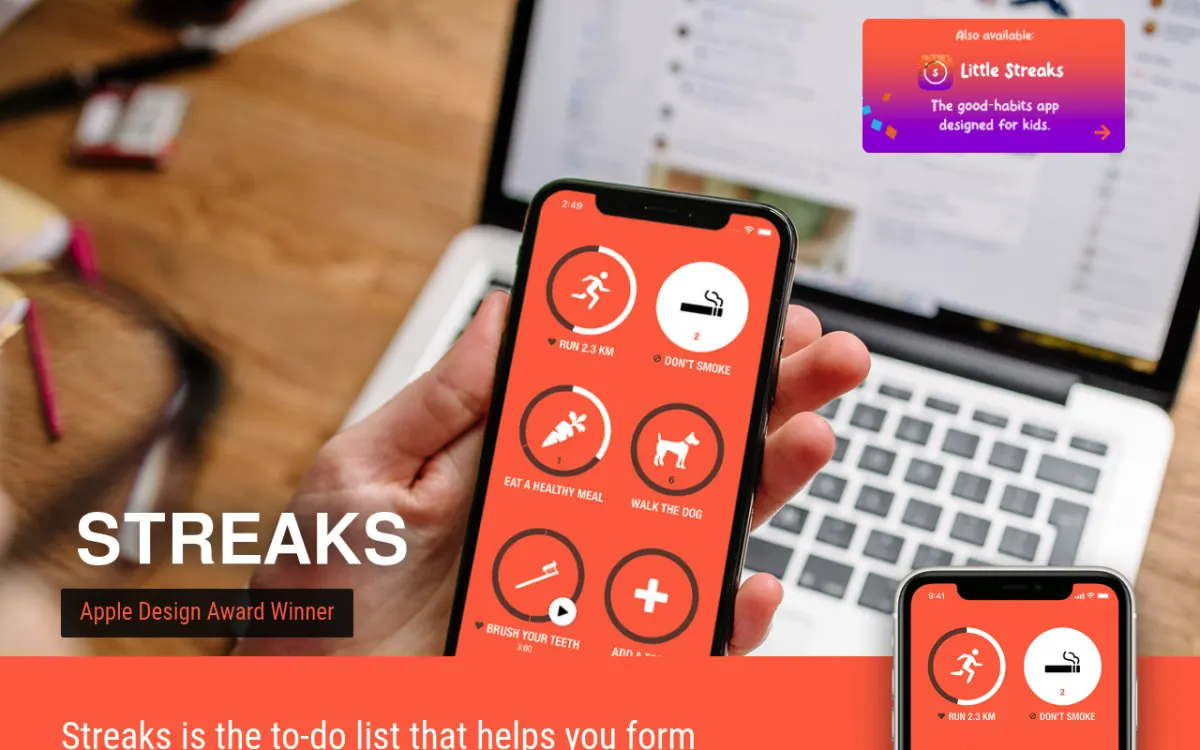
Streaks is a sharp, iOS-only habit tracker. (For a deeper look at cross-platform options that compete directly with it, see our Streaks alternatives guide.) It takes a strict approach: you can track at most 24 habits, and the design nudges you toward far fewer. That sounds limiting, and that is the point. The cap forces you to choose what matters this month. It keeps the screen clear instead of cluttered with thirty wishes.
The app links tightly with Apple Health, Apple Watch, and Shortcuts. Habits like "walked 10,000 steps" or "closed activity ring" check themselves off. It uses a one-time $5.99 purchase, not a subscription. That feels closer to what Habitica players want after years of free RPG access.
Best for: iPhone users who want a clean, opinionated, one-time-purchase habit tracker.
Biggest strength vs Habitica: Calm, gameless visual design with deep Apple ecosystem integration.
Biggest weakness: iOS only, so anyone on Android or sharing across platforms is out. The 24-habit cap is also a hard ceiling, not a soft one.
2. HabitNow — best for Android users who want maximum control
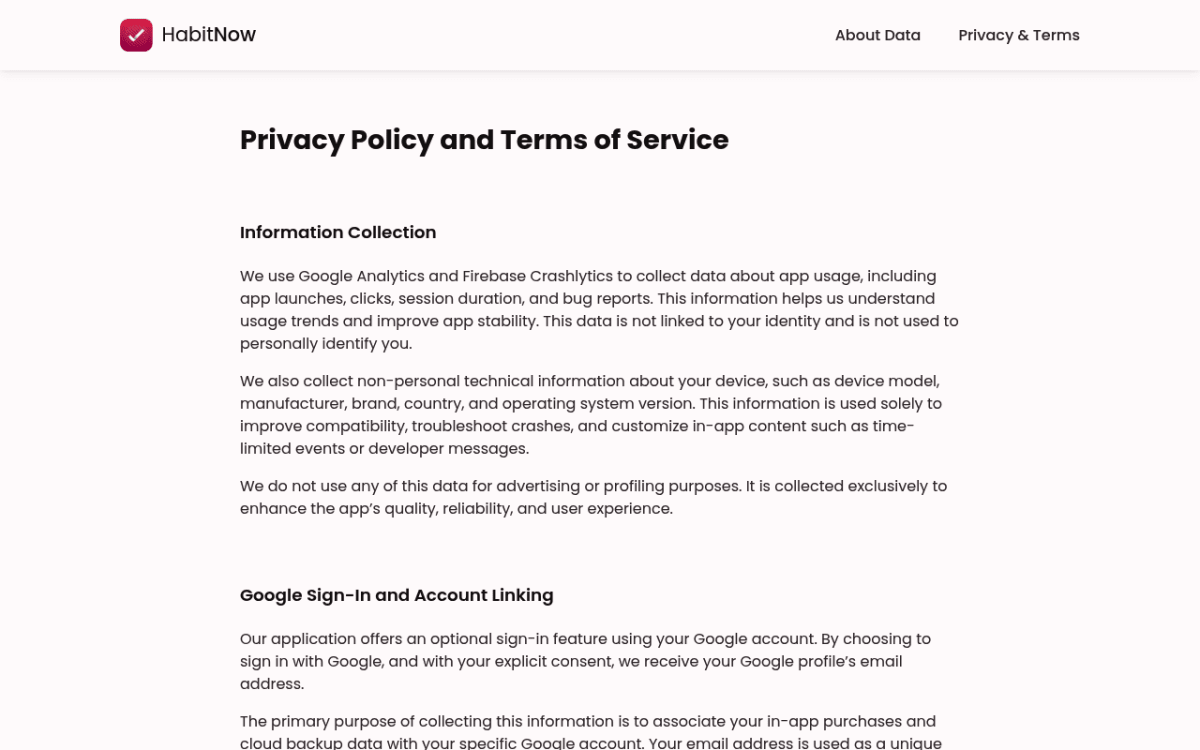
HabitNow is a dense Android-only tracker built for people who want to manage every detail. You get separate "habit" and "task" sections, custom recurrence rules, time-of-day scheduling, sub-goal counts, and rich statistics. Find it on the Google Play Store.
If Habitica's RPG part bothered you, but you liked having a lot of structure, HabitNow is your match. It keeps the structure and drops the game. The interface is busy, but everything is tunable. The one-time Pro purchase unlocks unlimited habits.
Best for: Android users who want granular control without subscription fatigue.
Biggest strength vs Habitica: Deep customization and detailed stats with no game mechanics.
Biggest weakness: Android only. The free tier caps you at five habits, which is restrictive for anyone serious about tracking.
3. Habitify — best for cross-platform users who want sync everywhere
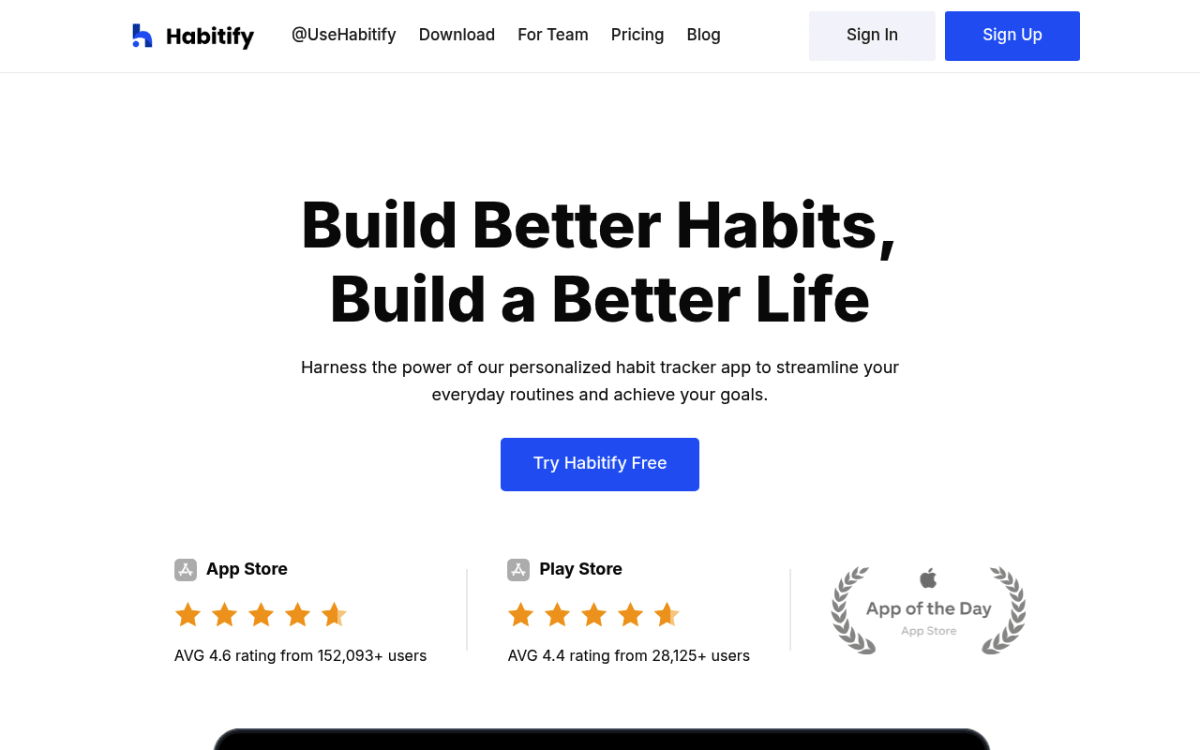
Habitify is a polished cross-platform tracker on iOS, Android, and the web. It syncs between all three. The free tier caps you at three habits. The design is clean. The analytics are strong: completion rates, time-of-day patterns, and category breakdowns. In April 2026 Habitify moved to tiered pricing — Free, Plus, and Pro — with paid plans at $7.49 a month or $39.99 a year.
Habitify is what you get if you take a productivity app and remove every game feature. No points, no levels, no party. Just a habit list, reminders, and visual streaks. For people on many devices, the sync is the killer feature.
Best for: People who switch between phone, tablet, and laptop and want the same habits everywhere.
Biggest strength vs Habitica: True cross-platform sync (iOS + Android + web) with a calm, professional UI.
Biggest weakness: Requires an account and uses a subscription model ($39.99/yr). The 3-habit free tier is a tight squeeze for serious users.
4. Loop Habit Tracker — best free open-source option (Android)
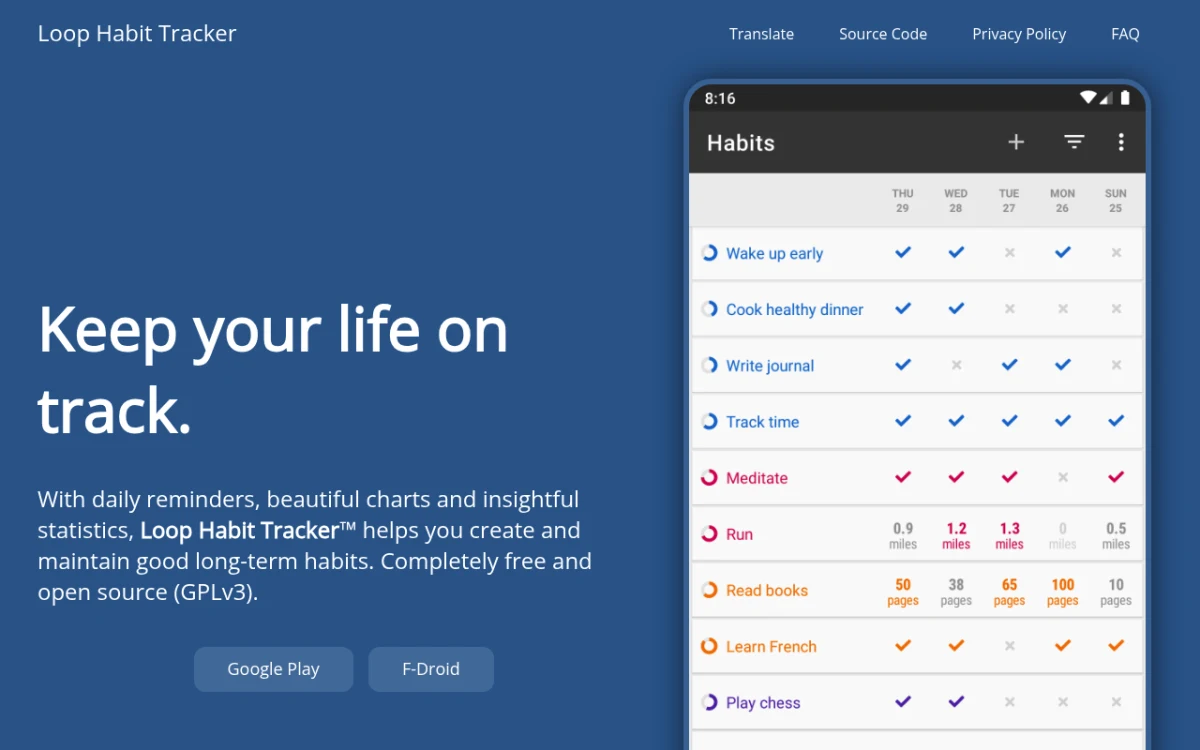
Loop is a fully free, open-source Android habit tracker. No ads, no account, no in-app purchases, no premium tier. It does one thing: track yes/no habits and show streaks plus a heatmap calendar. That is it.
The minimalism is the point. Habitica buries tracking under three layers of game stuff. Loop puts the heatmap front and center. The "habit strength" score weighs recent days more than old streaks. That tells you the truth about where you are now, not where you were six months ago.
Best for: Privacy-focused Android users who want zero friction and zero cost.
Biggest strength vs Habitica: 100% free, open-source, no account, no tracking, no upsells.
Biggest weakness: Android only, and the simplicity goes far enough that count-based habits and category grouping are limited.
5. Productive — best for people who want guided structure
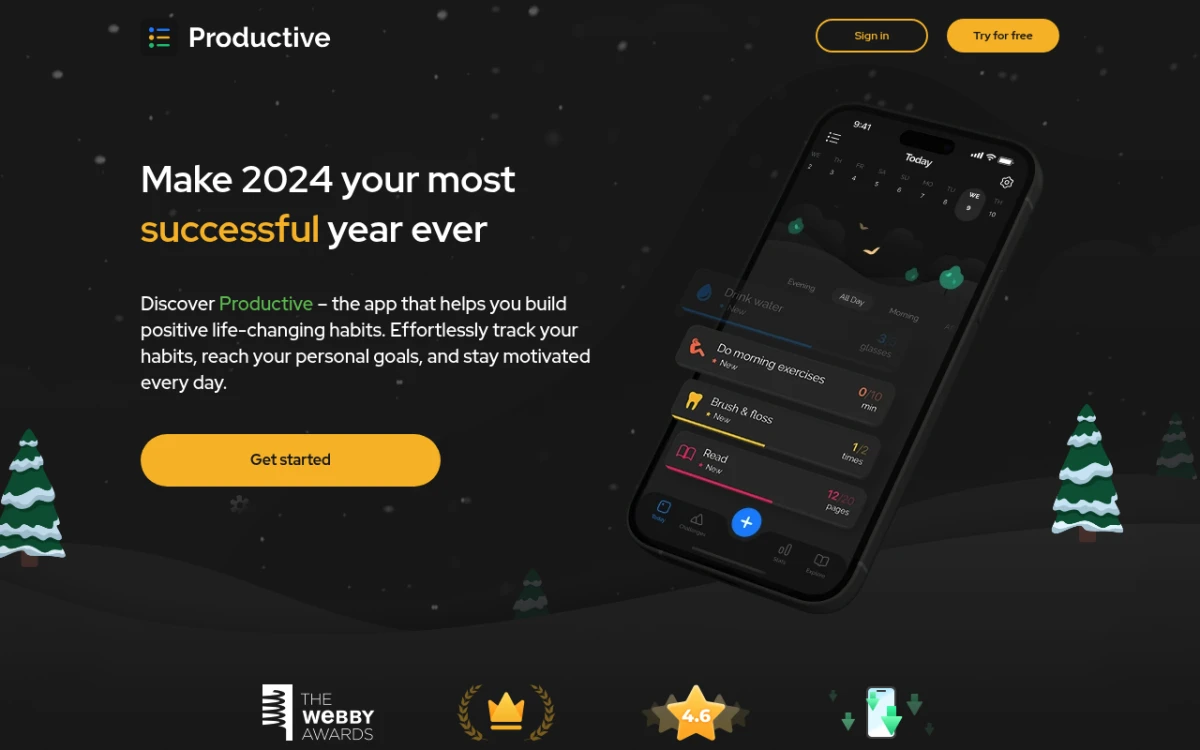
Productive is a cross-platform habit and routine builder. It leans into structure. You build morning, afternoon, and evening routines. You attach habits to specific times. Then you follow a daily plan. It is closer to a routine builder than a pure tracker.
Productive swaps the RPG for a calm, color-coded daily timeline. People who liked Habitica's "dailies" but not the character system tend to land here. The free tier caps you at five habits. Most useful features, including data export, sit behind the Pro tier.
Best for: People who want their habits scheduled into a routine, not just listed.
Biggest strength vs Habitica: Time-of-day routine structure without the gamification overhead.
Biggest weakness: Subscription pricing is on the higher end (~$50/yr Pro). Export is paywalled.
6. Strides — best for goal-oriented trackers and quantified-self fans
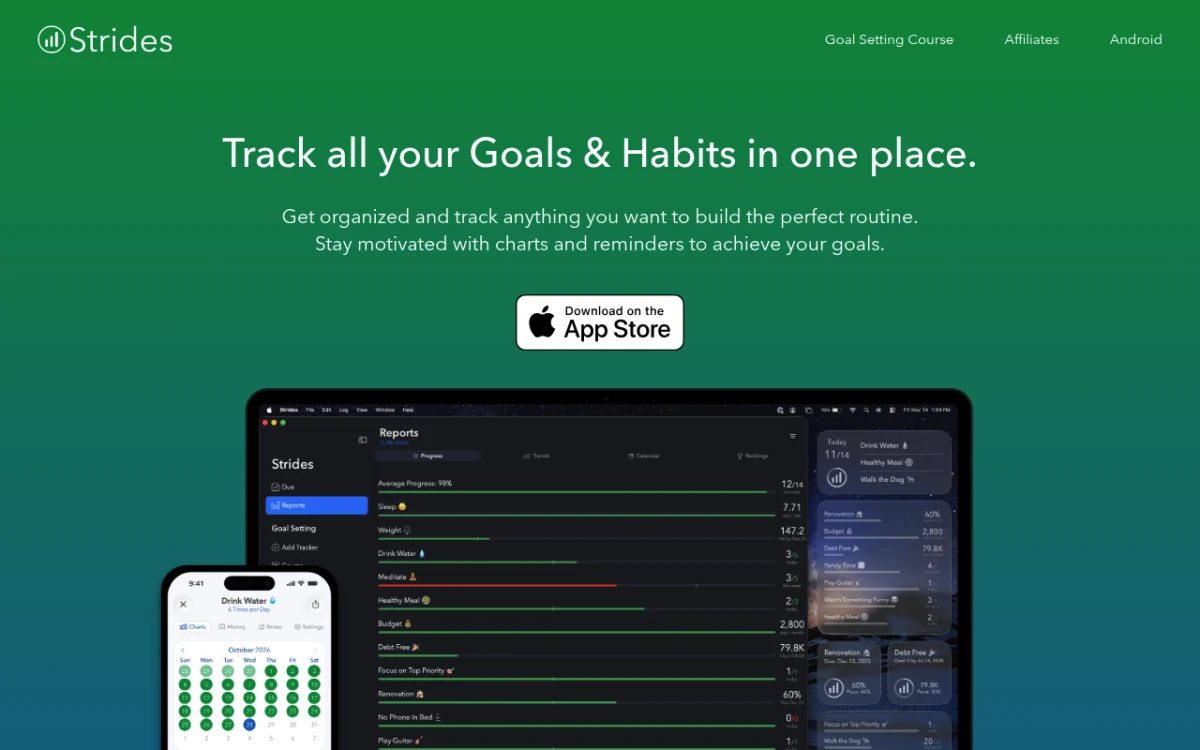
Strides handles four kinds of trackers: yes/no habits, target goals (run 10 miles by Friday), average goals (8 hours of sleep per night), and project goals with milestones. That helps people whose "habits" are really mini-projects with deadlines.
The dashboard is the standout feature. One screen shows every tracker's progress and the risk of falling behind. Habitica players who liked seeing their character grow will feel the same here. It is just bars and percentages instead of XP.
Best for: Quantified-self users tracking numeric goals, sleep, weight, or training plans.
Biggest strength vs Habitica: Multiple tracker types (target, average, project) handled cleanly.
Biggest weakness: Free tier capped at four trackers, which is tight. The interface is busier than minimalist competitors.
7. HabitBox — best closest match to "Habitica without the RPG"
HabitBox is a cross-platform habit tracker on iOS and Android. It is built around a simple loop: check in, watch your streak grow, see your calendar fill up. No RPG, no party, no character. No required account either. Your habits live on your device, with optional iCloud sync on iOS; on Android your data stays on the device. Import and export are there for when you switch phones, on the Plus tier.
Of the seven apps here, HabitBox is the most direct fit for what Habitica refugees ask for. Cross-platform. Free to start. No account, no ads. Daily check-ins, streaks, a heatmap calendar, reminders, and custom colors and icons — and the charts and statistics are not paywalled. Plus lifts the habit cap and adds extra reminders per habit, archiving, and data import and export.
It is also the only app here that ticks a rare combination of boxes at once: cross-platform, no account, no ads, and a calendar grid that makes a month of effort visible in one glance. Most apps pick two or three of those and paywall the rest.
Best for: Anyone leaving Habitica who wants the same daily-tracking habit without the game layer, on whatever device they own.
Biggest strength vs Habitica: Identity is built around the habit itself (identity-based habits work better than reward-based ones, according to James Clear), not a fictional character.
Biggest weakness: No web version. No social/party feature, which is the right choice for most Habitica leavers but a downgrade for the small group who liked party quests.

How to pick: a 30-second decision tree
If the comparison table did not narrow it down, use this short decision flow.
If you want minimalism: Loop on Android, HabitBox on either platform. Loop is free and open-source; HabitBox is free to start, with an optional Plus upgrade. Both work without an account, and both keep the interface to the essentials.
If you have ADHD and need visible structure: Productive (for time-of-day routines) or HabitBox (for visual streak heatmaps). Visible progress is the cue that pulls you back. A study on habit formation by Phillippa Lally and colleagues at UCL found that habits lean hard on steady context cues. A visible tracker is one of the best cues you can give yourself.
If you are iOS-only: Streaks (one-time purchase, polished) or Habitify (cross-platform but excellent on iOS).
If you are Android-only and want power features: HabitNow. If you want minimalism: Loop.
If you use multiple devices: Habitify (full sync), HabitBox (optional iCloud sync on iOS, or a Plus export file to move between phones), or Productive. If you're coming from an iPhone-only setup, our roundup of cross-platform Streaks alternatives covers the same apps from the Apple-ecosystem angle. For more on picking a tracker that fits your routine, our daily habit tracker app guide walks through the criteria that actually matter.
If privacy matters most: Loop or HabitBox. Neither requires an account, and neither runs ads; HabitBox stores your habits on the device, and its iCloud sync on iOS is opt-in.
If you track numeric goals (mileage, weight, sleep): Strides handles target and average goals cleanly. Most others assume yes/no habits.
A good way to test any of these: pick three habits and track for two weeks. Notice which app you open without thinking. If you reach for it daily, that is your answer. The "best" tracker on paper means nothing if you forget to open it. And if you want the field beyond the Habitica-shaped apps, our roundup of the best habit tracker apps ranks the wider market for iOS and Android.
How to switch from Habitica without losing momentum
Switching apps is the moment most people break their streak. The fix is to plan the move so the old streak ends and a new one starts the same day. This keeps the visible momentum that keeps you opening the app.
Day 1: Audit before you migrate. Open Habitica and write down only the habits you actually did in the last two weeks. Not the ones you meant to do. The aspirational habits are the ones you want to leave behind anyway.
Day 2: Set up the new app with three to five habits, max. Do not import everything. A new tracker is a clean slate. Start small. You can add more in week three once the daily check-in feels automatic. If you want a framework for picking which habits to keep, habit stacking is one of the most useful patterns to start with — our free habit stacking builder turns it into a two-minute fill-in exercise.
Day 3: Set reminders at the same time you used to open Habitica. The old habit of opening Habitica is itself a habit. Replace the trigger before you lose it. If you used to log in at 8 a.m., set a reminder at 7:55 a.m. for the new app.
Week 2: Resist the urge to add ten more habits. This is the most common failure mode for Habitica leavers. The new app feels lighter, so you pile on. Then you are back to overwhelm. Stay at five or fewer until day fourteen.
If you keep all four steps, the switch usually feels like a relief, not a setback. The streak resets to zero, but the daily action does not.
Frequently asked questions
Is Habitica still good?
What are the best free apps like Habitica?
What is the best Habitica alternative for Android?
Can I import my Habitica data into another app?
Does gamification actually help build habits?
The bottom line
Habitica is great if RPGs are your love language. If they are not, the game layer becomes a tax on the habits. The seven apps above strip that layer out. They keep the part that changes behavior: the daily check-in, the visible streak, and the calendar that fills up over time.
For most readers leaving Habitica, the practical pick is whichever app you open without thinking tomorrow. That is usually Loop or HabitBox for minimalism and no subscriptions. Streaks or Habitify for polish. HabitNow or Strides for power features. Still on the fence? HabitBox is free, works on both iOS and Android with no account, and centers on the simple habit loop with no RPG overhead. It is a clean place to land while you figure out what works for you.
Whichever one you pick, the move is the same: choose three habits, track them for two weeks, and let the streak do the work.

Mira Hartwell
Editor, HabitBoxEditor at HabitBox. Writes about habit science and productivity, grounding every post in named research (Lally, Wood, Walker, Huberman) instead of recycled advice. Read full bio →