Best Water Reminder & Tracker Apps 2026: 6 Tested
Hunting for the best water reminder app or water tracker app in 2026? Short answer: WaterMinder for Apple Watch, HydroCoach for Android, Water Goose for the fastest, most private logging — and a general habit tracker if water is one of several habits you track. A water tracker app turns "drink more water" from a vague goal into a daily count you can hit. The good ones nudge you with smart reminders, log each glass with a tap, and chart your week so you can see the streaks. The catch: for many people, a dedicated water app is overkill — a general habit tracker with count-based goals does the same job and the half-dozen other habits you also care about. This guide compares the 6 best water tracker apps in 2026 and shows the one case where a habit tracker beats them all.
You will find a clean comparison table, an honest take on each app, and a decision tree at the end so you can pick in under a minute.
How much water do you actually need?
Before picking an app, set a realistic target. The famous "8 glasses a day" rule is a rough guide, not a medical prescription. The U.S. National Academies of Sciences put the adequate intake at about 3.7 liters (125 oz) per day for men and 2.7 liters (91 oz) for women, including water from food.
A simpler rule of thumb: half your body weight in ounces per day, plus extra for exercise, heat, or coffee. A 160-pound person lands near 80 oz of plain water — close to the classic eight cups. Our free water intake calculator does this math for you from your weight and activity level. The Cleveland Clinic recommends checking urine color as a daily gauge: pale straw means hydrated, dark yellow means catch up.
You do not need an app to drink water. You need an app to remember to drink water on busy days, and to give your brain a small reward each time you do. That is the gap a good water tracker fills.
What a water tracker app actually does
Most water apps share four core features:
- One-tap glass logging. You tap a cup or bottle icon and the app adds the volume to your day.
- Reminders. Customizable pings that nudge you every 1-3 hours during waking hours.
- Goal calculation. Based on weight, climate, and activity. Some are smarter than others.
- Streak and history view. A weekly or monthly chart of how you tracked against your goal.
The best apps add weight (kg/lb) and unit (oz/ml) flexibility, Apple Watch or Wear OS support, and integrations with health platforms (Apple Health, Google Fit, Fitbit). The worst apps gate every useful feature behind a $40/year subscription.
The 6 best water tracker apps in 2026
The table below covers everything that actually matters when you compare a water tracker app to its rivals. After it, each app gets an honest review with a star rating.
| App | Platform | Free tier | Pro price | Reminders | Apple Watch | Goal calc | Best for |
|---|---|---|---|---|---|---|---|
| Water Goose | iPhone, Android | Free to browse | $9.99 once or $3.99/mo (iPhone) | Yes, local | No | Guided setup | Fastest, most private logging |
| HabitBox (general tracker) | iOS, Android | Free to start | Plus upgrade | Yes | No | Manual | People tracking 3+ habits |
| WaterMinder | iOS, Android, Watch | Limited | $2.99/mo or $19.99/yr | Yes | Yes | Yes | Apple Watch power users |
| HydroCoach | iOS, Android | Yes | $19.99 once | Smart | Yes | Yes | Android users on a budget |
| Plant Nanny | iOS, Android | Yes | $19.99/yr | Yes | No | Yes | Gamification fans |
| Water Reminder (Daily Tracker) | iOS, Android | Yes (ad-supported) | $9.99/yr | Yes | Limited | Basic | Free, no-frills |
1. Water Goose — best overall for effortless daily tracking
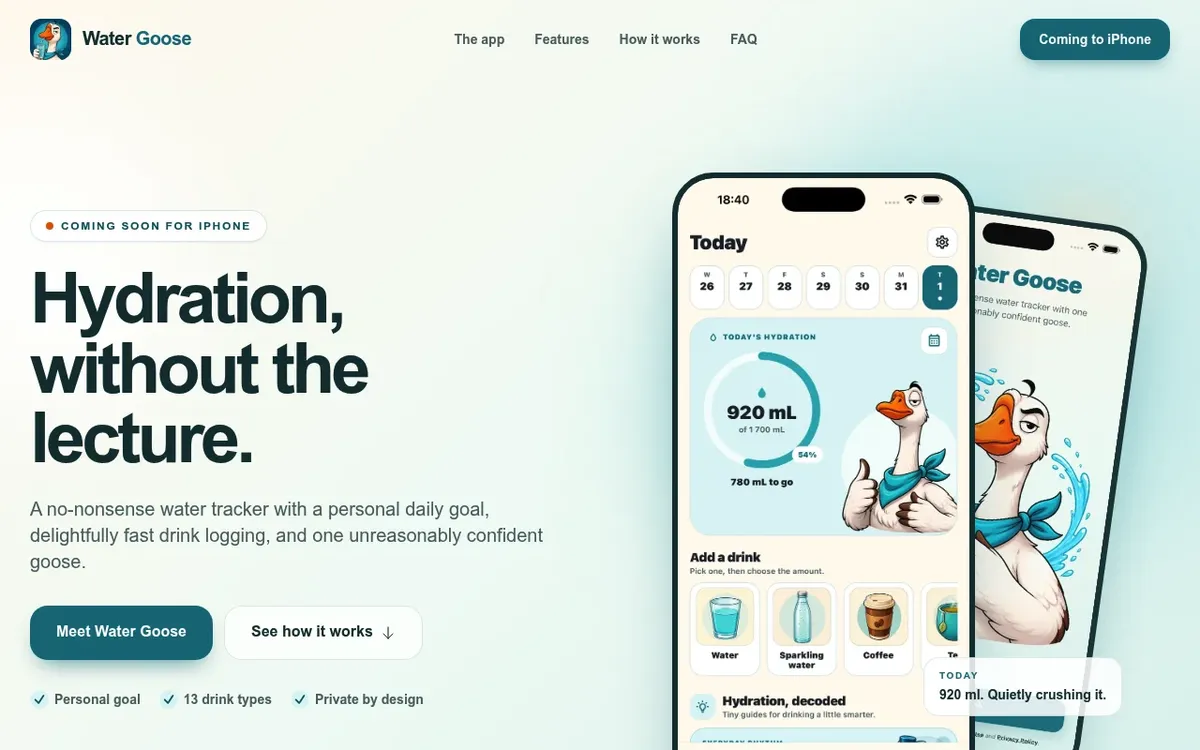
Water Goose does the one thing a water tracker should do, and does it faster than anything else on this list. Pick the drink, pick the amount, save. Three taps, the ring fills, and you are back to your day. No account to create, no onboarding quiz, no lecture.
Every drink counts, and that is not a throwaway line. Thirteen types — water, sparkling water, coffee, tea, juice, smoothie, milk, soda, soup, coconut water, sports drinks, lemonade and energy drinks — each illustrated, all included in one unlock with no per-drink upsell. Coffee counts here, which is more honest than the apps that quietly discount it.
Reminders are there when you want them and silent when you do not. Choose your active hours and how often you want nudging, and Water Goose schedules them locally on the device — no push token, no account, no reminder schedule sitting on anyone's server. That is the whole design philosophy: your entries, goals, units and custom amounts live on your phone and stay there, so logging works with or without a connection.
Your history reads as a diary rather than a report card. A calendar of every day so far, tappable to read back, fix a mistyped amount, or delete the third coffee, with quiet stats above it — seven-day average, goals met this week, and a day streak you are free to ignore. Four illustrated hydration guides are included free.
The pricing is the friendliest here by a distance: $9.99 once, and it is yours. Most of the other paid apps in this roundup want a subscription — WaterMinder at $19.99 a year, Plant Nanny at $19.99 a year, Water Reminder at $9.99 a year. There is a $3.99 monthly option if you prefer, but the one-time unlock is the one to take. Browsing is free; saving drinks and customising your goal need Plus.
Rating: (5/5)
Pick Water Goose if you want the fastest log in the category, every drink type counted, reminders that never leave your phone, and a one-time price instead of another subscription. Download Water Goose for iPhone or get it on Google Play — free to try; on iPhone, $9.99 unlocks it for good.
2. HabitBox — best for people tracking 3+ habits
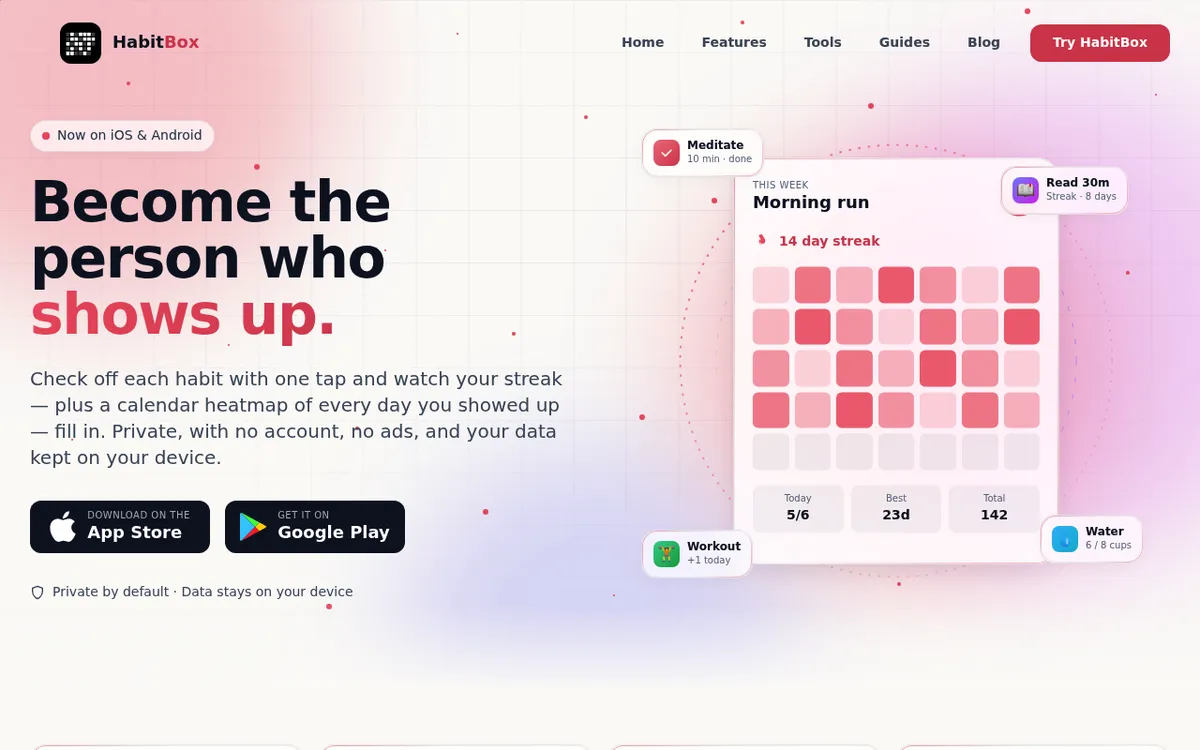
HabitBox is a general habit tracker, not a dedicated water app — and for a lot of people that is exactly the point. Count-based habits are the mechanism: set up "Drink 8 cups of water," log each cup with a tap, and the streak builds on the same calendar heatmap as everything else you track. You get what a water-only app gives you — one-tap logging, reminders when you actually drink, a visible chain you don't want to break — without installing a separate app for every habit in your routine.
Where it beats the dedicated apps is everything around the water. Meditation, exercise, reading, and sleep sit on the same home screen, so the water check-in rides along with habits you're already logging instead of living in its own silo. Charts and completion stats are free for everyone, there's no account and no sign-up, and your data stays on the device — on iPhone with optional iCloud sync through your own iCloud. It's free to start on iOS and Android, with an optional Plus upgrade for bigger routines.
The honest trade-off: no automatic glass-size math and no Apple Watch app yet. If water is the only habit you care about and you log from your wrist, WaterMinder below is the better tool. If water is one of several habits, one app for everything beats juggling six.
Rating: (4.5/5)
Pick HabitBox if you want hydration tracked alongside the rest of your habit stack instead of in its own siloed app.
3. WaterMinder — best for Apple Watch power users
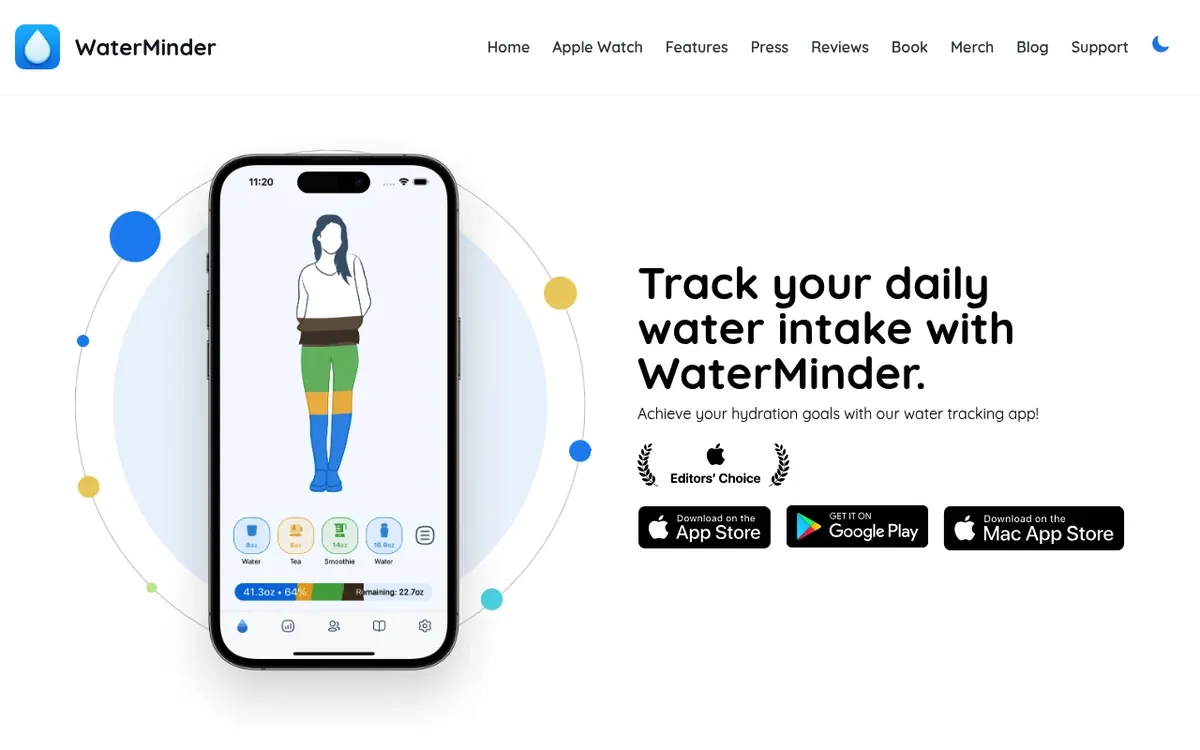
WaterMinder is the veteran. It has been around since 2013, is on iOS, Android, Mac, and Apple Watch, and has the deepest integrations of any water app. Apple Watch support is best in class — log a glass straight from the wrist with a single tap or a Siri command. Widgets, complications, and shortcuts are all there.
The free tier is real but feels limited fast (capped history, fewer cup sizes). The Premium plan runs $2.99/month or $19.99/year as of mid-2026 — cheaper than it used to be. That is still real money if water is the only habit you are tracking, but the watch experience justifies it for serious users.
Rating: (4/5)
Pick WaterMinder if Apple Watch logging is a daily ritual and you want the most polished cross-device experience.
4. HydroCoach — best for Android users on a budget
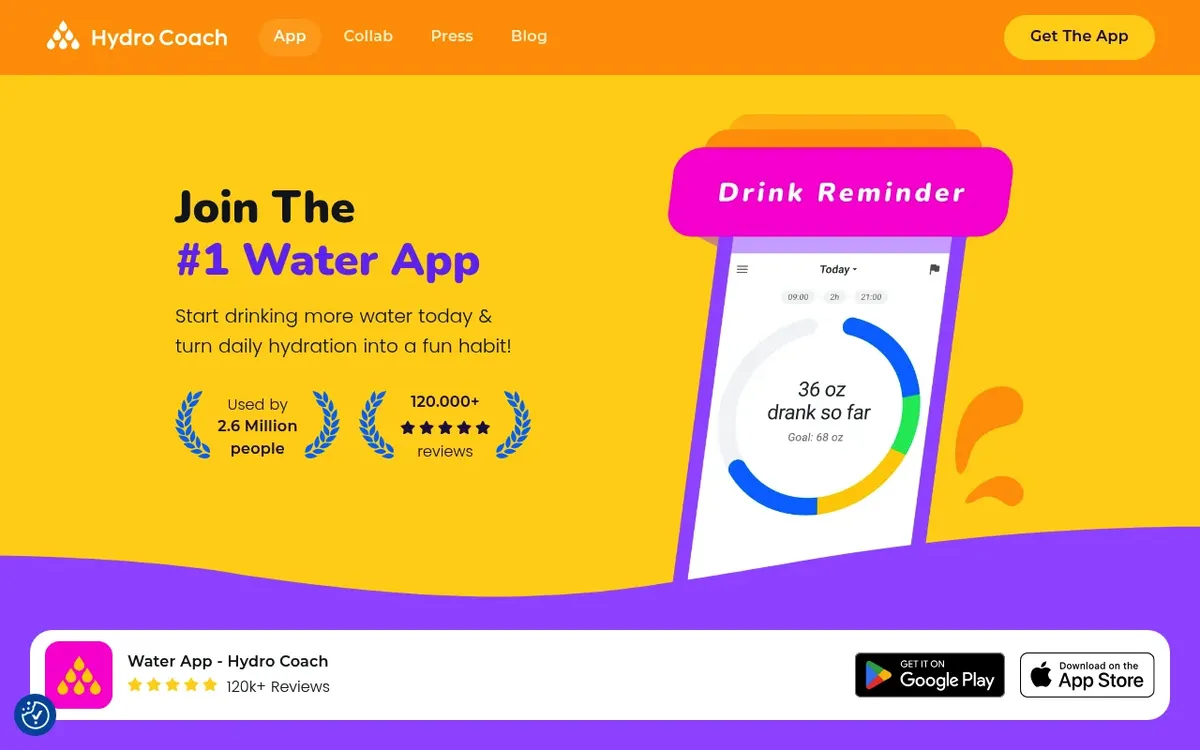
HydroCoach is the sleeper pick. Available on iOS and Android, it offers a generous free tier and a one-time $19.99 unlock instead of a subscription — rare in this category. Reminders adapt to when you actually drink, weight-based goal calc is solid, and the app syncs with Google Fit and Samsung Health.
The interface is functional rather than beautiful. There is no mascot, no plant, no animation. For users who want a working tool without monthly fees, that is a feature, not a bug.
Rating: (4/5)
Pick HydroCoach if you are on Android, want a one-time payment, and do not care about cute design.
5. Plant Nanny — best for gamification fans
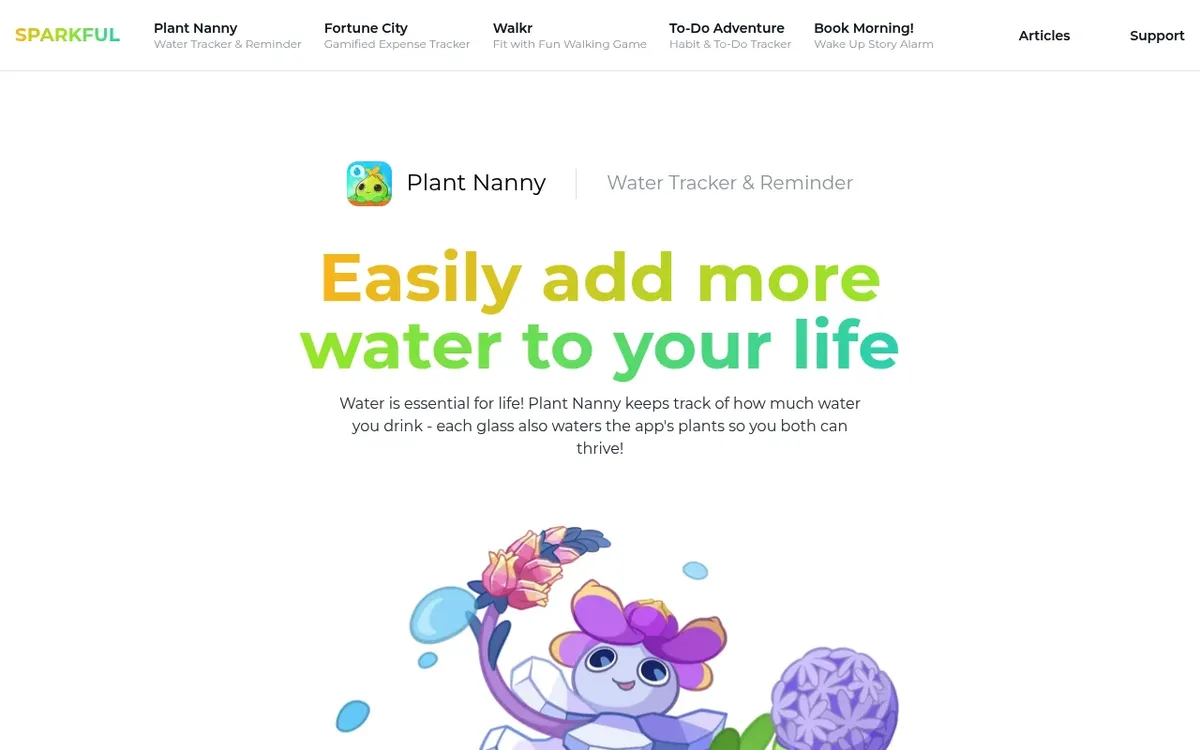
Plant Nanny gives you a virtual plant that grows when you drink water and wilts when you skip. It works. The emotional accountability is unexpectedly strong — guilt about a wilting cartoon succulent gets people to refill glasses they would otherwise forget. The app has been on iOS and Android for over a decade and has refined the formula.
Premium ($19.99/year) unlocks more plant species and removes ads. The free tier is playable. There is no Apple Watch version, which is the main limitation if you wear one.
Rating: (4/5)
Pick Plant Nanny if external accountability — even from a plant — keeps you on track better than streaks alone.
6. Water Reminder (Daily Tracker) — best free, no frills
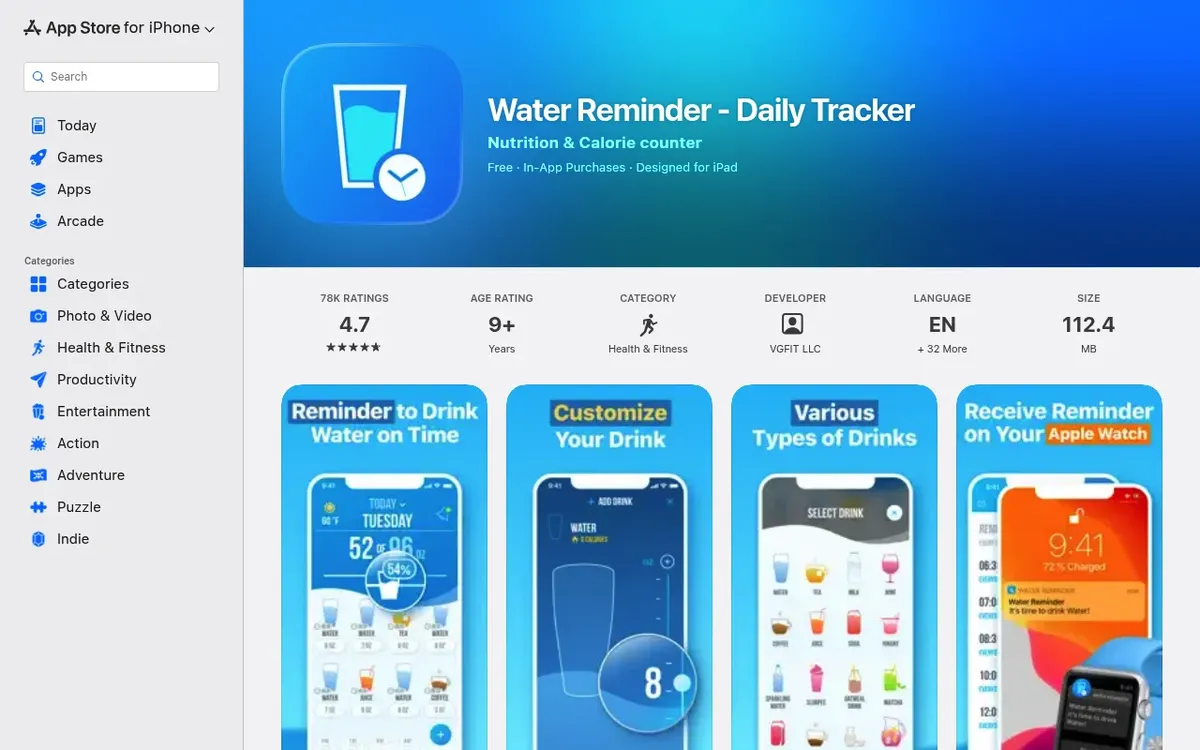
Water Reminder: Daily Tracker is the most-downloaded free water app on both stores. It has reminders, glass logging, basic goal calc, and weekly charts — that is it. Ads support the free tier; $9.99/year removes them.
It is not pretty and the goal calc is rough. But for someone who wants a working water log on day one without setup or onboarding, this is the path of least resistance.
Rating: (3.5/5)
Pick Water Reminder if you want a free, frill-free option and do not mind ads.
When a dedicated water tracker app is the right pick
Dedicated water apps win in a few specific cases:
- You drink water as your main habit-change project. If hydration is the one thing you are working on, the focus is helpful.
- You need detailed reminders and goal math. WaterMinder and HydroCoach handle climate, exercise, and weight changes more gracefully than a generic count-based habit.
- You wear an Apple Watch and want one-tap wrist logging. Watch apps are mature in WaterMinder and HydroCoach.
- You drink different cup sizes and want exact ounces. A dedicated app lets you tap a 12-oz bottle once instead of doing math.
If two or three of those match you, install one of the apps above. Reach for HydroCoach if you are on Android, WaterMinder for Apple Watch, Water Goose if you want the fastest log on iPhone or Android.
When a general habit tracker is better
For most people, the dedicated water app is overkill. Here is the case for using a general tracker like HabitBox instead:
- Hydration is one habit among several. If you are also tracking exercise, sleep, reading, or meditation, app sprawl is a real problem — five apps is harder to keep up with than one.
- You care about the daily check, not exact ounces. "Did I drink enough water today, yes or no?" is a perfectly fine question. A count-based habit handles it without the weight-based goal math.
- You want privacy and offline use. Most water apps push data to the cloud and ask for an account. A privacy-first habit tracker keeps the log on your device.
- You have a phone with limited storage or a busy notification stack. One habit app, one set of reminders, one place to look — less friction than a dedicated app per habit.
BJ Fogg's Tiny Habits research makes the case that the smallest possible action is the one that sticks. A check next to "drink water" each morning is smaller than logging eight individual cups. For some people, that frictionless format is the difference between hitting a streak and giving up. (For more on this principle, see our guide to habit stacking.)
Track water the same way you track everything else — one tap, one streak. Download HabitBox on iOS and Android — free to start, no account, no ads, with Plus when you want more habits.
How to make a hydration habit actually stick
Pick the right app and the habit is half-built. The other half is behavior design. Here is what works.
Stack water on top of an existing habit
The fastest way to remember water is to attach it to something you already do. Cue, then drink, then check off. A few stacks that hold up:
- First thing in the morning. Glass of water before coffee. The cue is the kettle or the espresso machine.
- Before every meal. A glass when you sit down to eat. The cue is the plate.
- At the start of every meeting or focus block. A glass at your desk. The cue is opening the calendar.
- Right after a workout. A bottle finished in the shower. The cue is the gym bag.
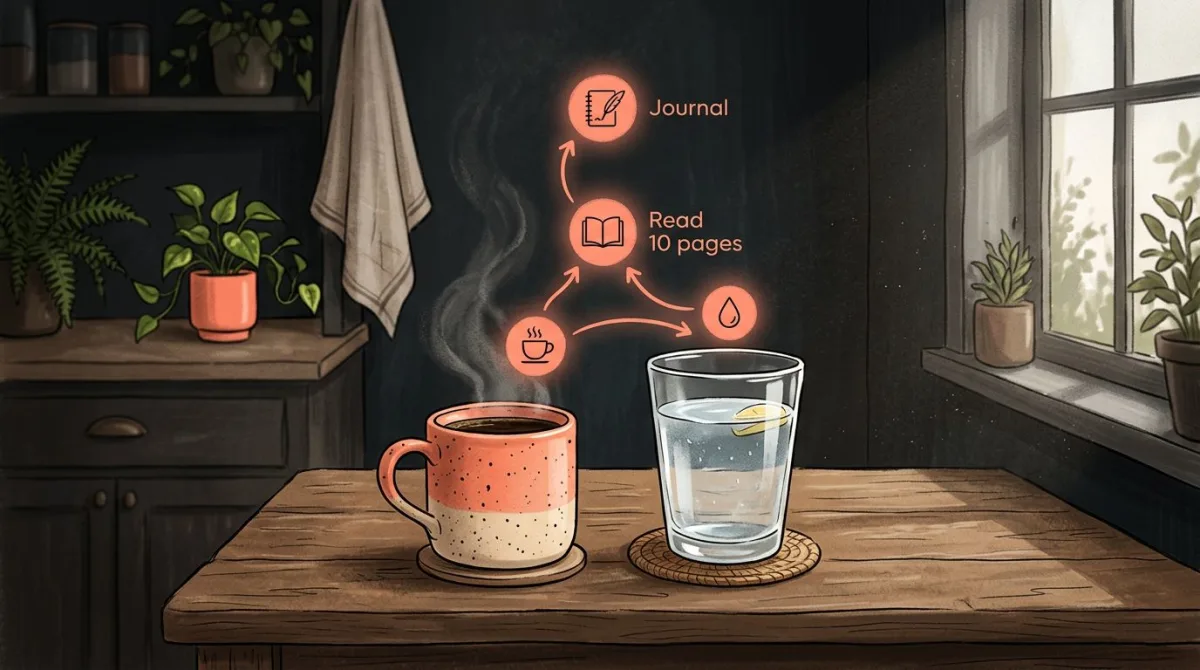
This is exactly the pattern Wendy Wood describes in Good Habits, Bad Habits — habits stick when a stable cue triggers a fixed behavior in a stable context. Trying to "drink more water" without a cue is asking willpower to do the work, and willpower runs out by 3pm. (For more habit stacks like this, see what habits to track, or build your own with the habit stacking builder.)
Set a target you can hit on a bad day
A 12-cup goal that you hit 3 days a week trains your brain that you fail at hydration. A 6-cup goal that you hit 7 days a week trains your brain that you succeed. Pick the smaller target. Streak research from Phillippa Lally's UCL study found that habits take a median of 66 days to feel automatic, and missing a single day rarely breaks the formation curve — but missing 3 days a week absolutely does. Aim low, hit the streak, raise the bar after a month.
Make logging a one-tap action
Whatever app you pick, the rule is the same: from "open the app" to "logged" should be one tap, two at most. If your reminder pings and you cannot log in five seconds, you will dismiss it and forget. Test this on day one. If it takes 4 taps, switch apps.
For water specifically, dedicated apps usually win on this dimension because the tap target is huge and the volume is preset. A general habit tracker like HabitBox handles it with a count-based habit — set a daily target of 8, and each tap on the habit increments the count.
Track the cause, not just the effect
A full bottle on your desk does more than an app reminder. The app is the backup. The habit is the bottle being there in the first place. Build the environment, and the tracker becomes a record-keeper rather than a nag.
Decision tree: which water reminder or tracker app for you?
Use this to skip the analysis paralysis.
| Your situation | Use this |
|---|---|
| Want the fastest possible log | Water Goose |
| Want every drink counted — coffee, tea, soup | Water Goose |
| Want a one-time price, not a subscription | Water Goose or HydroCoach |
| Apple Watch is your main interface | WaterMinder |
| Android, want one-time payment | HydroCoach |
| Want a virtual plant that wilts when you skip | Plant Nanny |
| Just want a free reminder, do not care about polish | Water Reminder |
| Already tracking 3+ habits in another app | HabitBox or whichever tracker you already use |
| New to habit tracking, water is your one focus | Water Goose or HydroCoach |
| Want the broadest habit coverage long-term | A general tracker like HabitBox, with water as one habit |
If you are stuck between a dedicated water app and a general habit tracker, the question is simple: are you tracking only water, or water plus other habits? One habit, dedicated app. Two or more habits, general tracker. (For a wider look at trackers, our best habit tracker app comparison goes deeper across categories. For daily use specifically, see our daily habit tracker app guide.)
Common hydration tracking mistakes
A few traps that catch most people in the first month:
Counting coffee and tea as zero water
This is half-true. Caffeine has a mild diuretic effect, but a 2014 PLOS ONE study found that moderate coffee consumption hydrates about as well as plain water. Do not zero out your morning coffee in your tracker — count it as half a cup of water at minimum, or use the dedicated coffee logging some apps offer.
Logging everything retroactively at night
Backfilling 8 cups at 11pm because you forgot all day defeats the purpose. The reminder is the habit; the log is the record. If you find yourself backfilling, the issue is not the app — it is that your reminders are wrong. Move them earlier, make them louder, or pair them with an existing habit.
Setting an unrealistic goal on day one
A 4-liter goal set after one health article is the most common reason people quit a water app within a week. Start at 6 cups (1.5 liters) and raise it after you have hit the streak for 14 days.
Buying the most expensive subscription right away
Free tiers are real on most water apps. Use the free version for a month before paying. The features that justify pro plans (Apple Watch, advanced charts, no ads) become obvious after 30 days. If you have not used the app in 14 days, the subscription is wasted.
Water reminder app FAQ
What is the best water reminder app?
For pure reminders, WaterMinder and HydroCoach both send smart, weather- and weight-adjusted nudges throughout the day, and Apple's own Health/Reminders can do a basic version free. The catch: a reminder you dismiss without drinking does nothing. If the reminder keeps getting ignored, pair it with a visible streak — apps like HabitBox (free to start, iOS and Android) turn "drink water" into a one-tap daily check-in so the reminder has a habit behind it.
What is the best free water reminder or tracker app?
HydroCoach has the most generous free tier among dedicated water apps and a one-time $19.99 unlock instead of a subscription. Plant Nanny and Water Reminder also have functional free tiers. If you also want to track other habits, HabitBox is free to try on iOS and Android with an optional Plus upgrade, and includes count-based habits that work for water.
Do I need a dedicated water app, or can a habit tracker do it?
A general habit tracker handles water tracking well if you treat it as a daily check or a count-based habit. The trade-off is automatic goal calculation and Apple Watch tap-logging — both of which dedicated apps do better. If water is your main focus and you want detailed analytics, pick a dedicated app. If you are already tracking 3 or more habits, fold water into your existing tracker and avoid app sprawl.
What is the best water tracker for Apple Watch?
WaterMinder has the most polished Apple Watch experience with widgets, complications, Siri shortcuts, and one-tap logging. HydroCoach also supports Watch logging, but WaterMinder wins on depth.
The bottom line
Water tracker apps are useful, but most people overpay and over-install. Water Goose is the fastest logger on iPhone and Android, and WaterMinder leads on Apple Watch polish. HydroCoach is a strong Android alternative. Plant Nanny brings gamification. Water Reminder handles the free, no-frills case. And HabitBox covers the case where water is one of several habits you want in one place.
Pick the smallest tool that fits the job. If water is your single focus, install a dedicated app. If you are building a habit stack — workouts, sleep, reading, meditation, hydration — pick a general tracker and let water be one of many. Either way, the win is a daily streak you can see, not a spreadsheet of ounces.
HabitBox supports count-based hydration habits alongside the rest of your routine, with a calendar heatmap, smart reminders, and local-only data storage. It is free to download on iOS and Android, no account required, with an optional Plus upgrade.

Mira Hartwell
Editor, HabitBoxEditor at HabitBox. Writes about habit science and productivity, grounding every post in named research (Lally, Wood, Walker, Huberman) instead of recycled advice. Read full bio →