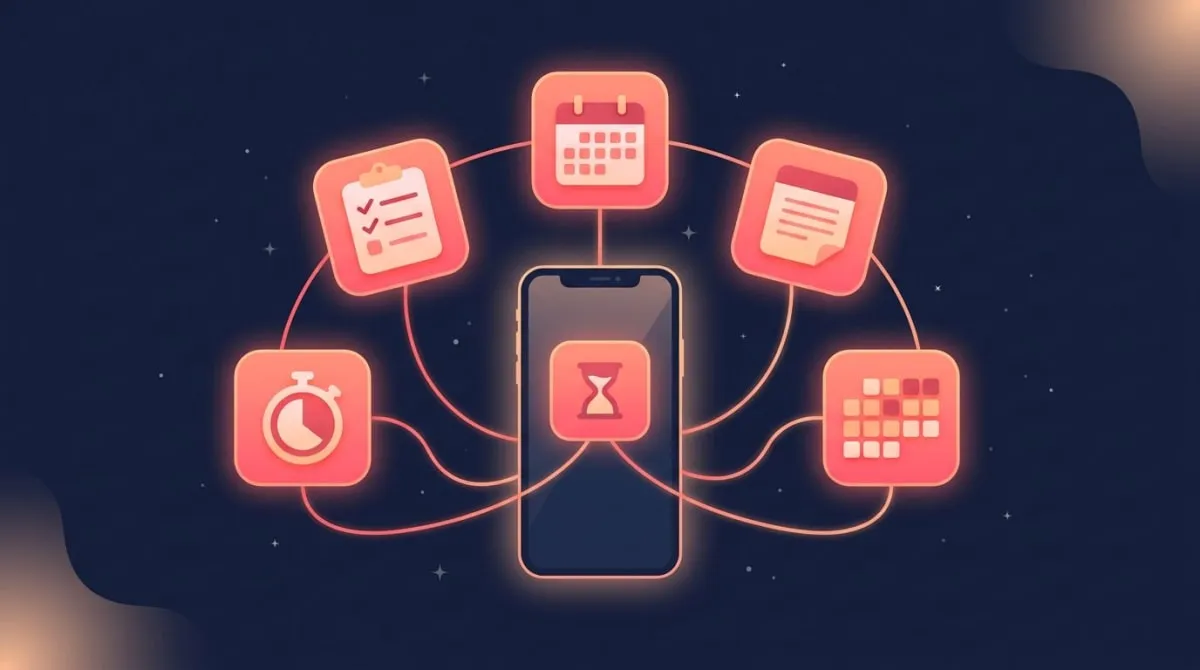
9 Best Productivity Apps for ADHD (2026)
The 9 best productivity apps for ADHD in 2026 all share one trait: low friction. The ones that stick ask for one tap, push strong reminders, and turn progress into something you can see, while complex planners get set up once and abandoned by week two. This guide ranks them by job-to-be-done, leads with a scannable comparison table, and explains why a simple habit tracker often outperforms a heavy system for an ADHD brain.
This is not medical advice. It is a practical tools roundup for anyone who has ADHD, suspects they might, or just has a brain that resists rigid systems. Apps can help with organization, but they do not replace an ADHD diagnosis or treatment from a clinician. The good news is that the right setup can do a lot of the executive-function heavy lifting for you.
The 9 best ADHD apps compared
Here is the short version. Every app below works on both iOS and Android unless noted, and every one earns its spot by reducing friction rather than adding it.
| App | Best for | ADHD-friendly feature | Platform | Price |
|---|---|---|---|---|
| HabitBox | Sticking with daily habits | One-tap check-ins + visual streaks | iOS, Android | Free to start, Plus optional |
| Todoist | Capturing tasks before you forget | Natural-language quick capture | iOS, Android, Web | Free, Pro ~$5/mo |
| Tiimo | Seeing your day as a timeline | Icon-based visual schedule + timers | iOS, Android, Web | Free mobile tier, Pro ~$42/yr |
| Forest | Resisting the phone | Gamified focus with a growing tree | iOS, Android | Free; optional subscription |
| Focusmate | Starting hard tasks | Live body-doubling sessions | Web | Free tier, ~$9.99/mo |
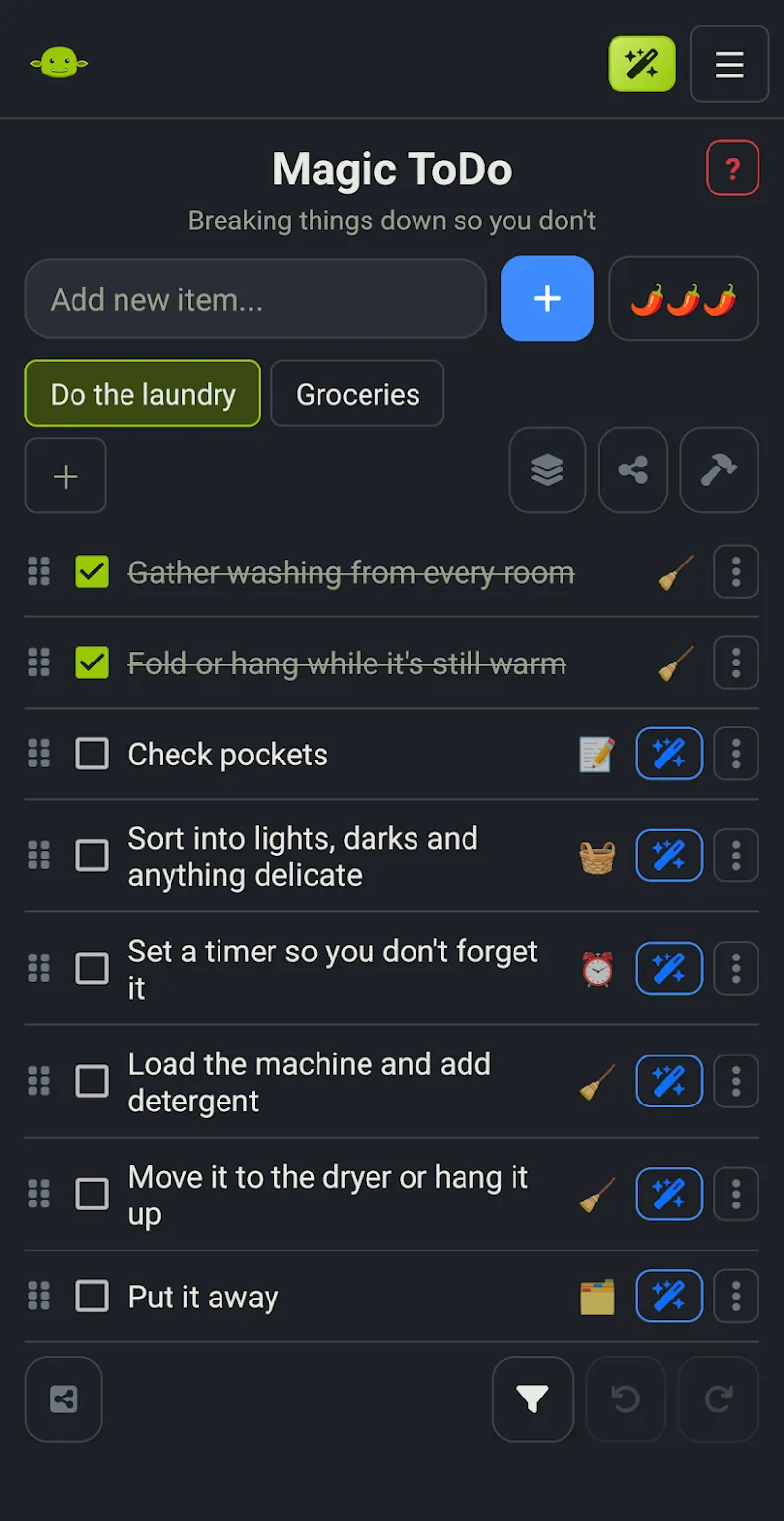
| Goblin Tools | Breaking down overwhelm | AI splits tasks into micro-steps | Web, iOS, Android | Free on web; paid app + optional Pro |
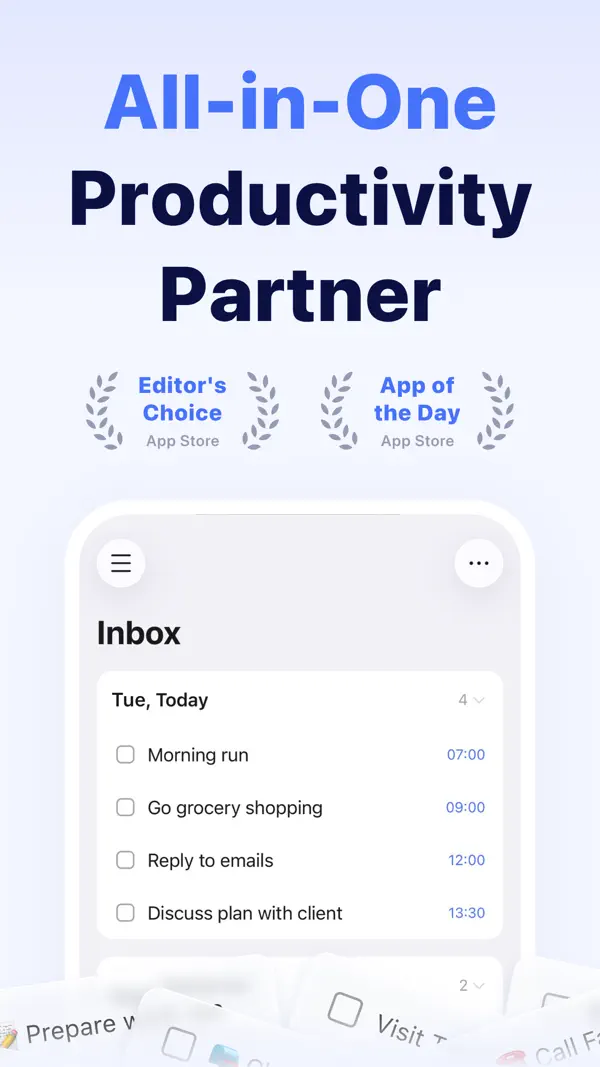
| TickTick | Tasks + habits in one place | Built-in Pomodoro and habit list | iOS, Android, Web | Free, Premium $49.99/yr |
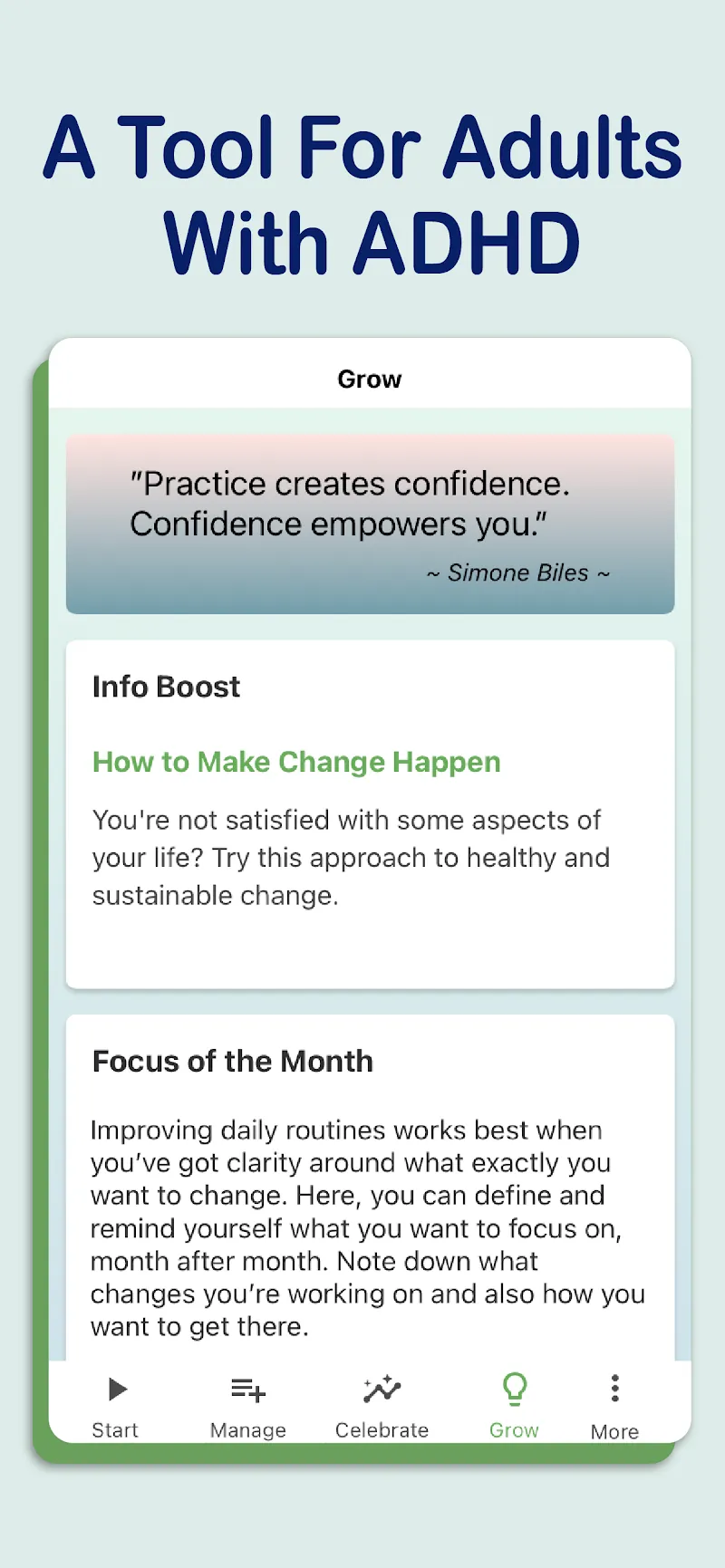
| Brili | Routines that run on time | Timed, step-by-step routine guide | iOS, Android | Free trial, subscription |
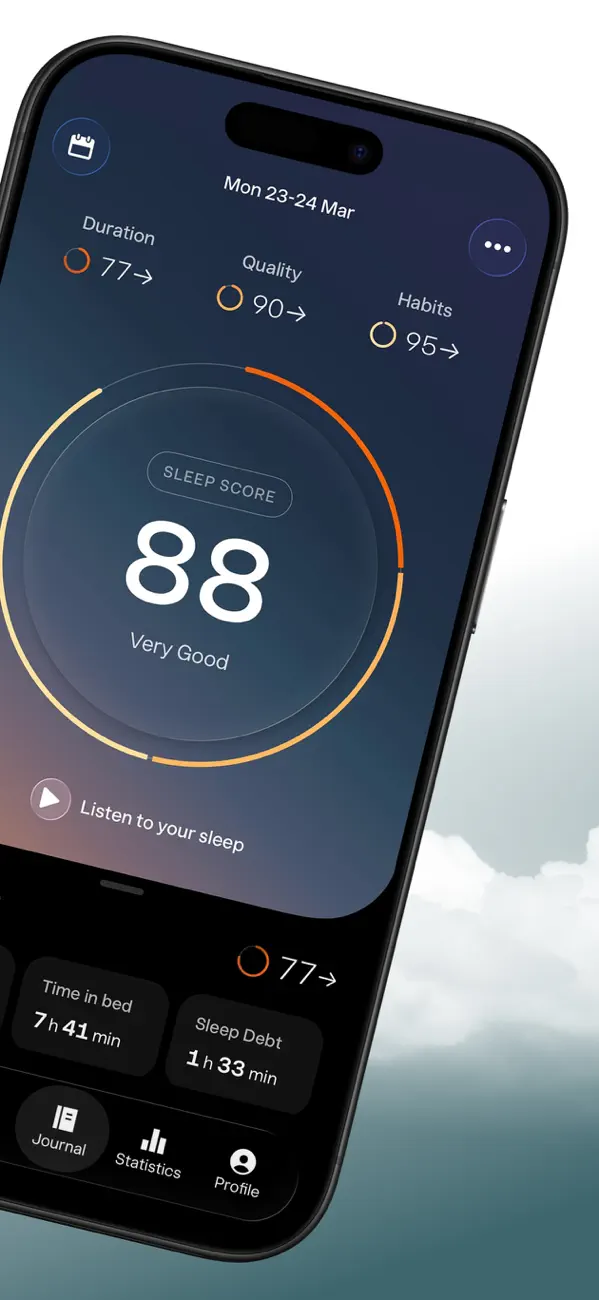
| Sleep Cycle | Waking up and energy | Smart alarm in light sleep phase | iOS, Android | Free, Premium optional |
Not sure where to start? Pick one. The most common ADHD mistake is downloading all nine and configuring none of them. If you want the lowest-effort win, start with a one-tap habit tracker (more on why below). If your problem is forgetting tasks the moment they leave your head, start with Todoist. If you cannot get started, jump to Focusmate.
What makes an app actually ADHD-friendly
ADHD is, at its core, a challenge with executive function: planning, working memory, and task initiation. The CDC's first national estimate of adult ADHD, published in 2024, found that 15.5 million U.S. adults — about 6.0%, or one in 16 — have a current ADHD diagnosis. That is a lot of brains that struggle with the exact thing most productivity apps demand up front: setup, configuration, and sustained planning.
So the best app is rarely the most powerful one. It is the one you will still be opening in March. Here is what separates the keepers from the deleted.
Low setup cost. If an app needs an hour of configuration before it does anything useful, the ADHD brain will lose interest before the payoff. The best tools work in the first two minutes.
Strong, visible reminders. Working memory is a known ADHD weak spot, so the app — not your head — should hold the "remember to do this." Reminders that show up at the right moment beat a perfectly organized list you never reopen.
Visual progress. Charts, streaks, calendar heatmaps, growing trees. ADHD brains respond to immediate, concrete feedback far better than to abstract long-term goals. Seeing progress is the motivation.
A dopamine hit. Gamification works for ADHD precisely because it delivers the small, frequent reward that a distant deadline cannot. A satisfying check-mark or a lengthening streak gives your brain a reason to come back.
Body doubling. Working alongside another person — even silently, even over video — is one of the most reliable ways to start a task you have been avoiding. Several apps now build this in.
Forgiveness for missed days. This one is underrated. An app that shames you for a broken streak triggers the all-or-nothing thinking that ends habits. The best ADHD apps make it easy to pick back up without losing everything.
If you want a deeper toolkit for the attention side specifically, our guide on how to focus better pairs well with the apps below.
The 9 best productivity apps for ADHD, by job-to-be-done
1. HabitBox — for sticking with daily habits
Best for: Building consistent routines without the overwhelm.
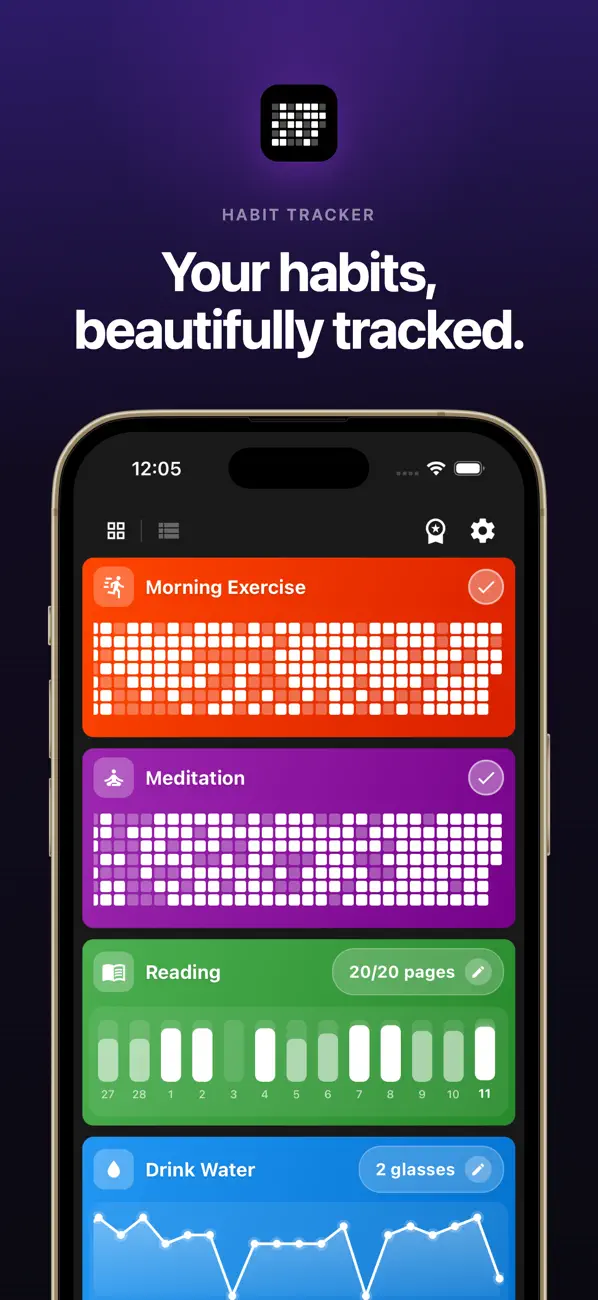
Most habit apps fail ADHD users by asking too much: streaks with rules, point systems, elaborate categories. HabitBox goes the other direction. You tap once to check off a habit, and a calendar heatmap fills in so your progress is visible at a glance. That is the whole loop, and that simplicity is the point.
The visual streak is the ADHD-friendly hook. Watching the chain grow taps into the same immediate-feedback reward that makes games sticky, and missing a day does not nuke your history — you just keep going. There is no account to create and your data stays on your device, so there is nothing to configure before you start.
Standout: One-tap check-ins plus a streak you can actually see.
Drawback: It only tracks habits. There are no task lists, calendar or time-blocking views, so you will still need a to-do app, and the free plan is capped at 2 active habits with 1 reminder per habit; more needs the HabitBox Plus upgrade.
Platform: iOS and Android. Price: Free to start, with an optional Plus upgrade.
2. Todoist — for capturing tasks before they vanish
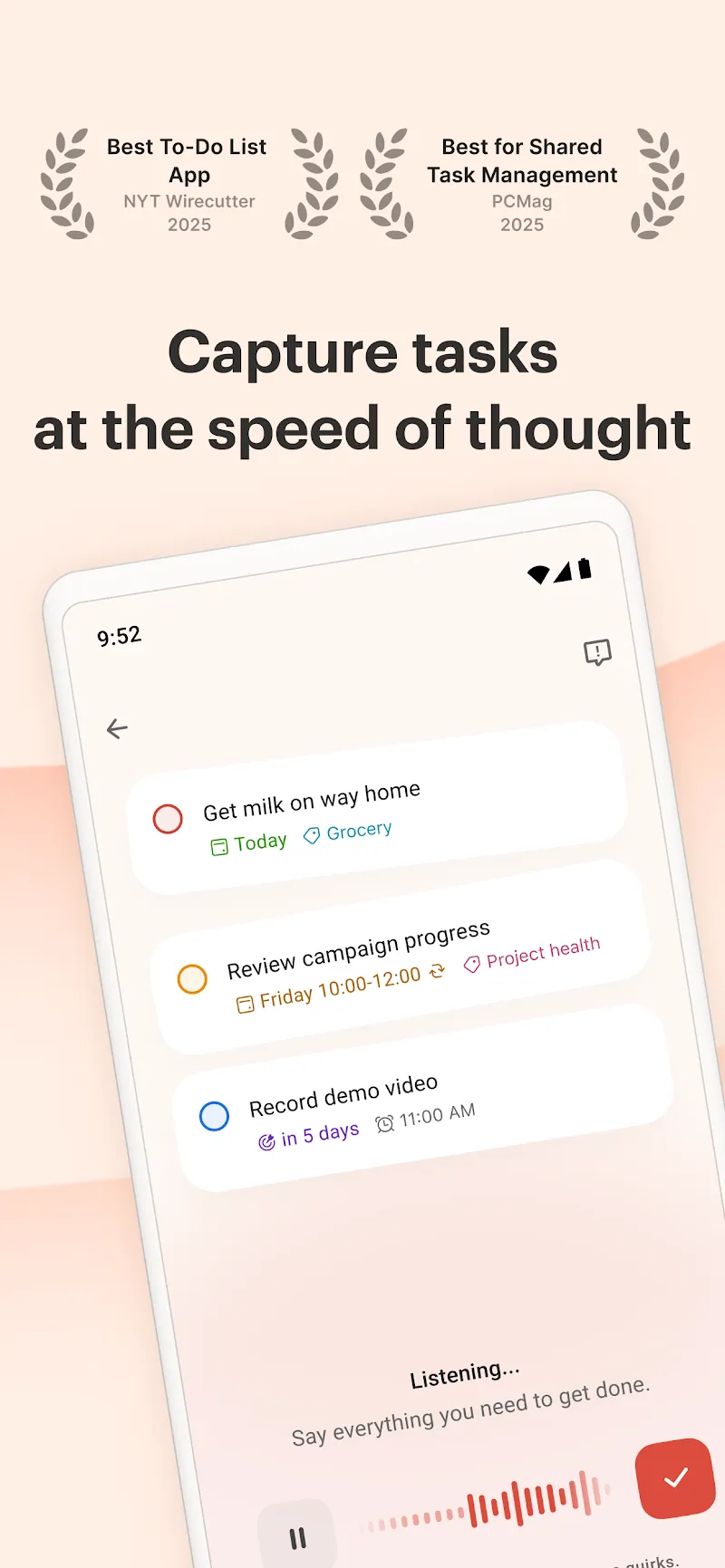
Best for: Getting thoughts out of your head and into a trusted place.
The ADHD nightmare is the task you thought of in the shower and forgot by breakfast. Todoist solves the capture problem better than almost anything: type "call dentist Tuesday at 3pm" in plain language and it parses the date, time, and reminder automatically. That low-friction capture is what keeps it open.
The risk for ADHD users is over-building — nested projects, labels, filters you will never maintain. Resist that. Use it as a fast inbox for tasks, set due dates with reminders, and let it nag you. The free tier covers most people.
Standout: Natural-language quick capture.
Platform: iOS, Android, Web. Price: Free; Pro around $5/month.
3. Tiimo — for seeing your day as a timeline
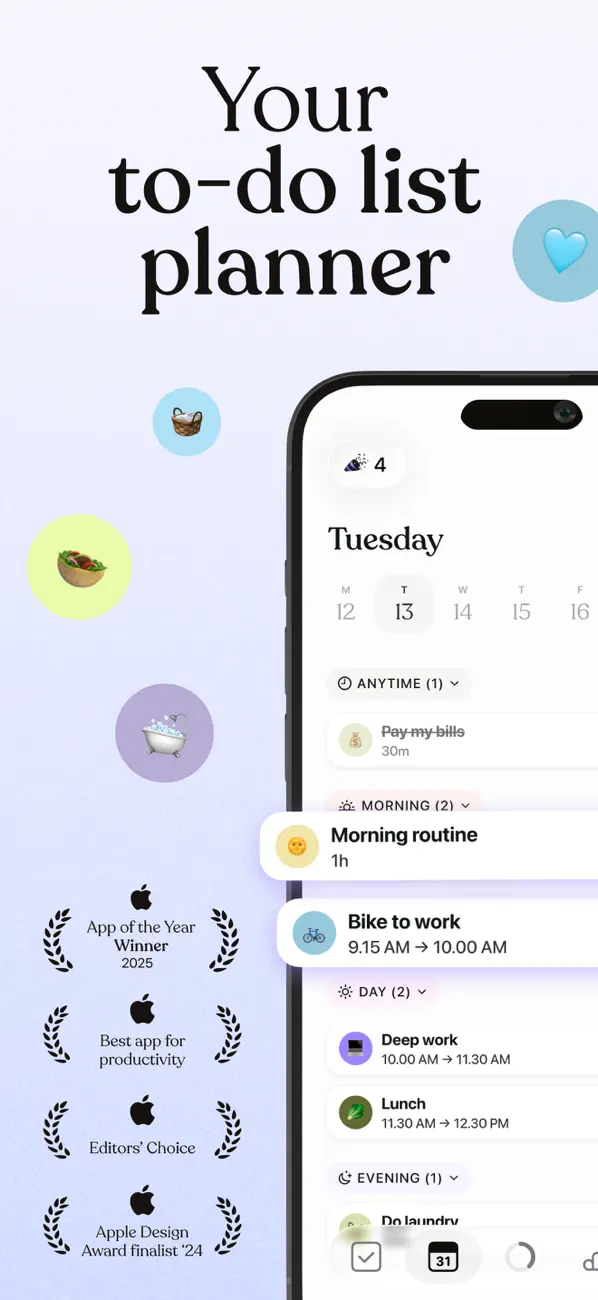
Best for: Time blindness and visualizing what comes next.
ADHD often comes with "time blindness" — a fuzzy sense of how long things take and how much of the day is left. Tiimo was built by and for neurodivergent users, and it turns your day into a visual, icon-based timeline with countdown timers for each block. Instead of a wall of text, you see a friendly picture of your day.
It is more planner than tracker, so it asks for a bit more input. But the visual format and gentle countdowns make transitions — a classic ADHD sticking point — much easier.
Structured is the closest rival if you want the same timeline idea on more platforms, though recurring tasks sit behind its paywall. Our Structured app review covers the pricing and the ADHD fit in detail.
Standout: Icon-based visual schedule with per-task timers.
Platform: iOS, Android and web. Price: Free mobile tier; Pro around $42/year.
4. Forest — for putting the phone down
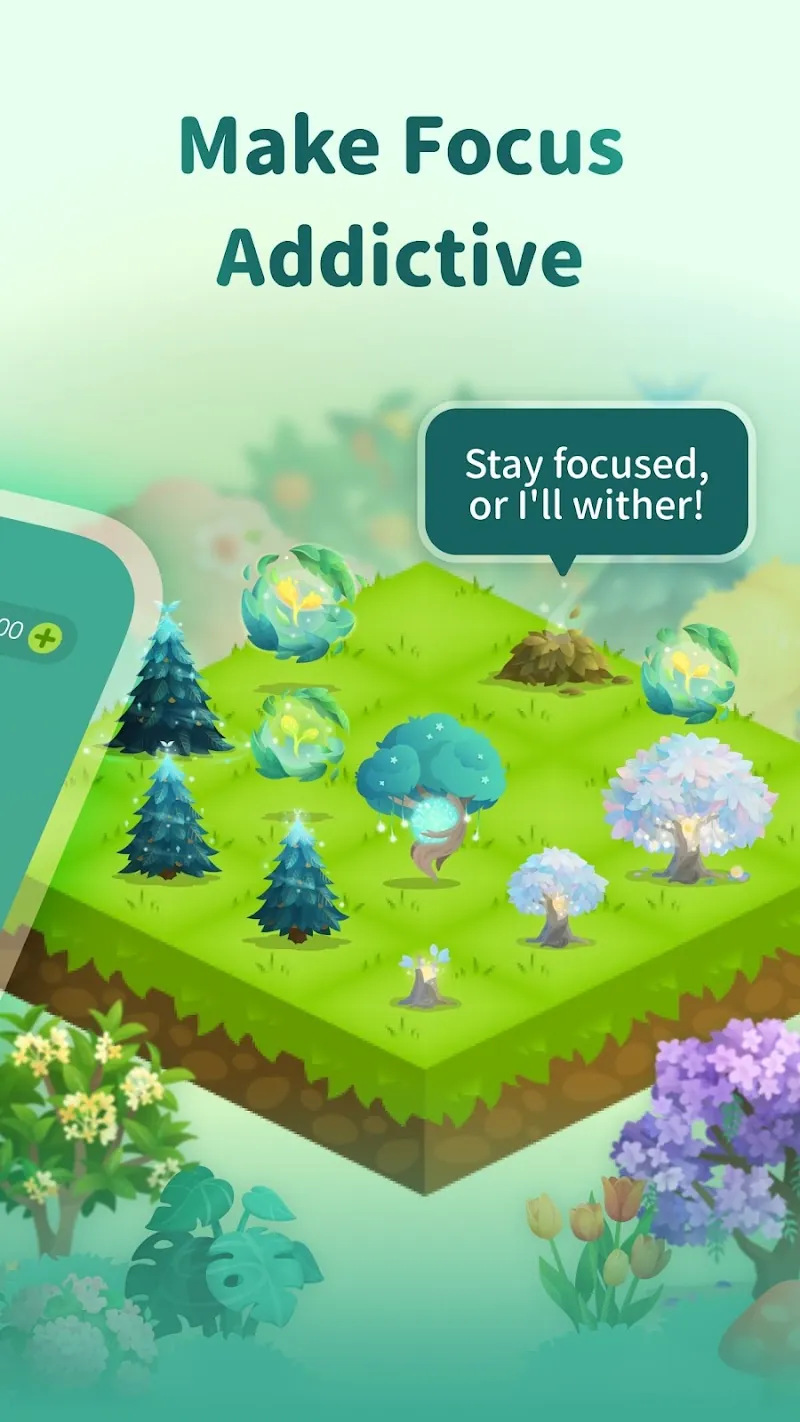
Best for: Beating the phone-scrolling distraction loop.
Forest flips the usual focus-timer formula into a game. Start a session and a virtual tree begins to grow; leave the app to check social media and the tree dies. The mild loss aversion plus the cute growing forest is a near-perfect ADHD motivator — concrete, visual, and rewarding in real time.
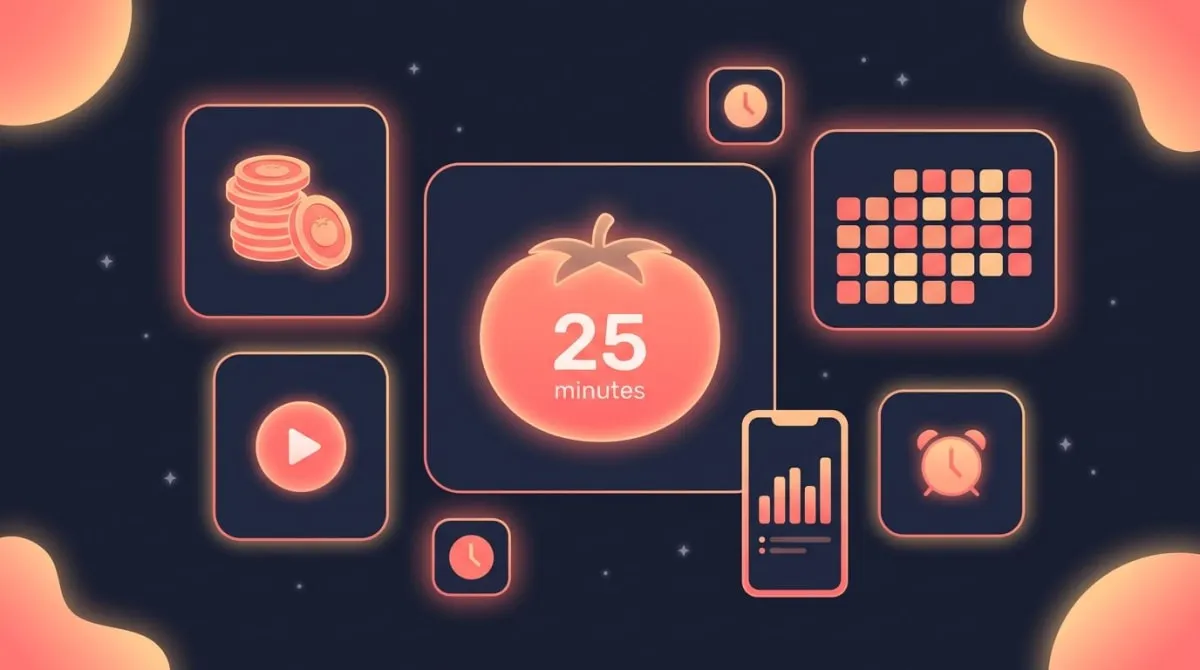
It pairs naturally with the Pomodoro method, where you work in focused sprints with short breaks. If that technique is new to you, our pomodoro timer is a free way to try it before committing to an app.
Standout: Gamified focus that grows a tree while you work.
Platform: iOS and Android. Price: Free to download on both, with an optional subscription; the Android app shows ads (store listings checked October 2026).
5. Focusmate — for starting the task you keep avoiding
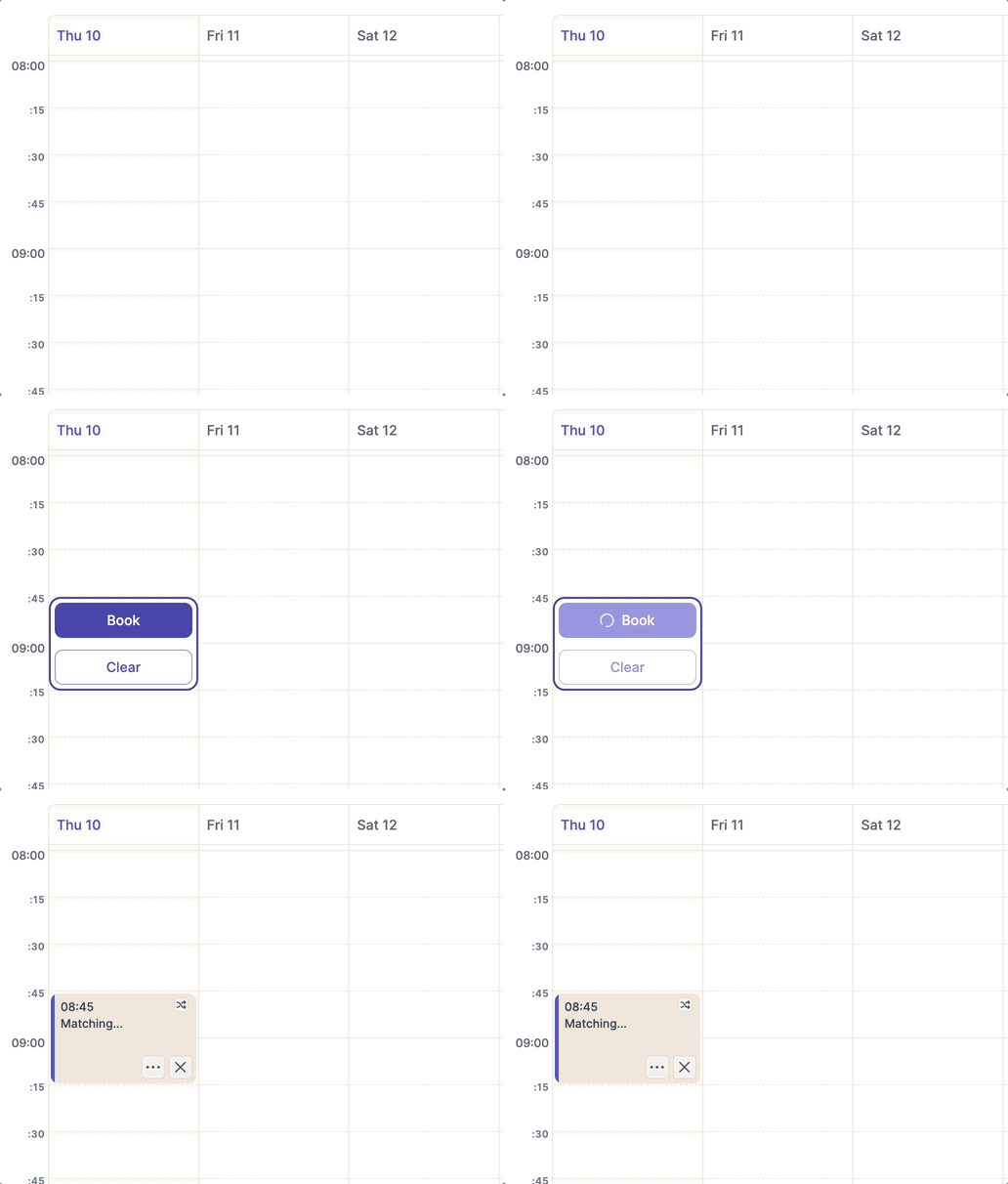
Best for: Task initiation and accountability.
This is the body-doubling app. Focusmate pairs you with a real person on a scheduled video call; you each state what you will work on, then work quietly side by side for 25, 50 or 75 minutes. The ambient accountability of another human seeing you is often the exact nudge that gets an avoided task started.
It sounds odd until you try it, then it clicks. For ADHD task-initiation paralysis, body doubling is one of the most commonly recommended strategies — and Focusmate's free tier gives you several sessions a week.
Standout: Live body-doubling sessions with a real partner.
Platform: Web browser. Price: Free for a few sessions weekly; paid around $9.99/month.
6. Goblin Tools — for when the task feels too big to start
Best for: Breaking overwhelming projects into micro-steps.
"Clean the garage" is not a task; it is a paralysis trigger. Goblin Tools and its "Magic ToDo" feature use AI to break any overwhelming task into small, concrete steps — and you can tap a chili-pepper "spiciness" slider to ask for even smaller steps when your brain needs them. It directly attacks the ADHD initiation problem.
It is lightweight and almost free, and it does one thing well rather than trying to be your whole system. Use it to decompose the scary task, then drop the steps into your tracker or to-do app.
Standout: AI that shrinks overwhelm into bite-sized steps.
Platform: Web, iOS, Android. Price: Free on web; a small fee for the mobile app, with optional Pro features such as sync and templates.
7. TickTick — for tasks and habits in one place
Best for: People who want one app instead of three.
TickTick bundles a task manager, a habit list, a calendar, and a built-in Pomodoro timer. For ADHD users who hate app-switching, having capture, scheduling, and focus under one roof reduces the friction of bouncing between tools.
The trade-off is the same as Todoist: it can become a configuration rabbit hole. Keep it lean — a task inbox, a few habits, and the Pomodoro timer — and it is a strong all-in-one.
Standout: Tasks, habits, and a focus timer in a single app.
Platform: iOS, Android, Web. Price: Free; Premium $49.99/year on the web as of October 2026.
8. Brili — for routines that actually run on time
Best for: Morning and bedtime routines that fall apart.
Routines are where ADHD time blindness does the most damage — the "quick" morning routine that somehow eats 90 minutes. Brili walks you through each step of a routine with timers and audio cues, so you always know what is next and how long you have. It was designed with ADHD and neurodivergent families in mind.
It shines for repeatable sequences: get-ready-for-work, wind-down, leave-the-house. Outside of structured routines it does less, so treat it as a routine specialist rather than a general planner.
Standout: Timed, step-by-step routine guidance with audio cues.
Platform: iOS and Android. Price: Free trial, then subscription.
9. Sleep Cycle — for the energy that makes everything else possible
Best for: Waking up without wrecking your morning.
Productivity advice ignores sleep at its peril, and ADHD and poor sleep feed each other. Sleep Cycle uses your phone's sensors to wake you during a lighter sleep phase inside a chosen window, so mornings feel less like being dragged out of a cave. Better, more consistent wake-ups make every other tool on this list work better.
It is mostly passive — set it and let it run — which is exactly the kind of low-effort tool ADHD brains stick with.
Standout: Smart alarm that wakes you in light sleep.
Platform: iOS and Android. Price: Free; Premium optional.
Why a frictionless habit tracker often beats a heavy planner
Here is the pattern almost every ADHD productivity story follows: you discover an all-in-one app, spend a Sunday building the perfect system, feel amazing for four days, then never open it again. The system was not too weak. It was too heavy.
A frictionless habit tracker wins for three reasons rooted in how ADHD brains actually work.
One-tap check-ins respect a limited attention budget. Every extra step between "I want to log this" and "logged" is a place to drop off. A single tap removes the friction that kills follow-through. Compare that to a planner that wants a category, a priority, a project, and a sub-task before it lets you record that you, in fact, drank some water today.
Visual streaks supply dopamine on a schedule your brain likes. A growing chain or a filling calendar heatmap is immediate, concrete feedback — the kind ADHD responds to far better than a distant goal. You are not waiting weeks for a payoff; you get a small reward every single day you show up.
It forgives. A good tracker treats a missed day as a blip, not a failure, which short-circuits the all-or-nothing spiral that ends so many habits. Missing once does not break a habit — quitting after missing does.
This is the angle most ADHD app roundups miss: they pile on heavy systems and ignore that, for many ADHD brains, the simplest trackable tool is the one that lasts. A dedicated tracker like HabitBox leans into this with one-tap check-ins and a streak you can see — no account, no setup, no overwhelm. If you want to compare it against other full productivity suites, our roundup of the best productivity apps covers the heavier options too, and our habit tracker app comparison ranks the low-friction trackers against each other.
How to set up your ADHD app so it actually sticks
Owning the right app is step one. Setting it up so your brain keeps using it is the part that matters. Here is the low-friction starting protocol.
Start with 2 to 3 habits, maximum. The urge to track everything at once is the enemy. Pick the two or three that would change the most if they became automatic — say, "take meds," "10-minute walk," and "lights out by 11." Add more only after those feel routine.
Make your reminders impossible to ignore. Set notifications for the moment of action, not a vague "sometime today." If your app supports it, anchor a reminder to a time you are already near your phone. The app should remember so you do not have to.
Celebrate the streak out loud. When you hit 7 days, notice it. The visible streak is doing real motivational work, so let yourself feel the win. This is the dopamine loop that keeps ADHD brains engaged.
Plan for the miss before it happens. Decide now that one missed day means you simply check in tomorrow — not that the whole thing is ruined. Building in forgiveness up front protects you from the all-or-nothing crash. For more on bouncing back, see how to keep going after a slip.
Stack new habits onto old ones. Attach a new habit to something you already do without thinking, like checking your tracker right after your morning coffee. This habit-stacking trick borrows momentum from an existing routine instead of relying on fresh willpower.
If discipline and follow-through are the harder part for you, pair this setup with our guides on how to be more disciplined and how to stop wasting time — both lean into systems over willpower, which is exactly what ADHD brains need.
The throughline across all nine apps and this whole setup is the same: the best productivity app for ADHD is the one with the least friction, because the complex system you abandon helps you less than the simple one you keep. Start with one tool, keep it small, and let the visible progress pull you forward.
Productivity apps for ADHD FAQ
What is the best productivity app for ADHD?
What app helps with ADHD focus?
What is body doubling?
Is a habit tracker good for ADHD?
Are there free ADHD apps?

Mira Hartwell
Editor, HabitBoxEditor at HabitBox. Writes about habit science and productivity, grounding every post in named research (Lally, Wood, Walker, Huberman) instead of recycled advice. Read full bio →