Skip to content
← Back to Blog

7 Best Sleep Tracker Apps for Better Rest (2026)

By Mira HartwellPublished June 30, 202618 min read
7 Best Sleep Tracker Apps for Better Rest (2026)

The best sleep tracker app for most people is the one that turns a single night of data into a habit you keep — and across 7 leading picks tested in 2026, the differences came down to four things: tracking accuracy, smart-alarm quality, what hides behind a paywall, and how well the app nudges a real bedtime routine. Sleep Cycle leads on polish, Sleep as Android leads on free depth, AutoSleep leads on Apple Watch metrics, and a plain habit tracker often beats them all for the part that actually moves your sleep: a consistent bedtime.

TL;DR: The best sleep tracker app pairs decent accuracy with a smart alarm and a free tier you can actually live with. Sleep Cycle wins on ease of use, Sleep as Android wins on free features, and Pillow or AutoSleep win if you own an Apple Watch. But here's the catch most app lists skip: a 2019 polysomnography study found phone-only apps misjudge sleep stages badly. Tracking shows you the problem — a steady bedtime habit fixes it.

Last updated: June 2026.

How we picked the best sleep tracker app

Sleep tracking has two jobs. The first is measurement — telling you when you fell asleep, how long you slept, and roughly how restless the night was. The second, quieter job is behavior change — getting you to wind down earlier and wake at a consistent time.

Most "best sleep app" roundups only score the first job. We weighted both, because data you never act on changes nothing. Each app below was rated across four factors that matter for actually sleeping better.

  • Accuracy: how closely it tracks real sleep versus wake, given its sensors
  • Smart alarm: whether it wakes you during light sleep inside a window
  • Price and free tier: what you get for free versus behind a subscription
  • Habit fit: how well it supports a repeatable bedtime routine

A quick honesty note before the list. No phone app is a medical device, and the gap between a $30-a-year app and a clinical sleep study is wide. We cover exactly how wide further down, because it changes how much you should trust any single night's score.

We also leaned toward apps with usable free tiers or one-time purchases over those that lock everything behind a recurring subscription. A tracker you abandon after the trial ends helps no one, and the most expensive option is rarely the most accurate — the sensor in your phone is the limiting factor, not the price.

Best sleep tracker apps compared (2026)

Here's the fast version. Prices are the common 2026 rates at the time of writing and can change; check each app's site before subscribing.

AppBest forPlatformSmart alarmFree tierTypical price
Sleep CycleEase of useiOS, AndroidYesLimited~$40/yr
Sleep as AndroidFree depthAndroidYesGenerous~$6 one-time
AutoSleepApple Watch metricsiOS + WatchNo (uses Watch)None~$5 one-time
PillowAutomatic Watch trackingiOS + WatchYesLimited~$50/yr
BetterSleepSounds and wind-downiOS, AndroidYesLimited~$60/yr
ShutEyeSnore and sleep soundsiOS, AndroidYesLimited~$60/yr
HabitBoxBedtime consistencyiOS, AndroidNo (reminders)YesFree + Pro

The rest of this guide explains the picks, then covers the part that matters more than any app: the bedtime habits that move your sleep.

What the sleep metrics actually mean

Before you compare apps, it helps to know what the numbers represent — because half the value of a tracker is understanding what it's telling you.

Total sleep time is the most reliable figure a phone app reports. It's simply how long you were asleep, and it's the number most worth watching over a week. Sleep efficiency is the percentage of time in bed that you actually slept; below roughly 85% suggests you're spending too long awake in bed.

Sleep stages — light, deep, and REM — are where apps get shaky. Deep sleep restores the body; REM supports memory and mood. A phone can only guess at these from movement and sound, so treat the breakdown as a loose pattern, not a verdict. Sleep latency is how long it took you to fall asleep; if it's regularly over 20 to 30 minutes, your wind-down routine is the place to start.

The practical move is to ignore single-night scores and watch trends. One rough night means nothing. A two-week slide in total sleep time means something — and that's exactly the kind of pattern a tracker is good at surfacing.

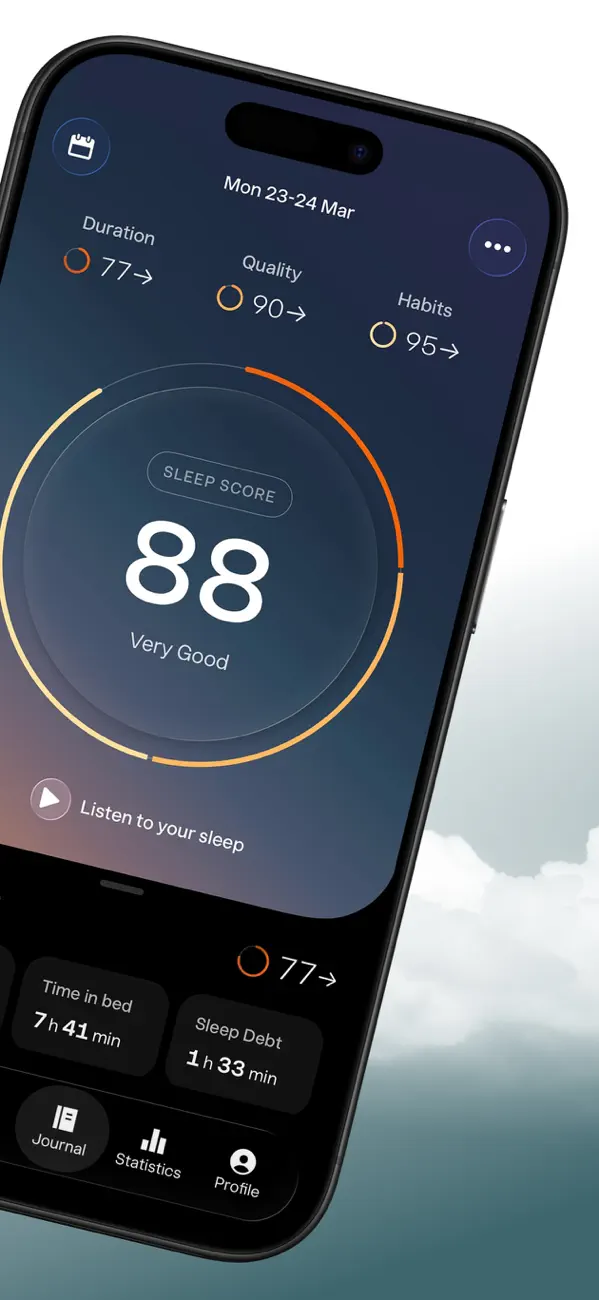
1. Sleep Cycle — best overall for ease of use

Sleep Cycle is the app most people mean when they say "sleep tracker." It uses your phone's microphone and accelerometer to estimate sleep phases, then wakes you during a lighter phase inside a 30-minute window so you feel less groggy.

Rating: (4.5/5)

What stands out is the polish. The morning summary is clean, the smart alarm is reliable, and the app surfaces simple correlations — like how caffeine or late screen time tracked against your sleep quality. That correlation view is the closest a mainstream app comes to nudging behavior change.

The free tier is thin; deeper trends and the sound library sit behind a subscription around $40 a year. If you want one app that "just works" on either iPhone or Android, this is the safe pick.

It also has the largest user base, which means the most refined onboarding and the most third-party integrations — it syncs with Apple Health and Google Fit, and pairs with readiness apps like RISE. The downside is the price relative to one-time rivals, and the same phone-sensor accuracy ceiling everyone in this list shares. Best for: people who want minimal fuss and don't mind a subscription.

2. Sleep as Android — best free-leaning option for Android

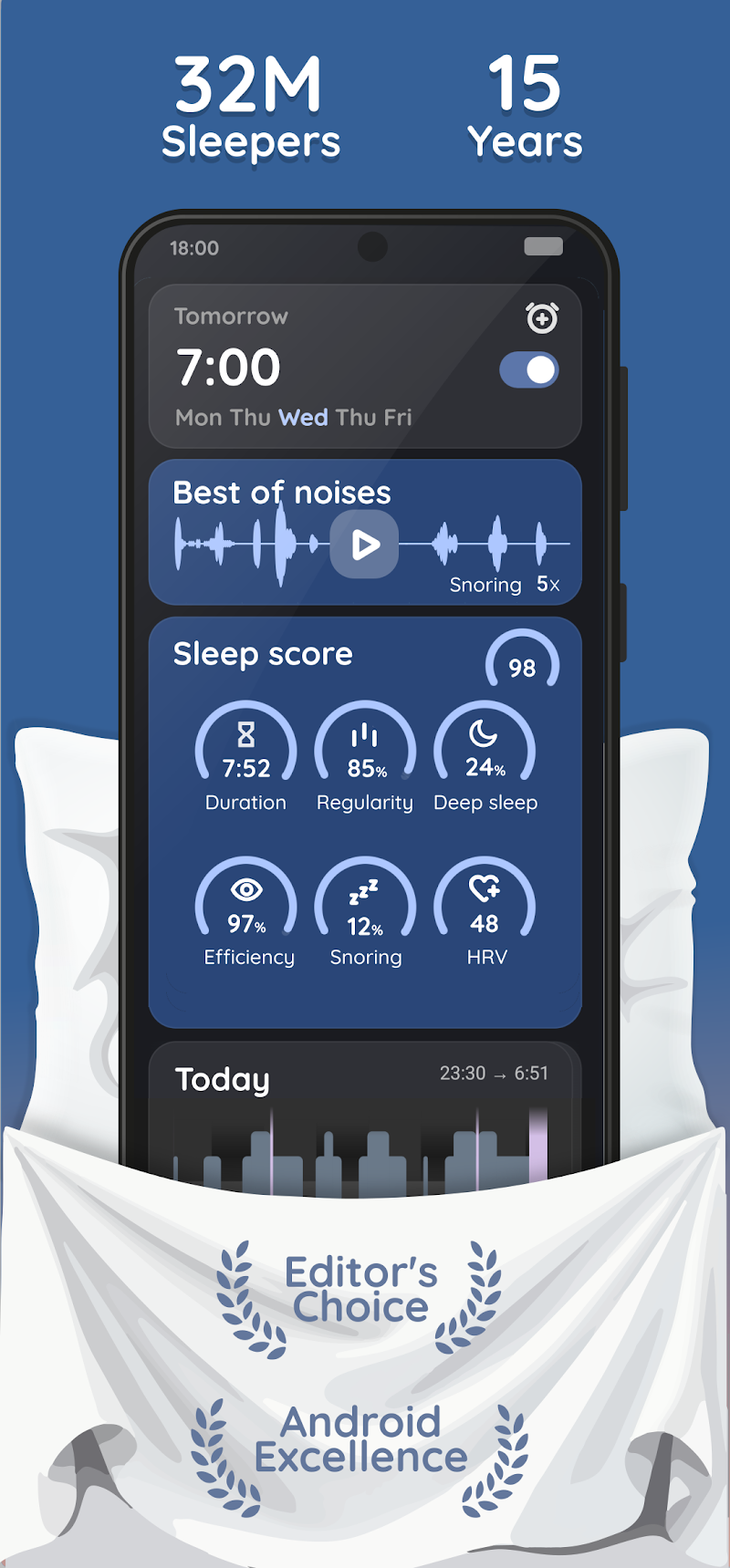
Sleep as Android is the power-user favorite, with one of the deepest feature sets of any phone-based tracker. It tracks sleep phases, records snoring and sleep talking, and offers a smart alarm with a clever twist: you can require a CAPTCHA, a math problem, or even a QR-code scan in your bathroom to dismiss it.

Rating: (4.4/5)

It pairs with Wear OS and Galaxy watches for better signal, and the one-time unlock (around $6 after a trial) is far cheaper than the subscription crowd. The trade-off is Android-only and a busier interface. If you like tuning settings, you'll love it; if you want minimal, look elsewhere.

The depth is the real draw. You can adjust sensor sensitivity, set anti-snore triggers, layer in nature sounds, and export raw data for your own analysis — features that put it closer to a wearable than a typical phone app. There's a learning curve, and the screen-heavy UI can overwhelm newcomers. Best for: Android users who want maximum control for a one-time price.

3. AutoSleep — best for Apple Watch owners

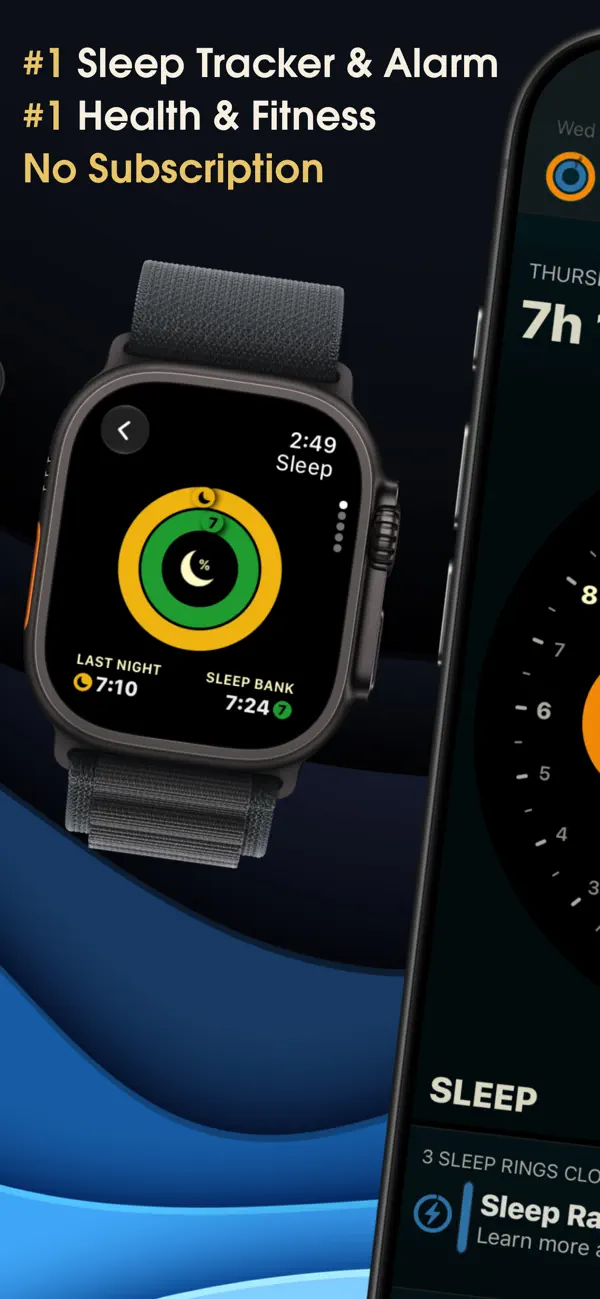
AutoSleep reads your Apple Watch automatically — no button to press at bedtime. It produces detailed metrics: heart rate, sleep "rings," restfulness, and a readiness-style view, all for a one-time price under $8.

Rating: (4.3/5)

Because it leans on the Watch rather than your phone's mic, it captures movement and heart-rate signals a phone-on-the-mattress app can't. There's no built-in smart alarm — you use the Watch's haptic alarm — and you must wear the Watch to bed. If you already own one and want depth without a subscription, AutoSleep is hard to beat.

The big advantage is no nightly setup: it infers when you fell asleep automatically, so there's nothing to forget. You can also tune how strict the scoring is, which helps if the defaults feel off. The obvious limits are the hardware requirement and battery — you'll need to top up the Watch during the day so it lasts the night. Best for: Apple Watch owners who want serious metrics at a one-time price.

4. Pillow — best automatic tracking on iOS

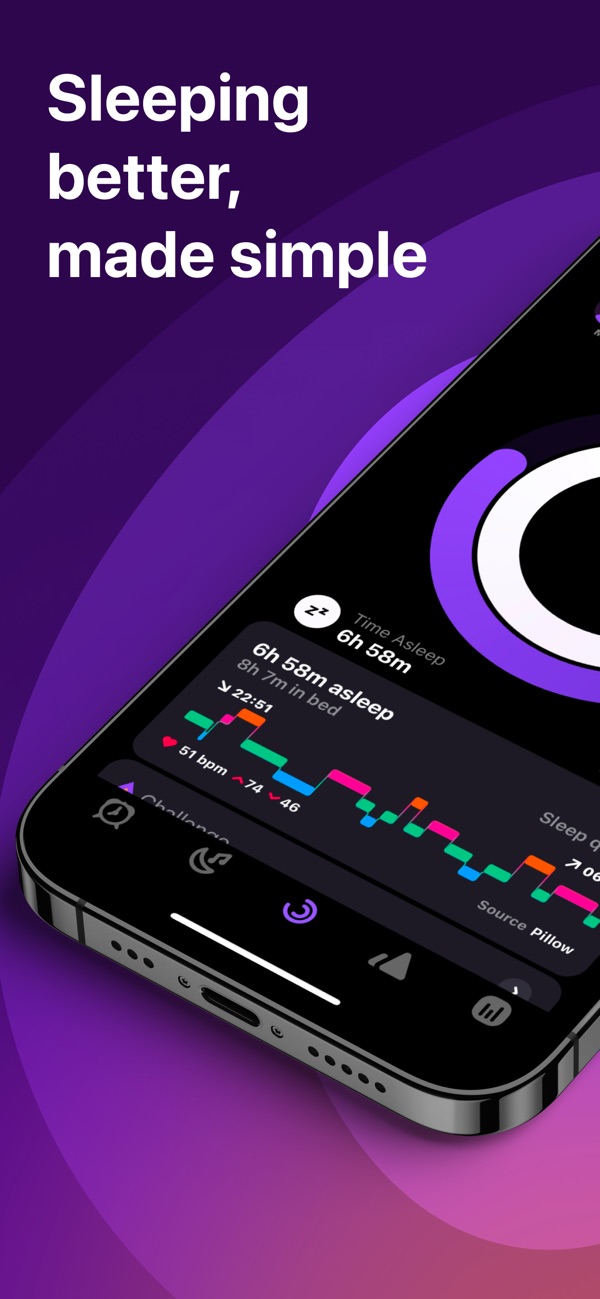
Pillow sits between Sleep Cycle and AutoSleep. With an Apple Watch it tracks automatically; without one it runs in "phone on the mattress" mode using motion and sound. You get sleep-stage charts, audio recordings of snoring, and a smart alarm.

Rating: (4.2/5)

The design is friendly and the Apple Health integration is tidy. The catch is the subscription, around $50 a year for the full feature set, which is steep next to one-time-purchase rivals. Pick Pillow if you want a polished iOS app that works with or without a Watch.

What makes Pillow flexible is that it doesn't force a choice between Watch and phone — it adapts to what you have, and the audio-recording feature catches snoring and sleep-talking either way. If you later buy a Watch, the app upgrades its accuracy without you changing anything. Best for: iPhone users who want a clean app and may add a Watch down the line.

5. BetterSleep — best for wind-down sounds

BetterSleep (formerly Relax Melodies) is less a precision tracker and more a wind-down companion. It blends sleep sounds, breathing exercises, and bedtime stories with basic tracking and a smart alarm.

Rating: (4/5)

If falling asleep is your bottleneck — not measuring sleep — the mixable soundscapes are genuinely useful. Tracking accuracy is secondary here, and most of the good stuff lives behind a ~$60-a-year subscription. Choose it for the routine and relaxation, not the numbers. Best for: people who struggle to fall asleep and want a guided wind-down.

6. ShutEye — best for snore detection and sounds

ShutEye focuses on sleep sounds, snore and sleep-talk recording, and a smart alarm, wrapped in a beginner-friendly interface. It's a reasonable Sleep Cycle alternative if you specifically want to hear what happens after you nod off.

Rating: (3.9/5)

Like most of this category, the real features need a subscription (around $60 a year), and the same phone-sensor accuracy limits apply. It's a fine pick for sounds plus snore tracking, but it won't change the verdict on stage accuracy. Best for: beginners who want sounds and snore detection in one friendly app.

7. HabitBox — best for the bedtime habit itself

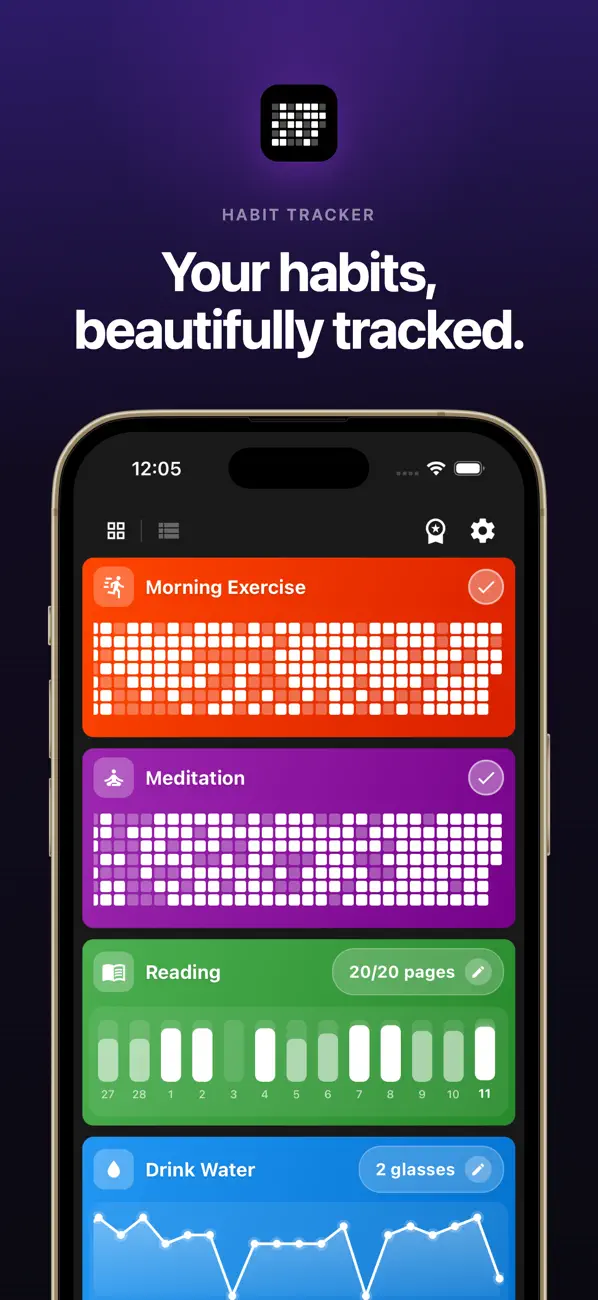
This is the pick the other lists skip, and the reason matters. None of the apps above can make you go to bed on time — they can only score the night after the fact. A habit tracker like HabitBox flips the order: it reminds you to start winding down, then shows a visible streak for hitting your bedtime.

Rating: (4.3/5)

That streak isn't a gimmick. It works because of loss aversion — once you've kept a "lights out by 11" chain going for two weeks, you don't want to break it. HabitBox is free on iOS and Android, stores data locally with no account, and pairs naturally with whichever measurement app you choose. Track the behavior in HabitBox, read the data in Sleep Cycle, and you've covered both jobs.

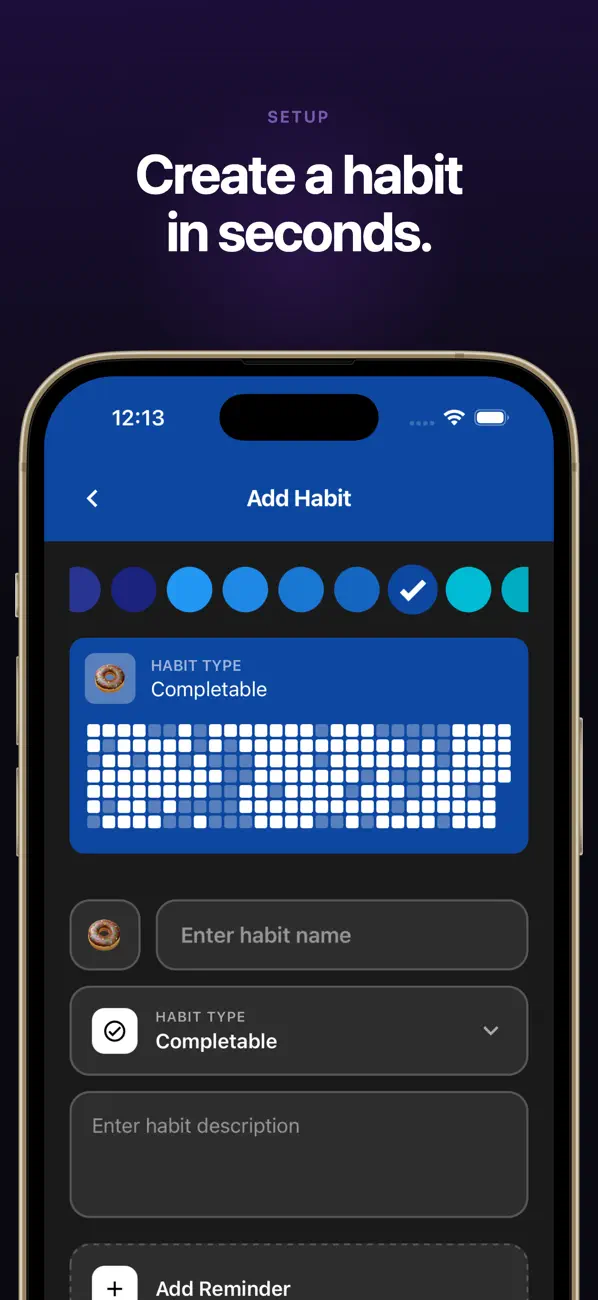
In practice, you'd set up two or three sleep-related habits — "wind down by 10:30," "phone out of the bedroom," "lights out by 11" — and check them off each night. The smart reminder nudges you when it's time to start, and the calendar heatmap shows your consistency at a glance. It won't measure your REM sleep, and that's the point: it's built to change the one input that improves sleep most. Best for: anyone whose real problem is going to bed on time rather than measuring the night.

For a deeper look at dedicated trackers, our best habit tracker app comparison breaks down the wider field.

Infographic comparing phone-based sleep tracking accuracy against a clinical sleep lab polysomnography setup

How accurate are sleep tracker apps, really?

Here's the part most roundups bury. A polysomnography study published in the Journal of Sleep Research tested four popular sleep apps against the clinical gold standard and found phone-only apps unreliable at detecting sleep versus wake, and worse at separating light, deep, and REM sleep — none of the apps could reliably score REM at all (study).

The reason is physics. A phone on the mattress reads movement and ambient sound. That's a decent proxy for "still and quiet equals asleep," but it can't see your brain waves, which is how sleep stages are actually defined. Mattress firmness and a moving partner add more noise.

So what is a phone app good for? Two things. It estimates your total sleep time and bedtime consistency reasonably well, and it gives you a smart alarm. Treat the nightly "deep sleep: 18%" number as a rough trend, not a fact. A wearable on your wrist — an Apple Watch, Whoop, or Oura — adds heart-rate data and tracks stages more credibly, which is why Watch-based apps like AutoSleep rank above mic-based ones for accuracy.

It's also worth knowing what apps can't flag. They won't diagnose sleep apnea, insomnia, or restless leg syndrome — conditions a sleep specialist confirms with a real study. If your tracker consistently shows fragmented sleep, loud snoring, or you wake exhausted despite enough hours in bed, that's a signal to see a doctor, not to download another app. The trackers in this guide are tools for awareness and routine, not medical instruments.

The takeaway: don't let a low "sleep score" ruin your morning. Use the app to spot patterns over weeks, not to grade single nights, and treat anything alarming as a prompt to talk to a professional.

The bedtime habits that beat any app

You can own the most accurate tracker on earth and still sleep badly. Measurement isn't the lever — behavior is. These habits move your sleep more than any score, and they're the part a tracker should be reinforcing.

Evening wind-down routine shown as a connected chain of habit icons: dim lamp, phone away, tea, book, and a steady bedtime

Keep a consistent bedtime and wake time. A regular schedule, even on weekends, is one of the most effective sleep changes you can make, according to the Sleep Foundation. Your body clock thrives on predictability, and this is the single habit most worth tracking as a streak.

Build a wind-down buffer. Give yourself 30 to 60 minutes of lower light and slower activity before lights out. Dim the lamps, close the laptop, and let your nervous system downshift. Our evening routine guide has a step-by-step version you can copy.

Get morning light and cut late screens. Bright light early anchors your rhythm; blue light late delays it. A short morning walk does more for tonight's sleep than any in-app feature, and it pairs well with the goals in our how to wake up at 5am walkthrough.

Fix the environment. Cool, dark, and quiet beats any soundscape. If you want the full list of small tweaks, run through our sleep hygiene checklist — it covers caffeine timing, room temperature, and screen rules in one place.

Mind your caffeine timing. Caffeine has a half-life of roughly five to six hours, so an afternoon coffee can still be working in your system at bedtime. A common rule of thumb is to stop caffeine at least six to eight hours before sleep. If your evening latency is creeping up in the app, this is an easy first thing to test.

Use a fixed wind-down cue. Pick one repeatable signal that means "the day is over" — a cup of caffeine-free tea, five minutes of slow breathing, or two pages of a paperback. A consistent cue trains your brain to associate that action with sleep, the same way a routine helps a child settle. The cue matters more than the specific activity.

The pattern here is simple: the app measures, but the habit is what changes the number. If you only track one thing, track whether you started winding down on time. Stack these habits gradually — add one, keep it for two weeks, then add the next — rather than overhauling your whole evening at once.

How to choose the right sleep tracker app for you

Match the app to your situation, not the other way around.

If you want the easiest all-rounder on any phone, start with Sleep Cycle. If you're on Android and want depth without a subscription, Sleep as Android is the clear value pick. If you own an Apple Watch, AutoSleep or Pillow will read it automatically and track far more credibly than a mic-based app.

If your real problem is getting to bed on time, the tracker is secondary — a streak-based reminder does more than any sleep-stage chart. And if privacy matters, prefer apps that store data on-device and skip the ones that require an account.

Whatever you pick, pair it with a bedtime habit you can keep. The measurement app tells you how you slept; the habit decides it. For a sense of which sleep and routine habits are worth logging day to day, see our roundup of the best mood tracker app options, which use the same daily check-in pattern.

Common sleep tracking mistakes to avoid

A tracker only helps if you use it well. A few habits quietly sabotage the data — and your sleep.

Chasing the score. The most common trap is treating the nightly number as a grade. Waking to a "62" and feeling defeated can raise anxiety and make the next night worse. The score is a rough trend, not a report card.

Tracking without acting. Data you never use is just clutter. If you've watched your "deep sleep" line for a month and changed nothing, the app isn't helping — pick one habit to adjust and track that instead.

Placing the phone wrong. For mic-and-motion apps, a phone too far from the mattress or buried under a pillow produces noisy data. Follow each app's placement guidance, and remember that a moving partner or a pet on the bed muddies the signal.

Ignoring consistency. Tracking a chaotic schedule won't fix it. The biggest lever — a steady bedtime and wake time — is a behavior, not a metric. If you only commit to one change, make it that, and use a streak to hold it.

The fix for all four is the same: let the app measure, but put your effort into the habit. That's where the real improvement comes from.

Frequently asked questions about sleep tracker apps

About the Author
Mira Hartwell, Editor, HabitBox

Mira Hartwell

Editor, HabitBox

Editor at HabitBox. Writes about habit science and productivity, grounding every post in named research (Lally, Wood, Walker, Huberman) instead of recycled advice. Read full bio →
Part ofHow to Build Habits That StickFree toolSleep Cycle CalculatorThe best bedtime or wake time from 90-minute sleep cycles.

Ready to build better habits?

HabitBox makes it easy to track your habits, build streaks, and achieve your goals — no fluff, just results.