Day Counter App: 7 Best Apps to Count the Days (2026)
Looking for a day counter app to track the days that matter? The best picks in 2026 are Days Matter, TheDayBefore, DayCount, Countdown, Time Until, I Am Sober, and HabitBox. Some count days since a date, some count days until one, and a few do both. Most are free to download.
The right pick depends on which direction you are counting. A wedding countdown, a sobriety count, and a workout streak are three different jobs. This guide compares all seven apps side by side, so you can match the app to the count in a few minutes.
What a day counter app does
A day counter app tracks the number of days between today and a date you care about. That sounds like one job, but it is three.
Days since. Counting up from a past date. Days since you quit smoking, days since your last slip, days since you met your partner, days since your cat came home.
Days until. Counting down to a future date. Days until a wedding, a marathon, an exam, a trip, or a deadline.
Days in a row. Counting days you did something, one day at a time. This is a streak — the count only grows when you show up, and it resets when you stop.
Most apps handle the first two directions. The third one needs a habit tracker, because someone has to confirm each day happened. Keep that split in mind as you read the list.
Day counter apps compared
Here is the full comparison across all seven apps. Use it as a filter, then read the write-ups for the ones that fit.
| App | Platforms | Counts | Best for | Price |
|---|---|---|---|---|
| Days Matter | iOS, Android | Since + until | All-around date counting | Free + paid extras |
| TheDayBefore | iOS, Android | Since + until | Widgets and many dates | Free + in-app purchases |
| DayCount | iPhone, iPad, Mac | Since + until + streaks | Apple-only setups | Free + optional upgrade |
| Countdown | iPhone, iPad, Apple Watch | Until (+ count-up) | One big event | Free + optional Premium |
| Time Until | Android | Until + since | A free Android countdown | Free with ads + in-app purchases |
| I Am Sober | iOS, Android | Since | Days since you quit | Free + optional premium |
| HabitBox (our app) | iOS, Android | Days in a row | Streaks of days you show up | Free + optional Plus |
A few patterns stand out. Days Matter and TheDayBefore are the flexible all-rounders. Countdown and Time Until focus on events ahead of you. I Am Sober owns the days-since-quitting niche, and HabitBox counts in the third direction — days you did the thing.
The 7 best day counter apps in 2026
1. Days Matter — best all-around day counter
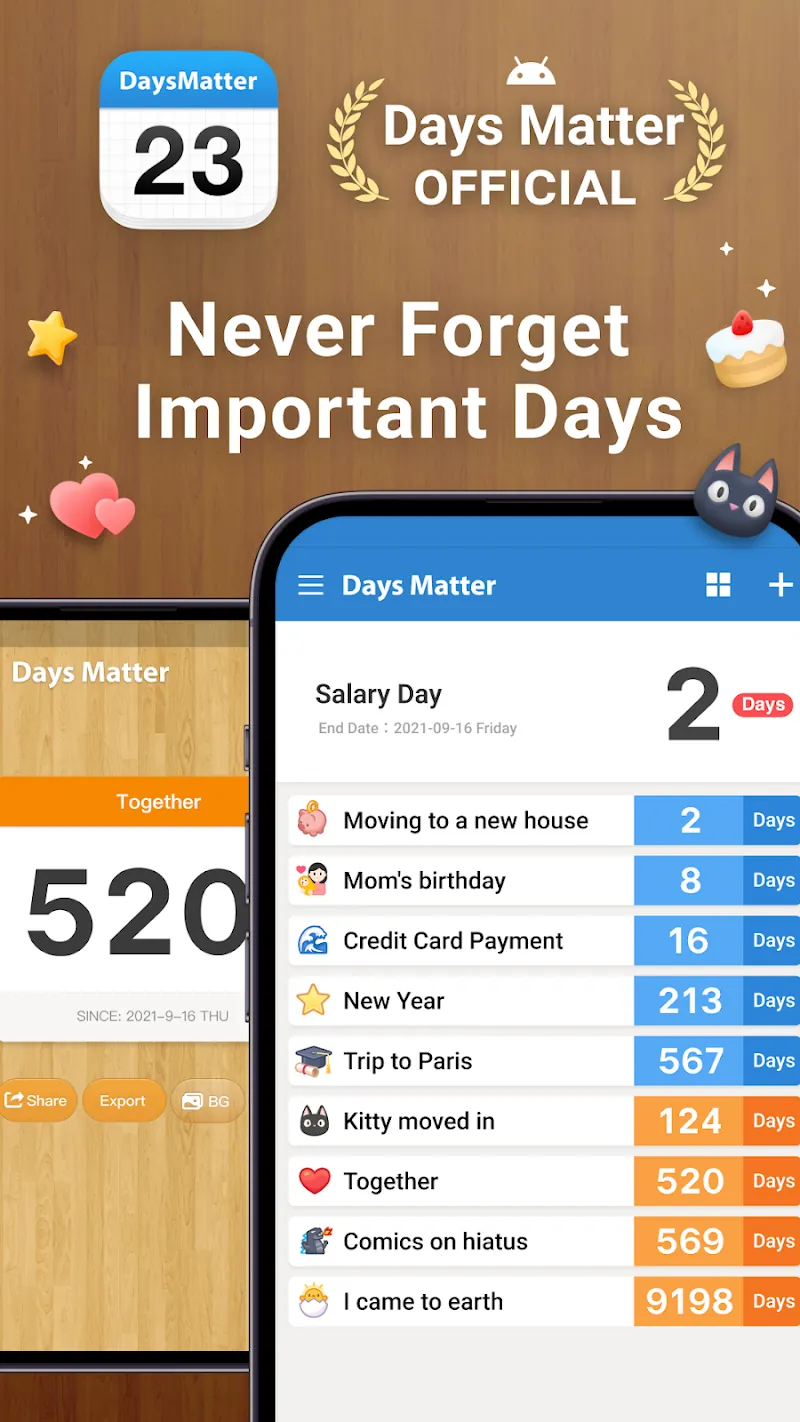
Days Matter is a classic date counter that works in both directions. Add a date, and it shows a big, clean number: days since your anniversary, or days until your flight.
It handles repeating dates like birthdays, supports categories, and offers widgets so a count can live on your home screen. The app is free to download, with paid extras if you want more.
Price (US App Store and Google Play, checked October 2026): Free to download. The App Store lists Days Matter Pro at $4.99 among its in-app purchases; the Google Play listing shows ads, with in-app purchases from $0.99 to $3.99 per item.
Honest limits: the design feels utilitarian, and the app is at its best with dates, not goals. There is no streak logic or check-in concept.
2. TheDayBefore — best for widgets and many dates
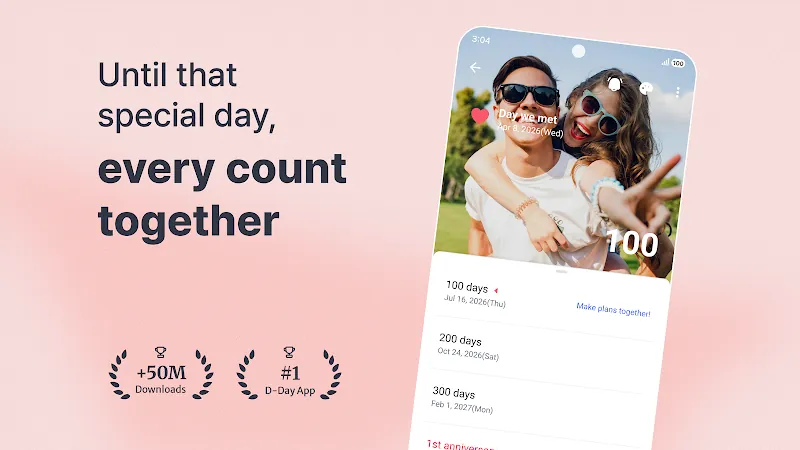
TheDayBefore is a "D-Day" counter with a huge following — its site reports more than 50 million cumulative downloads. D-Day style means the app shows both the count and the label, like D-30 before an exam or D+100 after a start date.
It shines when you track many dates at once. Groups, lock-screen widgets, and notification reminders keep every count visible without opening the app. It is free to download, with in-app purchases.
Price (US App Store and Google Play, checked October 2026): Free to download. The App Store lists one in-app purchase, Remove Ads, at $9.99; the Google Play listing shows ads, with in-app purchases from $1.49 to $10.99 per item.
Honest limits: the interface offers a lot of options, so the first setup can take a few minutes. Like Days Matter, it counts dates — it does not check whether you did anything today.
3. DayCount — best for Apple-only setups
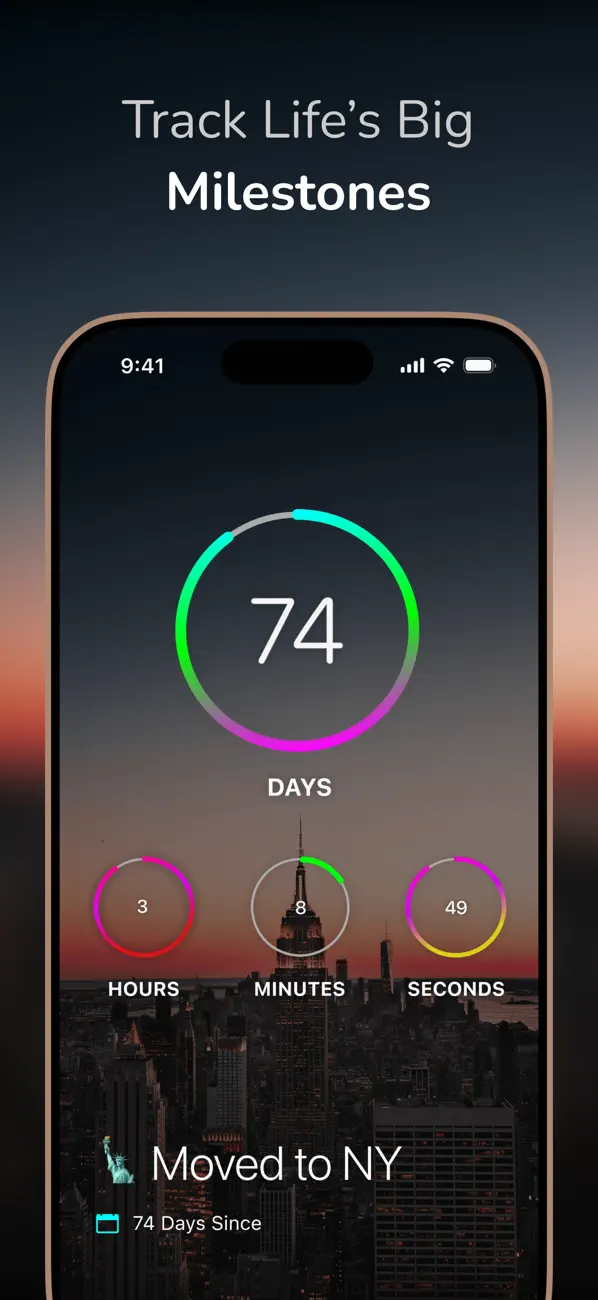
DayCount runs on iPhone, iPad, and Mac. It covers all three directions in one app: days since a date, countdowns to events, and daily streaks you tap to confirm.
The design is minimal, with large numbers and clean cards. If you live inside Apple's ecosystem and want one lightweight app for every kind of count, this is the tidy pick. It is free to download, with an optional upgrade.
Price (US App Store, checked October 2026): Free to download. The listing shows DayCount Premium at $9.99, DayCount Forever at $29.99, DayCount Pro at $59.99 and StreakCount at $59.99.
Honest limits: there is no Android version, so mixed-platform households are out. The streak feature is basic compared with a dedicated habit tracker.
4. Countdown — best for one big event
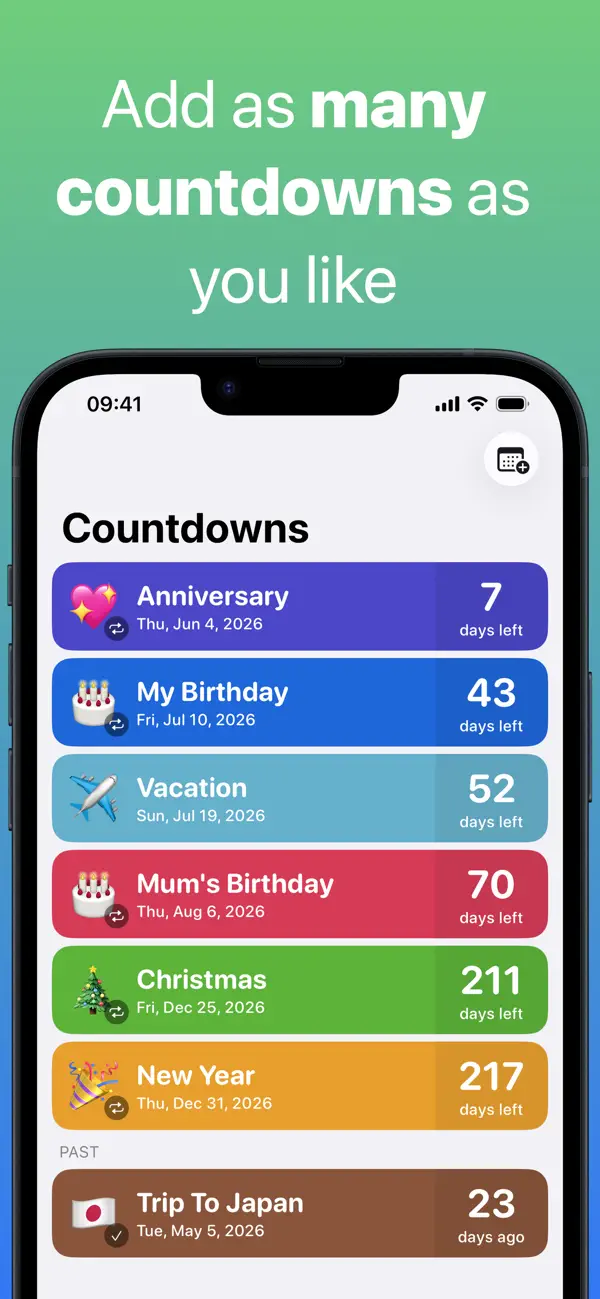
Countdown does one thing with focus: it counts down to moments you are excited about. Weddings, trips, concerts, graduation — you add the date, pick a photo background, and watch the number shrink.
Widgets are the star feature. A glanceable countdown on your home screen turns waiting into anticipation. The app is free to download, but the store listing puts its Home Screen, Lock Screen and StandBy widgets behind the optional Premium upgrade.
Price (US App Store, checked October 2026): Free to download. The listing shows two in-app purchases: Countdown Widget at $6.99 and Countdown Widget Offer at $3.99.
Honest limits: it runs only on Apple devices (iPhone, iPad and Apple Watch) and is built for counting down; counting up from past events is a secondary option. For "days since" jobs, look at the picks above.
5. Time Until — best free countdown on Android
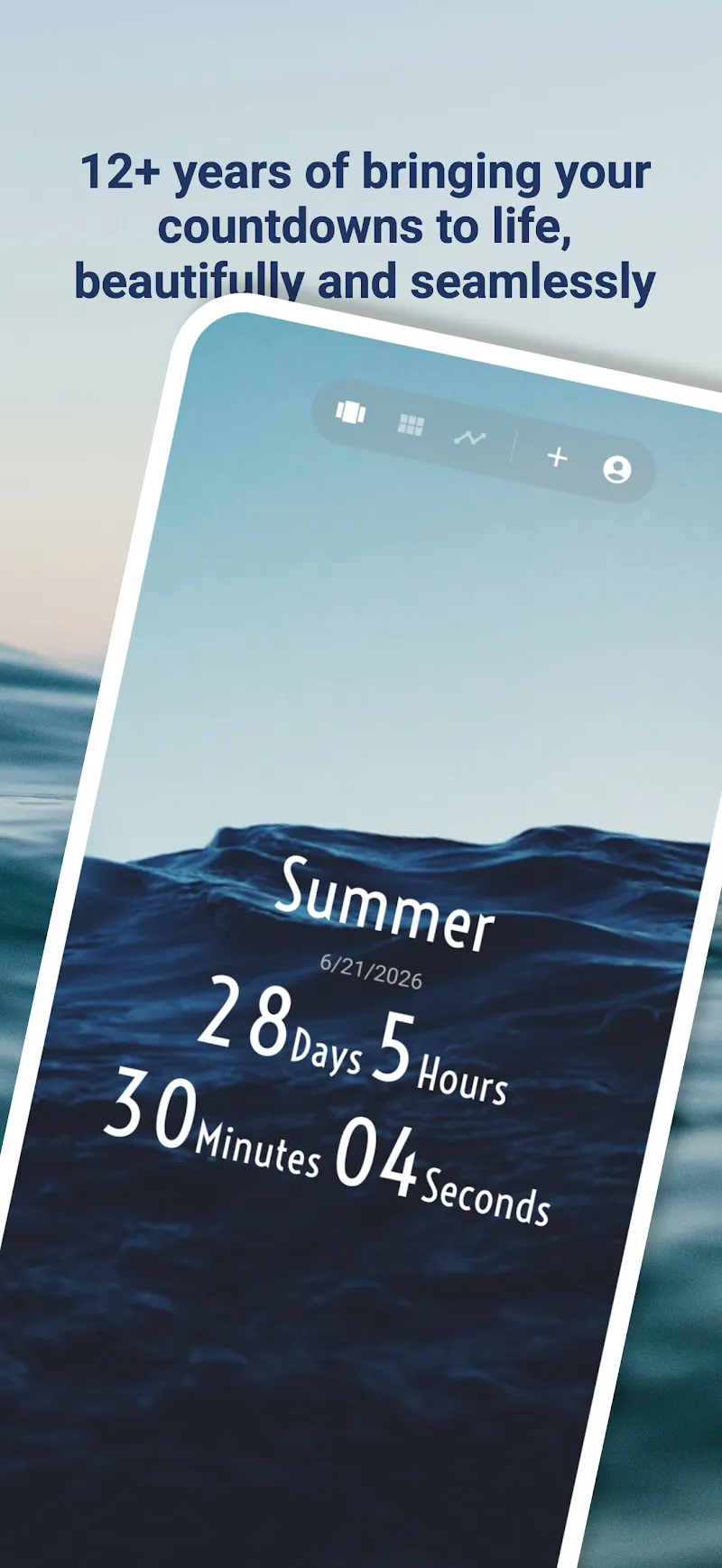
Time Until is a straightforward Android countdown app. You add events, and it shows the remaining time in days — or in months, hours, or seconds if you prefer.
It includes home-screen widgets and a simple list view for multiple events. It is free to download (with ads and in-app purchases), small, and does its job without fuss.
Price (Google Play, checked October 2026): Free to download, with ads and in-app purchases from $1.99 to $7.99 per item.
Honest limits: it is Android-only and built mainly for countdowns, although the listing also mentions counting days since milestones. The design is plain, which is either a feature or a flaw depending on your taste.
6. I Am Sober — best for days since you quit
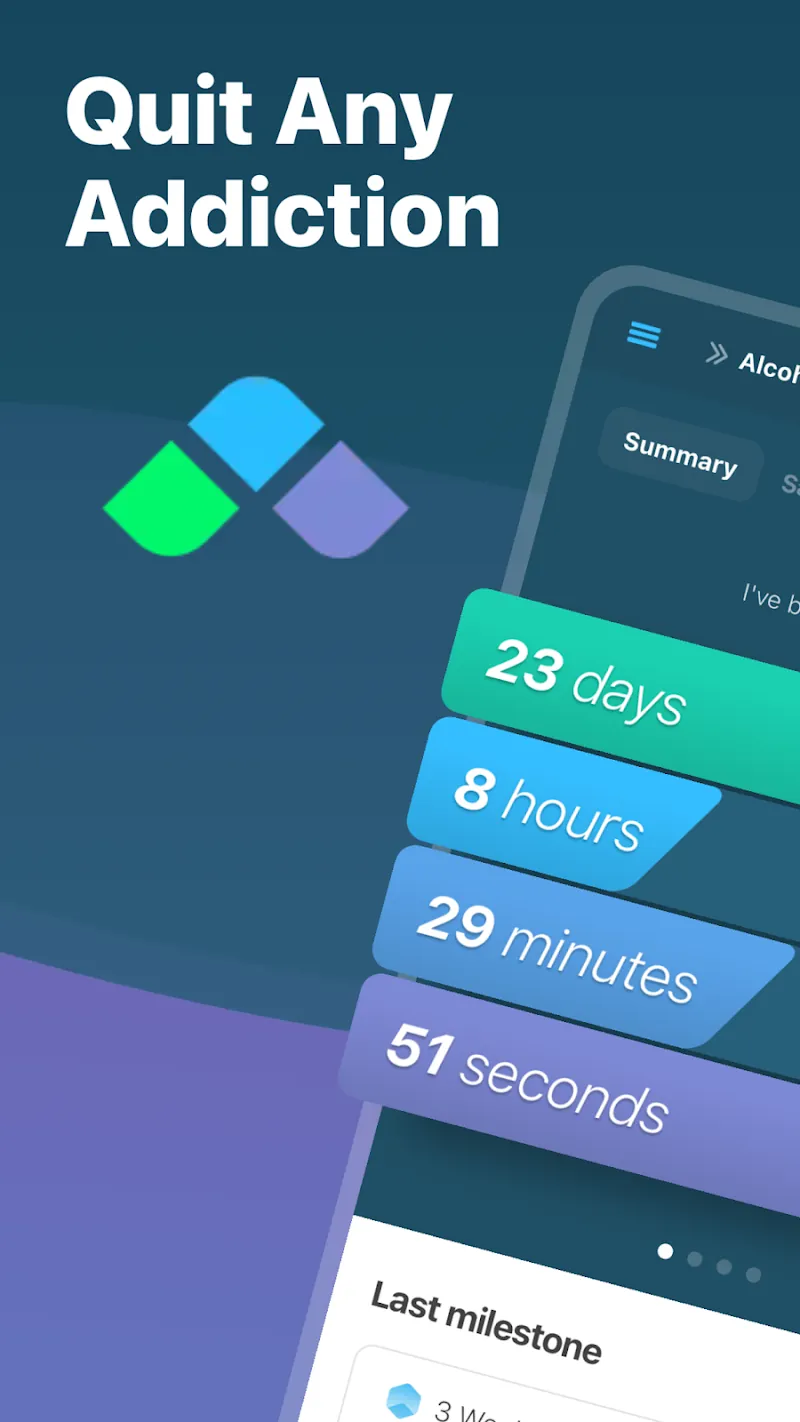
I Am Sober is the strongest pick when the count marks something you left behind. It tracks days since you quit drinking, smoking, or any habit you name, and it pairs the counter with a daily pledge, milestone badges, and a community.
Money-saved estimates and milestone celebrations give the number emotional weight. The app is free to download, with an optional premium tier.
Price (US App Store and Google Play, checked October 2026): Free to download. The App Store lists subscriptions at $9.99 for one month, $27.49 for six months and $29.99 or $39.99 for 12 months; Google Play lists in-app purchases from $0.99 to $74.99 per item.
Honest limits: it is built for quitting, so it is a poor fit for weddings and deadlines. If this is your use case, our sober tracker guide compares eight sobriety counters in depth.
7. HabitBox — best for counting days you show up
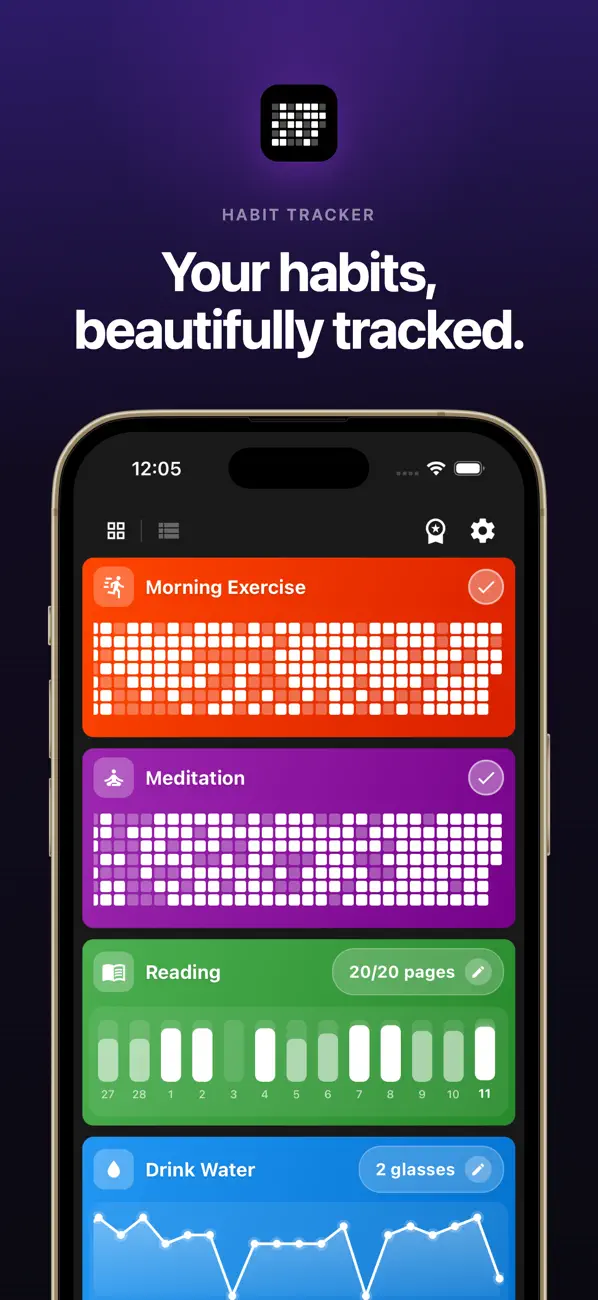
HabitBox is our own app, and it earns its place because it counts the third direction — days in a row.
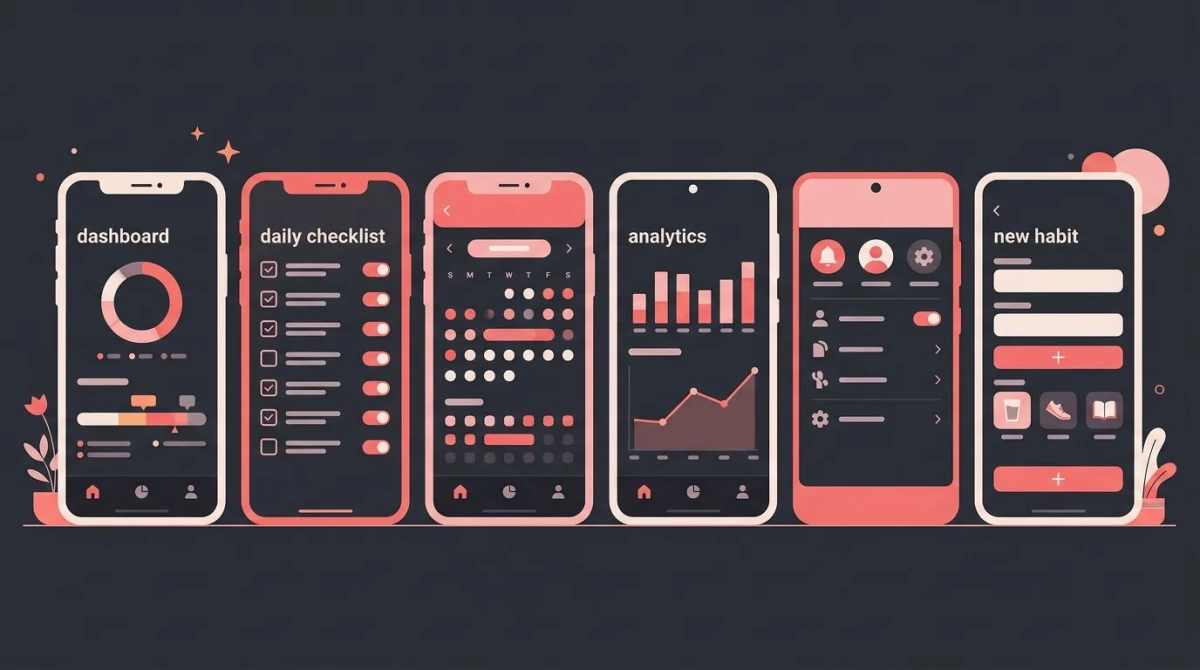
HabitBox is a habit tracker for iOS and Android. You create a habit, tap it once a day, and the app counts your current streak and your longest one. A calendar heatmap shows every day you showed up, which turns "day 47" into a picture of six steady weeks.
There is no account and no sign-up — your data stays on your device, with optional iCloud sync on iPhone. For how it compares with other streak apps, see our free habit tracker guide.
Price (checked October 2026): Free to download on iOS and Android. The free plan covers up to 2 active habits with 1 reminder per habit, and an optional HabitBox Plus upgrade adds more.
Honest limits: HabitBox is not a countdown app. It will not count down to your wedding, and it only counts up on days you confirm. If you want a passive date counter, pick Days Matter or TheDayBefore instead.
How to choose the right day counter
Start with the direction. Counting down to an event points you to Countdown, Time Until, or Days Matter. Counting up from a date points to Days Matter, TheDayBefore, or DayCount.
If the count marks quitting something, use a purpose-built tracker. Milestones, money saved, and urge tools matter more than a plain number there. Our guides to quit smoking trackers and nofap trackers compare the best options for those goals.
If the count depends on your daily effort, use a streak tracker. This is the "don't break the chain" method James Clear describes in his piece on the Seinfeld strategy: a visible chain of days makes you reluctant to break it. Research covered in our guide to how many days it takes to make a habit suggests the payoff takes patience — a median of around two months of repetition before a behavior starts running on autopilot.
Then check the practical details. Platform first, since two picks are Apple-only and one is Android-only. Widgets second, because a count you never see cannot motivate you. Price last — every app here is free to try.
If you want the count on your iPhone's Home Screen or Lock Screen, this three-minute walkthrough from Trevor Nace sets up a countdown in a free App Store app, then adds it as a widget to both screens:
Can you count days without an app?
Yes, and sometimes that is the better tool. For a quick one-off answer, our free days since calculator counts the days between any two dates in your browser — no download, no sign-up.
A paper calendar works too. Marking an X on each completed day is the original streak tracker, and crossing days off toward an event is the original countdown. If you like paper, our printable habit tracker gives you a free grid to start with.
The app earns its place when the count is ongoing. Widgets, reminders, and milestones keep a long count alive in a way paper rarely does.
Day counter app FAQ
What is the best day counter app?
Is there a free app that counts the days?
What app counts the days since I quit?
How do I count days without downloading an app?
What is the difference between a day counter and a habit tracker?
Whichever direction you are counting, the number works because it makes progress visible. Pick the app that matches your count, put the number where you will see it, and let the growing total do the motivating. And if the days you want to count are the ones where you show up, HabitBox is a simple place to start your first streak.

Mira Hartwell
Editor, HabitBoxEditor at HabitBox. Writes about habit science and productivity, grounding every post in named research (Lally, Wood, Walker, Huberman) instead of recycled advice. Read full bio →