Intermittent Fasting Tracker App: 9 Best Picks Compared (2026)
TL;DR: The best intermittent fasting tracker app is the one whose timer and reminders fit the schedule you actually follow. We compared 9 picks — Zero, BodyFast, Simple, Fastic, DoFasting, Window, Life Fasting Tracker, FastHabit, and Clear (Vora) — on fasting timer, window presets, weight log, and free tier. Zero and FastHabit have the most useful free tiers; Simple and Fastic lean hard on coaching and subscriptions. If your real goal is sticking with fasting for months, a habit tracker like HabitBox can log the daily streak alongside the timer. Intermittent fasting is not right for everyone — skip the rest of this guide and talk to a doctor first if you are pregnant, under 18, or have a history of disordered eating.
Last updated: June 2026. This is a lifestyle guide, not medical advice.
What an intermittent fasting tracker app does
An intermittent fasting tracker app times the gap between your last meal and your first one. You tap "start fast," and the app counts the hours until your eating window opens. Most show a ring or progress bar, so you can see at a glance how far into the fast you are.
The good ones do more than count. They save your usual schedule as a preset. They nudge you before your window opens or closes. And they keep a simple history, so you can see how consistent you have been over weeks.
A few add a weight log, mood notes, or sync with your phone's health app. But none of that matters if you do not open the app. The real test is how easily it fits a day you are already living.
Why reach for an app at all? Fasting is mostly a timing game. Knowing the exact hour your window opens removes the guesswork. A timer also adds a small moment of accountability. Starting the clock is a deliberate choice, and watching it run makes the fast feel like progress rather than waiting.
What to look for
Five features separate a tool you keep from one you delete after a week.
- Fasting timer: a clear countdown to your eating window, ideally on the home screen or a widget.
- Window presets: built-in schedules like 16:8 or OMAD so you are not doing math each morning.
- Weight log: an optional place to record weight or measurements, such as body fat percentage, if that is your goal.
- Reminders: a nudge before your window opens or closes, so the schedule does not rely on memory.
- History and streaks: a record of completed fasts that shows whether the habit is actually forming.
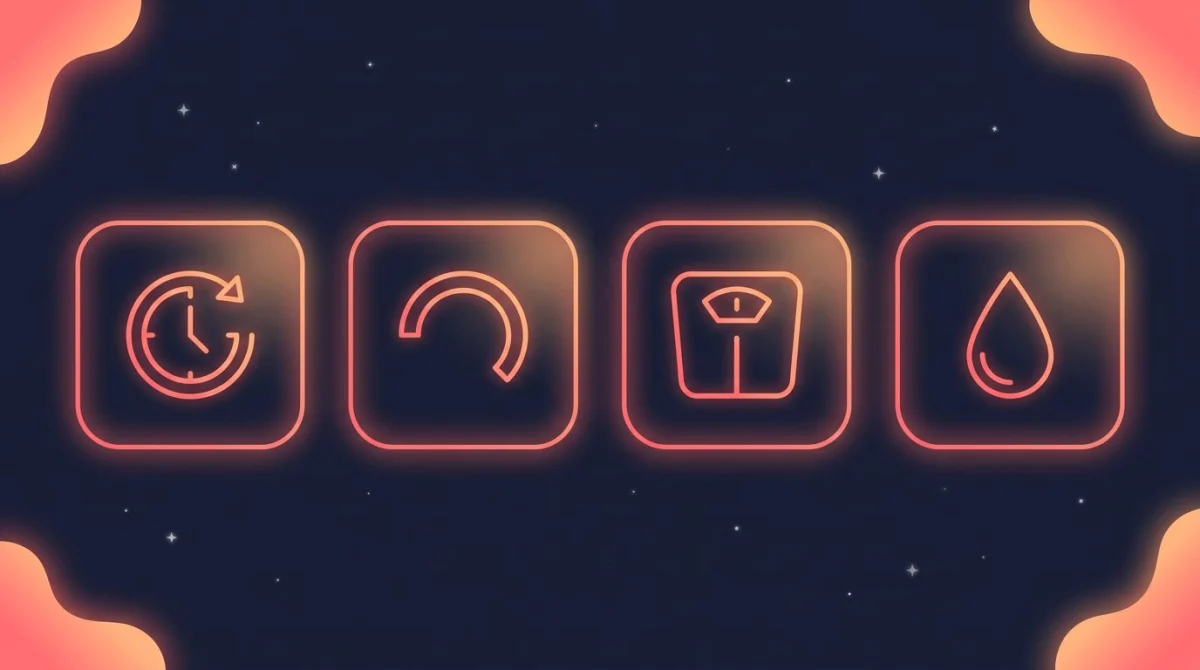
An IF tracker's core: a fasting timer, your eating window, and an easy weight and hydration log.
A note on who intermittent fasting is for
Intermittent fasting is not suitable for everyone. It is generally not recommended during pregnancy or breastfeeding, for people under 18, or for anyone with a history of disordered eating.
People with diabetes, low blood pressure, or medication that must be taken with food should be especially careful. Skipping meals can change how those conditions are managed. None of this is medical advice, and an app cannot tell you whether fasting is safe for you.
If you have any health condition or take regular medication, talk to a doctor before starting. The right tracker matters far less than doing this safely in the first place.
For an evidence-based overview of how intermittent fasting works and who it may not suit, this explainer from a Cleveland Clinic dietitian is a balanced starting point — and a reminder to check with your own doctor, since fasting is not right for everyone.
Intermittent fasting schedules, explained
Most apps below are built around a handful of common schedules. Here is what the numbers mean and who each tends to suit.
| Schedule | What it means | Often used for |
|---|---|---|
| 16:8 | 16 hours fasting, 8-hour eating window | Beginners; the most common starting point |
| 18:6 | 18 hours fasting, 6-hour eating window | A step up once 16:8 feels routine |
| 20:4 | 20 hours fasting, 4-hour eating window | More experienced fasters wanting a tighter window |
| OMAD | One meal a day (roughly a 23:1 window) | People who prefer a single daily meal |
| 5:2 | Normal eating 5 days, reduced intake 2 days | A weekly pattern rather than a daily window |
The numbers are a starting point, not a rule. Many people drift between 16:8 and 18:6 depending on the day. That is why preset flexibility matters when you pick an app. If you want to try a schedule right now without downloading anything, our free intermittent fasting timer runs 16:8, 18:6, and OMAD in the browser and marks the fat-burning, ketosis, and autophagy stages as the hours pass.
Beginners usually start with 16:8. It can be as easy as skipping breakfast and finishing dinner earlier. Tighter windows like 20:4 and OMAD ask more of you, and they tend to suit people who already fast comfortably. The 5:2 pattern works differently again, since it spreads the effort across the week rather than each day. Whatever you choose, the schedule only helps if you can repeat it. Pick the one you can see yourself keeping for months, not the most aggressive one on the list.
The 9 best intermittent fasting tracker apps compared
Here is the quick comparison. Pricing changes often, so treat the free-tier column as a guide and check the app store before you commit.
| App | Platforms | Free tier | Best for | Price |
|---|---|---|---|---|
| Zero | iOS, Android | Generous | Most people overall | Free; optional paid plan |
| BodyFast | iOS, Android | Limited | Guided weekly plans | Free; subscription for coach |
| Simple | iOS, Android | Limited | Coaching and food logging | Free trial; subscription |
| Fastic | iOS, Android | Limited | Beginners who want hand-holding | Free; subscription for full features |
| DoFasting | iOS, Android | Limited | Structured programs | Mostly subscription |
| Window | iOS | Generous | Minimalists on iPhone | Free; small optional upgrade |
| Life Fasting Tracker | iOS, Android | Generous | Fasting with friends | Free; optional paid plan |
| FastHabit | iOS | Generous | Simple, no-account tracking | Free; small one-time/Pro upgrade |
| Clear (Vora) | iOS | Free | Social, photo-based logging | Free |
Zero — best for most people
Zero is one of the best-known fasting apps and a sensible default. It gives you a clean timer, common presets, and a fasting history. The free tier covers the basics most people need to get started.
Paid plans add deeper content and tracking. But if you want a reliable timer without much fuss, the free version usually does the job.
BodyFast — best for guided weekly plans
BodyFast is built around structured plans that shift across the week rather than one fixed window. It suits people who want the app to suggest a rhythm instead of setting one themselves.
The timer and basics are free to use. Its "coach" feature and advanced plans sit behind a subscription.
Simple — best for coaching and food logging
Simple pairs a fasting timer with food logging and AI-style coaching prompts. It leans toward people who want guidance and feedback, not just a countdown.
It is one of the more subscription-heavy options, so the free experience is limited. If you mainly want a timer, it may be more than you need.
Fastic — best for beginners who want hand-holding
Fastic wraps fasting in a friendly, beginner-oriented experience with tips, hydration prompts, and step tracking. It is approachable if you are new to fasting and want context, not just a clock.
Many of its richer features sit behind a subscription. The core timer is free.
DoFasting — best for structured programs
DoFasting pairs a fasting tracker with meal ideas and workout content, packaged as a guided program. It is aimed at people who want an all-in-one wellness app rather than a standalone timer.
It leans heavily on subscription access, so there is less to do for free. Check current pricing carefully before signing up.
Window — best for minimalists on iPhone
Window is a pared-back iOS app focused on the timer itself, with a clean interface and a home-screen widget. It suits people who want to see their window and nothing else.
It skips the heavy coaching and upsell layers found in larger apps. That simplicity is the point, and the free version goes a long way.
Life Fasting Tracker — best for fasting with friends
Life Fasting Tracker adds a social layer. You can create or join "fasting circles," see friends' progress, and stay accountable. The timer and presets are straightforward.
The community angle is its main draw. Most core tracking is free, with optional upgrades on top.
FastHabit — best for simple, no-account tracking
FastHabit is a no-frills iOS timer that focuses on consistency rather than coaching. You can set a target fast length, track streaks, and get reminders without creating an account.
That makes it a good fit if you value simplicity and want your fasting record to stay close to your device. A small upgrade unlocks extra features.
Clear (Vora) — best for social, photo-based logging
Clear, formerly Vora, takes a social, feed-based approach. You log fasts and can follow others. It is free and community-driven rather than subscription-led.
It feels more like a lightweight network than a clinical tool. If accountability through other people motivates you, it is worth a look.
How to pick the right intermittent fasting tracker app
Start with the schedule you actually follow, not the one you wish you followed. If you stick to 16:8, almost every app handles it well, so weight the other factors more.
Want guidance? Lean toward coaching-style apps like Simple, Fastic, or DoFasting, and expect a subscription. Want a clean timer and nothing else? Zero, Window, or FastHabit will serve you better.
Think about how long you plan to do this. A timer is great for the first few weeks. The harder part is staying consistent for months, and that is where a daily streak you can see at a glance does more than another notification.
Check the free tier against your real needs before paying. Many apps are usable for free for the part most people care about: the timer and a reminder.
Privacy is worth a thought too. Some apps need an account and store your data in the cloud; others keep it on your device. If you would rather not hand over health-adjacent data to log a fast, favour apps that work offline and skip the sign-up.
One last tip: try an app for a full week before deciding. The first day always feels novel. What matters is whether you still open it on day five, when the schedule is just part of your routine.
Where HabitBox fits in
HabitBox is not a fasting timer. It will not count down the hours of your fast. It is a privacy-first habit tracker for iOS and Android — no account, on-device, ad-free, and free to start with an optional Plus upgrade.
Where it helps is the part dedicated fasting apps tend to skip: keeping the habit alive over the long run. You can add "completed my fasting window" as a daily habit and watch the streak build on a calendar heatmap. That taps into the same don't-break-the-chain motivation that makes daily habit tracker app tools work.
Pair it with whichever timer you like. Use the fasting app for the countdown, and use HabitBox to track whether fasting is becoming a routine you keep. Want one tracker that also covers exercise, water, and sleep? Our guides to the best habit tracker app and how to make exercise a habit go deeper. A water tracker app pairs naturally with fasting, since staying hydrated helps during the fast.
Intermittent fasting tracker app FAQ
What is the best free intermittent fasting tracker app?
Zero, Window, FastHabit, and Clear all have strong free options. Zero is the safest default for most people. Window and FastHabit suit those who want a minimal iOS timer without a subscription.
Does the app matter, or is it just the timer?
The timer is the core feature, and almost any app can count hours. What sets apps apart is reminders, schedule presets, history, and how easily the habit sticks. For long-term consistency, the tracking and reminders matter as much as the countdown.
Can these apps track 5:2 and OMAD, or only 16:8?
Most full-featured apps support 16:8, 18:6, 20:4, and OMAD, since those are daily window schedules. The 5:2 approach is a weekly pattern, not a daily window, so support varies. If 5:2 is your plan, check the presets before choosing.
Do intermittent fasting apps work offline?
The fasting timer itself usually runs offline, since it only tracks elapsed time. Features like coaching content, social feeds, and cloud sync need a connection. A privacy-first habit tracker like HabitBox stores data on-device and works without an account.
Do I need to log my food in a fasting app?
Not necessarily. Many people use a fasting app only for the timer and reminders. Food logging is optional and offered mainly by coaching-focused apps. If it feels like a chore, skipping it will not break your fasting schedule.

Mira Hartwell
Editor, HabitBoxEditor at HabitBox. Writes about habit science and productivity, grounding every post in named research (Lally, Wood, Walker, Huberman) instead of recycled advice. Read full bio →