Self-Improvement Apps: 10 That Change Behavior (2026)
TL;DR. The best self-improvement apps have a mechanism behind them, not a mood board. Spaced repetition. A five-minute lesson. A budget rule. A forced pause before you open Instagram. These ten picks cover learning, reading, mindfulness, money and attention. Six have a free tier you can stay on, and one has a peer-reviewed field trial behind it.
Most lists of self-improvement apps are the same seven productivity tools in a new order: a to-do app, a note app, a focus timer, a habit tracker. Those are good tools. But a task manager will not teach you Spanish, and a note app will not change what you spend.
This list goes the other way. Every pick targets one part of your life — a skill, a book, your attention, your money — and each one leans on a documented behavior mechanism. We checked every price and rating on 10 September 2026 against the vendor's own site and the US App Store and Google Play listings.
How we picked these self-improvement apps
Four rules narrowed a long shortlist down to ten.
A mechanism, not motivation. Each app has a specific reason it works: spacing your reviews, capping a lesson at five minutes, forcing a pause, giving every dollar a job. Apps that only offer encouraging quotes did not make it.
A free tier you can live in. A seven-day trial is a demo, not a free tier. Six of these ten are usable forever without paying, and two of them cost nothing at all.
It has to work on a phone. Self-improvement happens in five-minute gaps: a bus ride, a lunch break, the ten minutes before bed. Desktop-first tools lose those gaps.
Numbers we could verify. Every price below came from the vendor's pricing page or the US store listing, and every rating came from the App Store or Google Play. Prices change and regional pricing varies, so check before you subscribe.
One deliberate omission: this is not another roundup of task managers and habit grids. Those have their own pages here, and we link to them below instead of repeating them.
The 10 best self-improvement apps at a glance
| App | Best for | Platforms | Free tier | Paid price | Store ratings |
|---|---|---|---|---|---|
| Duolingo | A daily language habit | iOS, Android, web | Yes, with ads | $12.99/mo or $83.99/yr | 4.7 iOS / 4.7 Play |
| Anki | Remembering what you study | iOS, Android, desktop | Free on Android and desktop | $24.99 once (iOS) | 4.0 iOS / 4.8 Play |
| Brilliant | Math and problem solving | iOS, Android, web | Daily lesson only | $24.99/mo or $149.99/yr | 4.7 iOS / 4.5 Play |
| Libby | Reading more books | iOS, Android, web | Free with a library card | None | 4.9 iOS / 4.8 Play |
| Readwise | Keeping what you read | iOS, Android, web | 30-day trial | $9.99/mo billed yearly | 4.8 iOS / 4.6 Play |
| Insight Timer | A free meditation library | iOS, Android | Yes, large | $9.99/mo or $59.99/yr | 4.9 iOS / 4.7 Play |
| Medito | Meditation with no upsell | iOS, Android | Everything is free | None | 4.9 iOS / 4.8 Play |
| YNAB | Learning to budget | iOS, Android, web | Trial only | $14.99/mo or $109/yr | 4.8 iOS / 4.6 Play |
| Copilot | Automatic money awareness | Apple devices, web (US banks) | Trial only | $13/mo or $95/yr | 4.8 iOS |
| one sec | Breaking the scroll reflex | iOS, Android | Yes, limited | $2.99/mo or $19.99/yr | 4.8 iOS / 4.7 Play |
Ratings are US store ratings on 10 September 2026. Now here is what each app does, and who it suits.
Best self-improvement apps for learning a new skill
Learning is where app design matters most. A lesson has to be short enough to survive a bad day, and reviews have to come back at the right moment.
1. Duolingo — best for a daily language habit
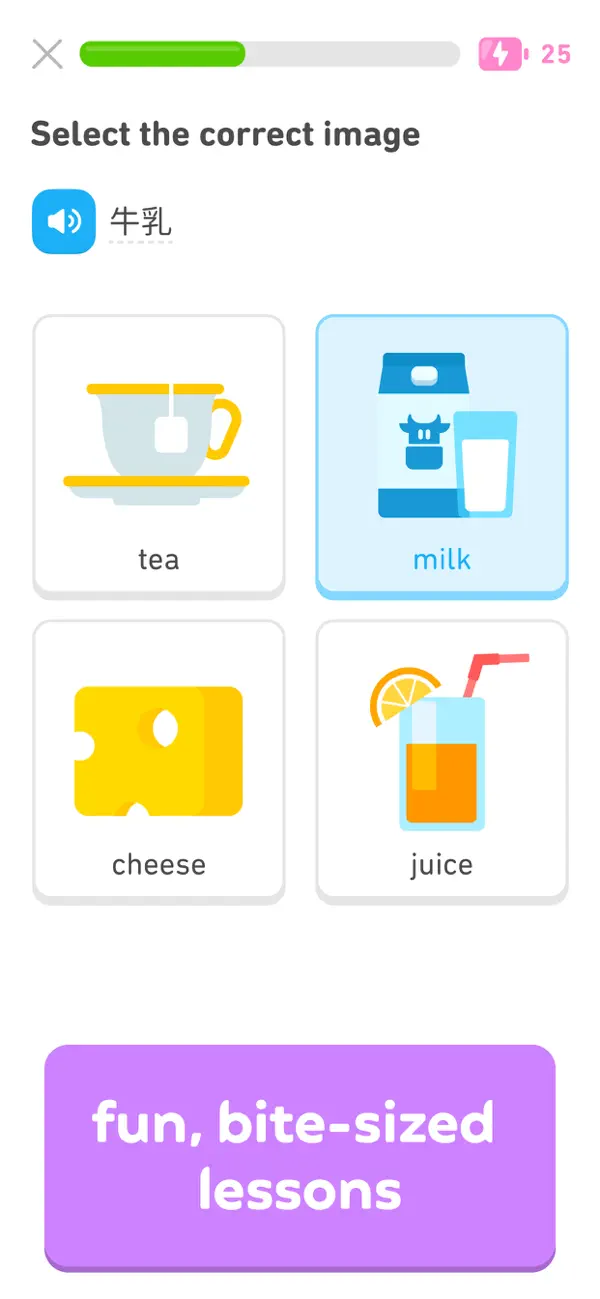
Duolingo holds 4.7 stars from more than 5.4 million US App Store ratings and 4.7 from 49 million reviews on Google Play. Very few apps in any category reach that scale.
The lessons are two to five minutes long, which is the point. A short unit is easy to start, and starting is the hard part on a Tuesday night.
The streak counter is the app's real engine, and it cuts both ways. It keeps people coming back for years. It also pushes some users into a daily tap that teaches them nothing, so treat the streak as a floor and not a score.
The free tier is complete but ad-supported, with limits on mistakes. Super Duolingo removes the ads at $12.99 a month or $83.99 a year on the App Store.
Best for: anyone who wants a language habit to survive a busy month.
2. Anki — best for remembering what you learn
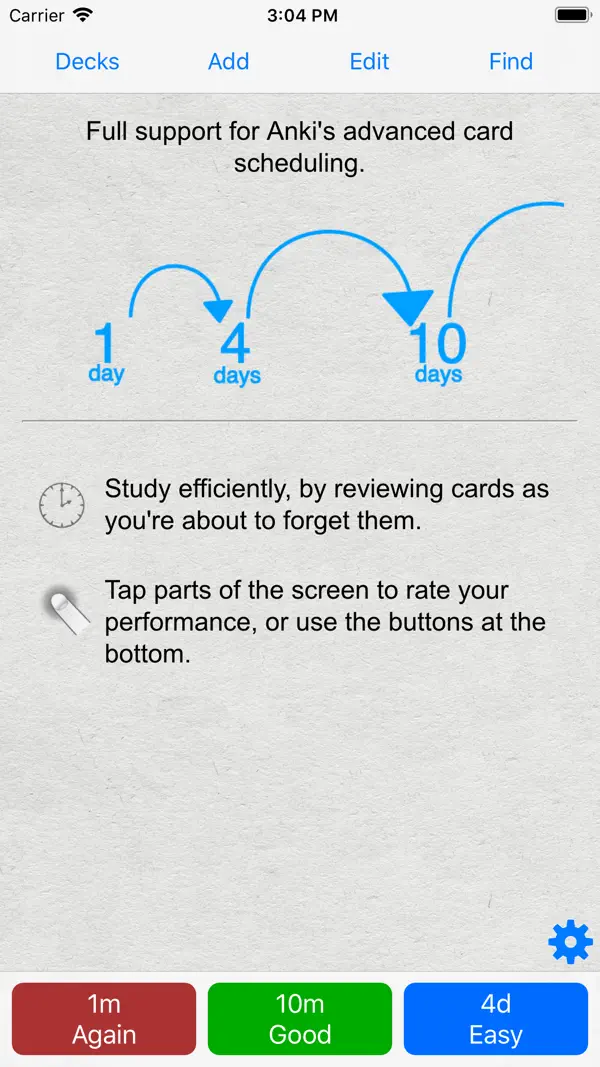
Anki is the least charming app on this list and the one with the strongest evidence. It schedules flashcards using spaced repetition: you see a card again right before you would forget it.
That mechanism is well studied. A meta-analysis in Psychological Bulletin pooled 839 measurements of the spacing effect from 317 experiments, and found that spreading study sessions out beats packing them together — with the best gap depending on how long you need to remember (Cepeda et al., 2006).
The pricing is unusual. AnkiDroid on Android is free and open source, and holds 4.8 stars from 164,000 reviews; the official desktop app is free too. AnkiMobile on iPhone costs $24.99 once, with no subscription, and sits at 4.0 stars from about 2,300 ratings — most of the complaints are about the dated interface, not the scheduler.
Expect a setup cost. Making good cards is a skill, and the first week feels like admin. The payoff comes in month three, when facts you learned in week one are still there.
Best for: students, language learners and anyone studying for an exam. Our notes on how to memorize faster cover how to write cards that work.
3. Brilliant — best for math and problem solving
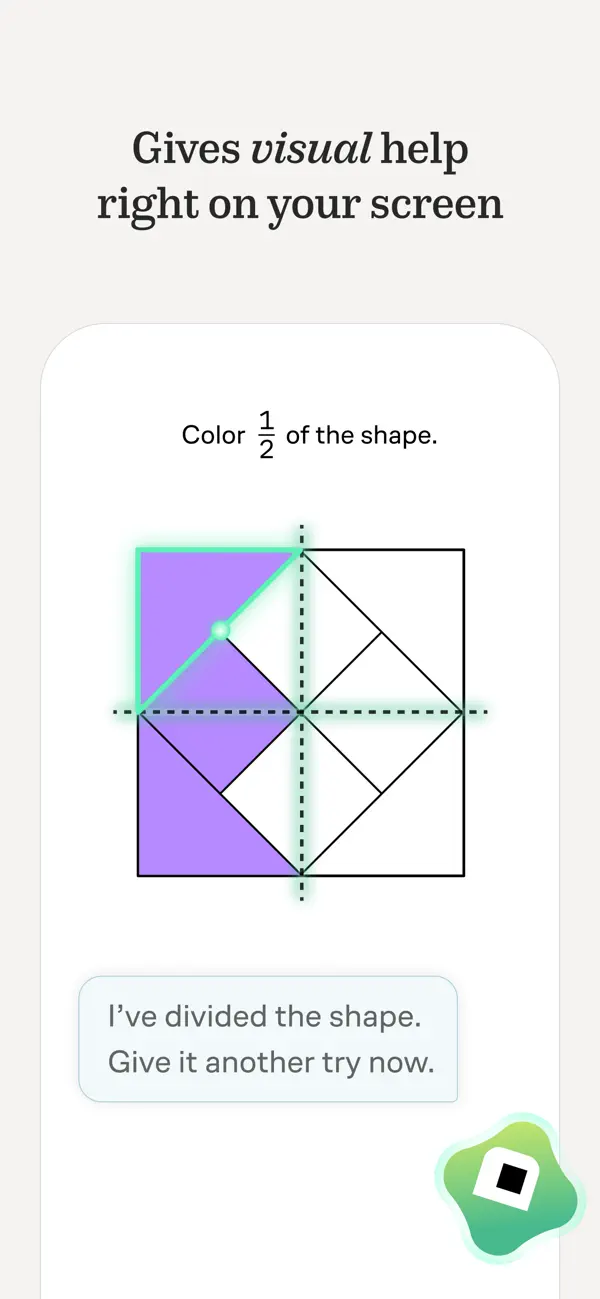
Brilliant teaches math, computer science and data through interactive problems instead of video lectures. You solve something small, get feedback, and move on.
It rates 4.7 stars on the App Store from around 32,000 ratings and 4.5 on Google Play from 113,000 reviews. The daily lesson is the habit hook, and it takes about five minutes.
The catch is the price. Premium runs $24.99 a month or $149.99 a year on the App Store, which makes it the most expensive app here. Free users get the daily lesson and little else.
Best for: people who want to rebuild math confidence, or engineers brushing up on fundamentals without watching a lecture series.
Best apps for reading more and keeping what you read
Reading has two separate failure points. Getting books cheaply enough that you keep starting them, and remembering anything a month later.
4. Libby — best free reading app
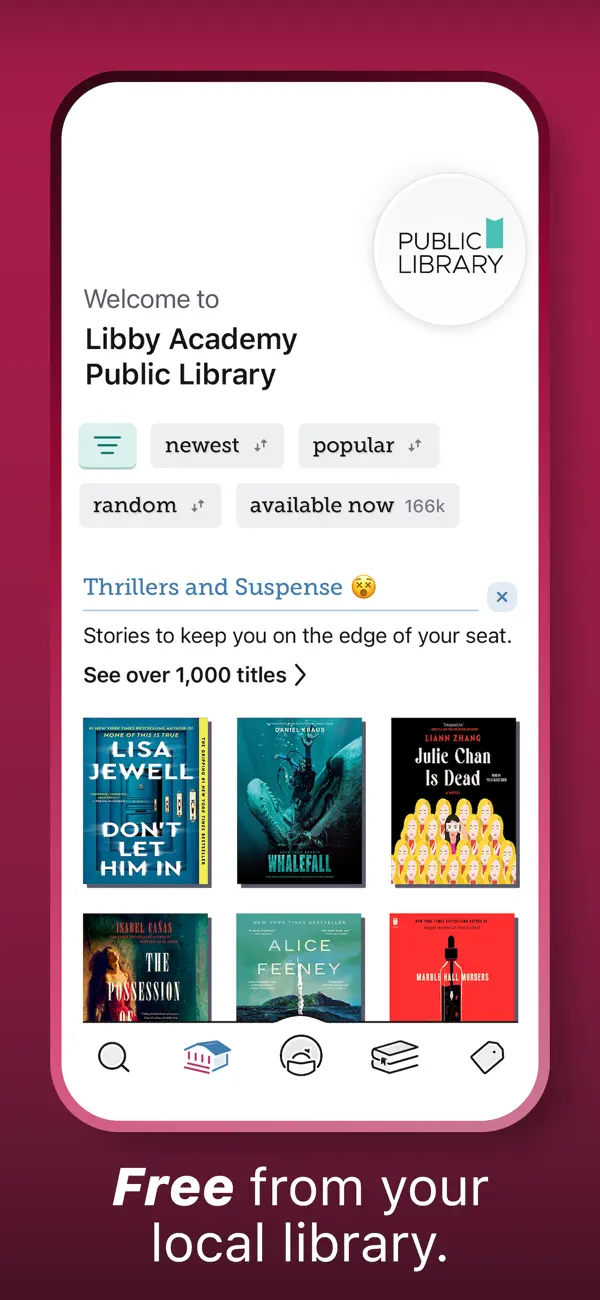
Libby borrows ebooks and audiobooks from your public library with your library card. It is free, has no in-app purchases and no ads, and it rates 4.9 stars from 4.4 million US App Store ratings.
Cost is a real barrier to reading more, and this removes it. Holds can take weeks for popular titles, so keep three or four books on hold at once and read whatever arrives.
Audiobooks matter here too. A commute or a dog walk turns into reading time, which is often where a reading habit finally sticks.
Best for: anybody who wants to read more without a book budget. Our guide on how to read more books pairs well with it.
5. Readwise — best for keeping your highlights
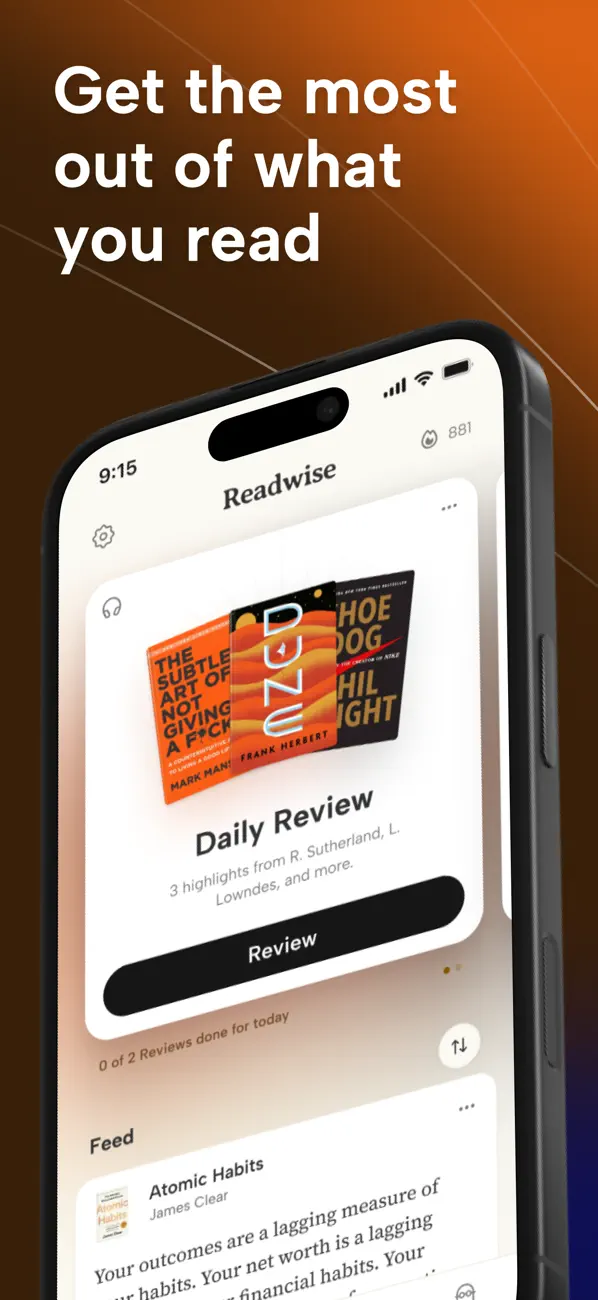
Readwise collects the highlights you make on Kindle, Apple Books, Instapaper and the web, then emails you a handful each morning. It applies the same spacing idea as Anki, without making you write cards.
It holds 4.8 stars on the App Store, though from a small base of about 1,500 ratings, and 4.6 on Google Play. The full plan is $9.99 a month billed yearly, or $12.99 month to month, after a 30-day trial. A cheaper Lite tier trims the feature list.
It is a luxury, not a necessity. If you read a lot of non-fiction and forget most of it, the daily review is the fix.
Best for: heavy non-fiction readers who highlight and never look back.
Best mindfulness apps that skip the paywall
Meditation apps are the most heavily monetised corner of self-improvement. Both picks here are exceptions.
6. Insight Timer — best free meditation library
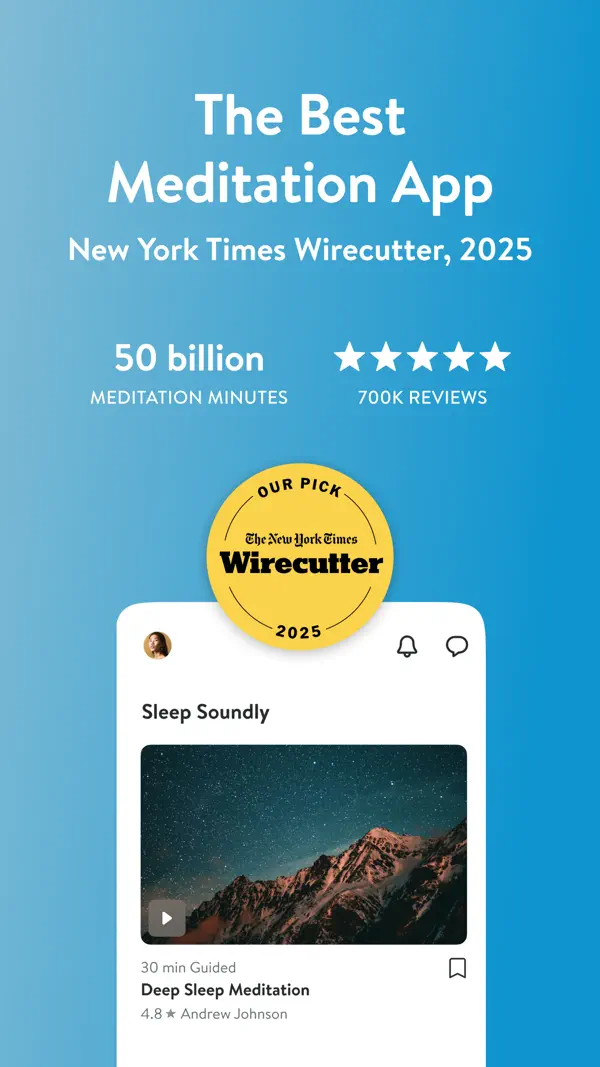
Insight Timer runs one of the largest free libraries in the category — more than 250,000 guided tracks by the company's own count — plus a plain timer for unguided sitting.
It rates 4.9 stars from about 446,000 US App Store ratings and 4.7 from 262,000 Google Play reviews. Most of the library is free. The one paid tier, Insight Premium, costs $9.99 a month or $59.99 a year and adds courses, offline downloads and better audio.
The size is also the weakness. Quality varies between teachers, so save the two or three voices you like and ignore the rest.
Best for: people who want variety and refuse to pay a subscription to sit still.
7. Medito — best meditation app with no upsell
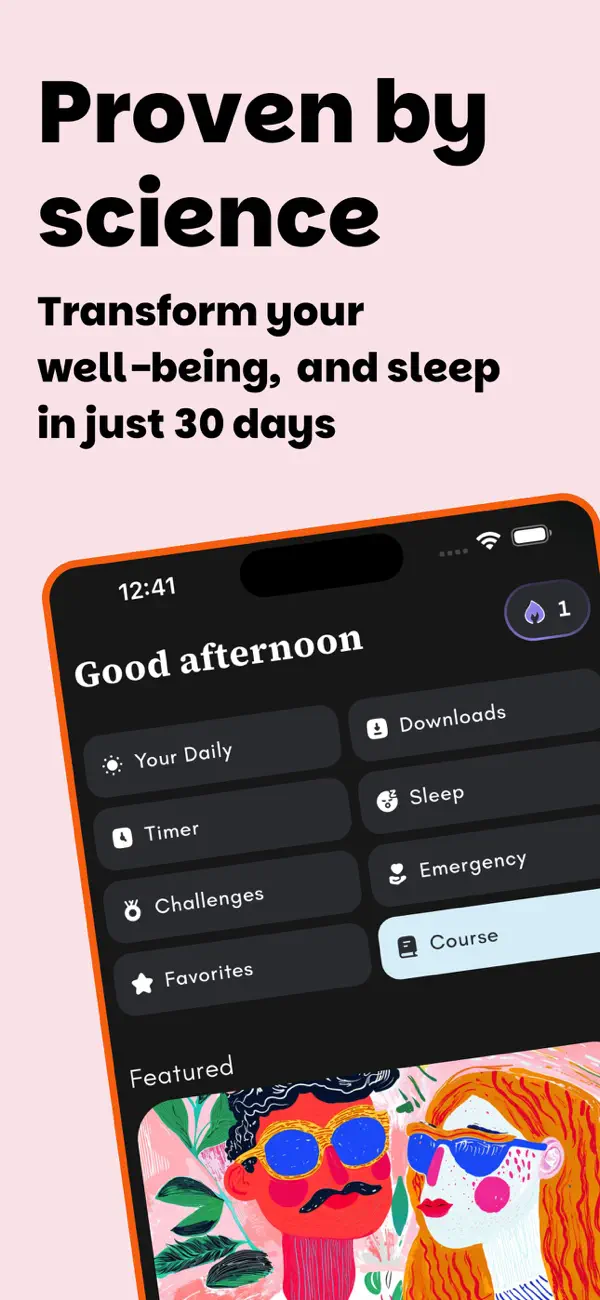
Medito is built by a registered non-profit and is free in a way almost nothing else is: no ads, no premium tier, no account, and the code is open source. It rates 4.9 on the App Store and 4.8 from nearly 41,000 Google Play reviews.
The library is smaller than Insight Timer's, which turns out to be a feature. There are beginner courses, sleep sessions, breathing exercises and a daily meditation, and you can start in under a minute.
Best for: beginners who bounced off a paywall the last time they tried. Our walkthrough on how to start a meditation practice covers the first two weeks.
Best money apps for changing how you spend
Money apps split into two philosophies. One teaches you a method. The other watches your accounts and tells you what happened.
8. YNAB — best for learning a budgeting method
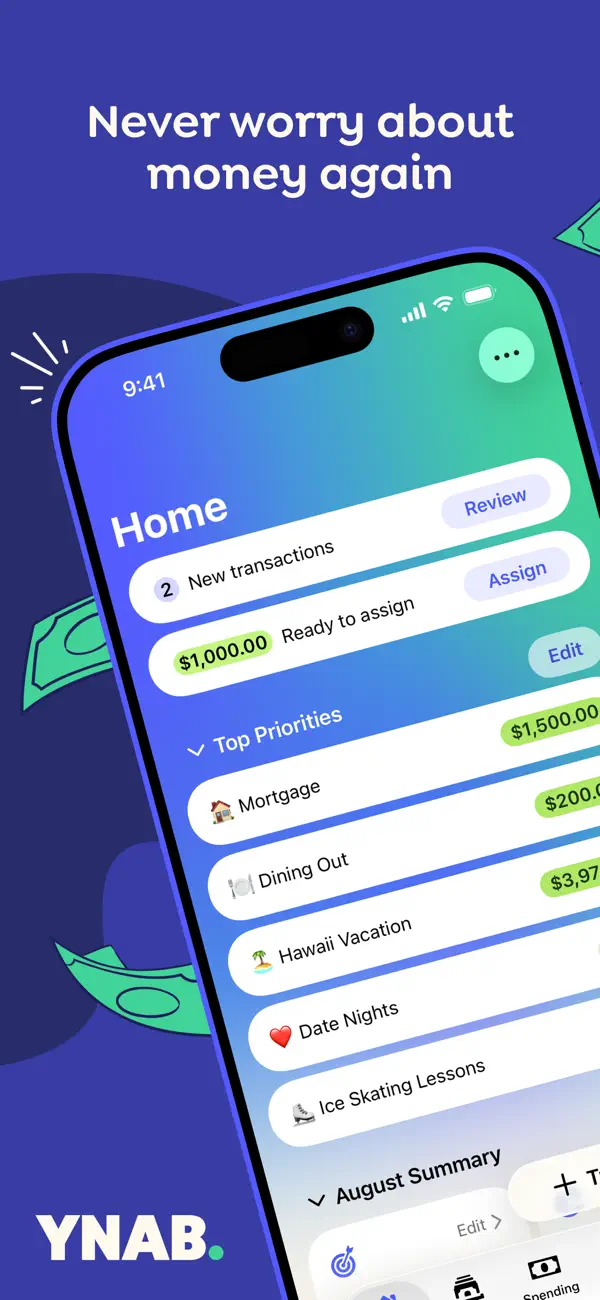
YNAB teaches zero-based budgeting: every dollar you have gets assigned a job before you spend it. The method is the product, and the app is how you practise it.
It rates 4.8 stars from about 61,000 US App Store ratings and 4.6 on Google Play. There is no free tier — it costs $109 a year or $14.99 a month, plus tax, after a trial.
Be honest about the learning curve. YNAB asks for a weekly sit-down with your numbers, and people who skip that week after week end up paying for an app they no longer open. If you want lighter options, see our expense and budget tracker app roundup.
Best for: people who keep overspending and want a rule, not a dashboard.
9. Copilot — best for automatic money awareness
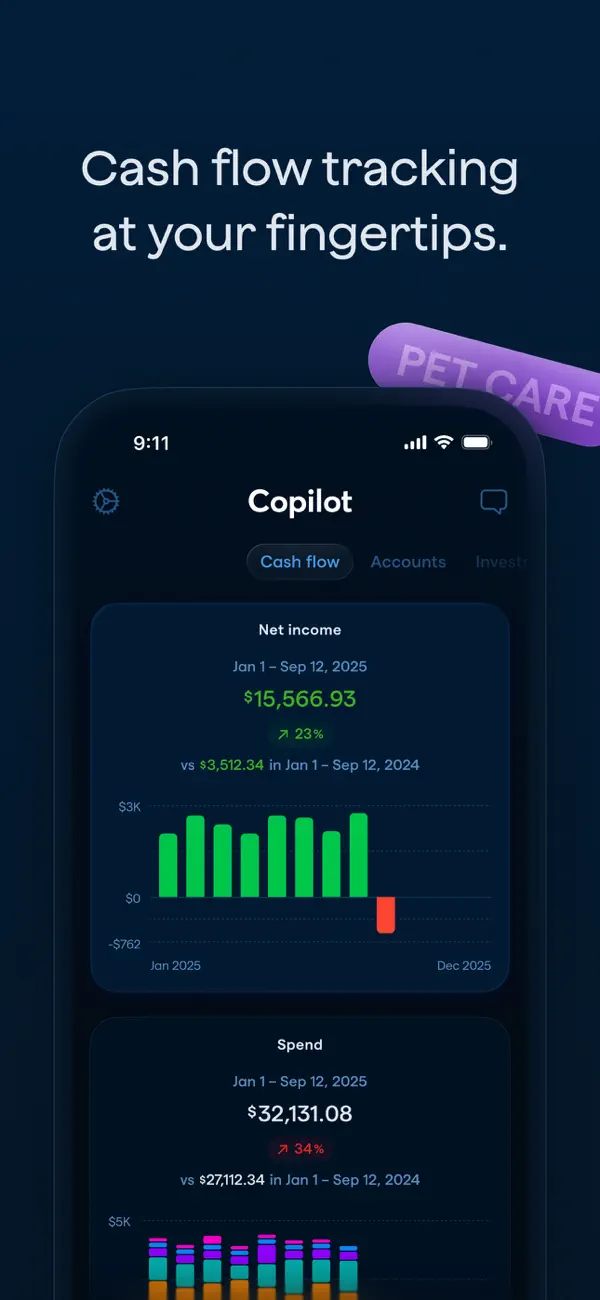
Copilot sits at the other end. It links your accounts, categorises transactions automatically and shows spending, subscriptions and net worth in one place.
It rates 4.8 stars from about 30,000 US App Store ratings. It runs on iPhone, iPad, Mac and the web, connects only to US financial institutions, and there is no Android app — check that before you get attached.
Pricing is $13 a month or $95 a year. The daily glance takes ten seconds, which is the behavior it is really selling.
Best for: Apple users who will never budget by hand but will look at a clean summary.
The one app here with a peer-reviewed trial
Most apps claim results. One on this list was measured in a published field experiment.
10. one sec — best for breaking the scroll reflex
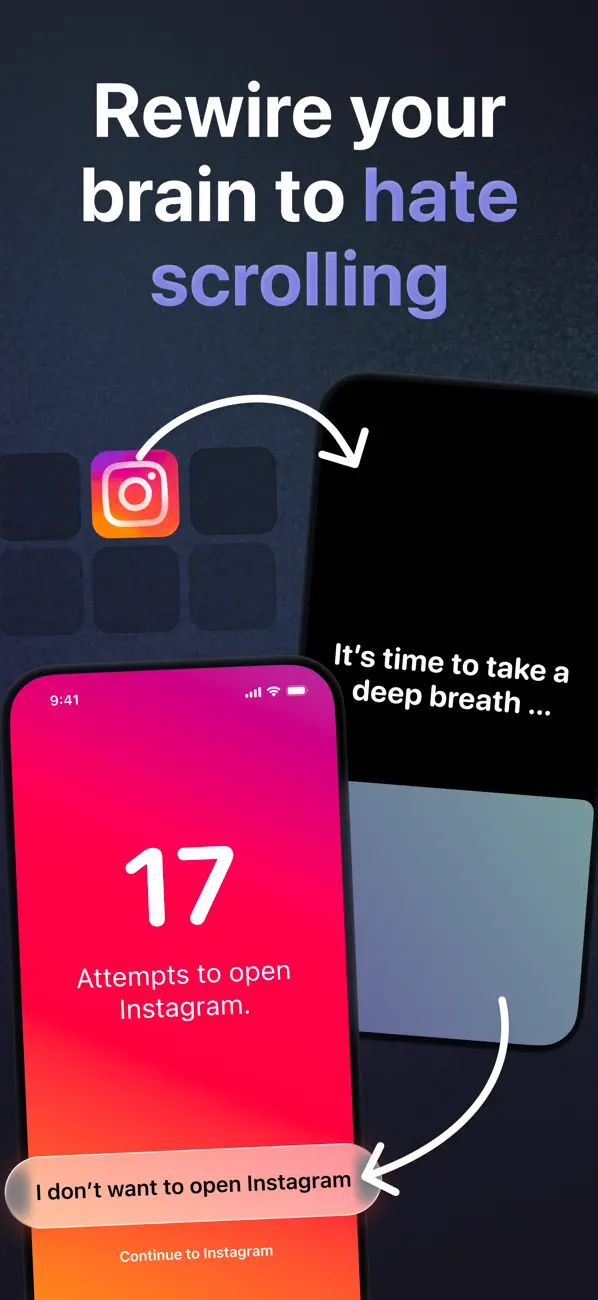
one sec adds friction. When you open a target app, it interrupts with a short breathing pause and then offers you the option to close it instead.
In a study published in PNAS, 280 people used the app over six weeks. Participants closed the target app again in about 36% of attempts, and their actual openings fell by 57% by the sixth week (Grüning, Riedel & Lorenz-Spreen, 2023). Worth noting: one of the authors is the app's creator, and the paper says so.
The most interesting finding was which ingredient mattered. Giving people an easy way to abandon the attempt did most of the work. The friendly reminder message did almost nothing.
It rates 4.8 stars from 23,500 US App Store ratings and 4.7 from 45,800 Google Play reviews. The free version covers one app of your choice. Pro is $2.99 a month, $19.99 a year, or $99.99 once.
Best for: anyone who opens Instagram without deciding to. More tactics in our guide on reducing screen time.
What the research says about self-improvement apps
Be realistic about the size of the effect. A meta-analysis of 34 randomised trials covering 7,566 people found that mindfulness apps produced small to moderate improvements in perceived stress, anxiety and depression symptoms (Gál, Ștefan & Cristea, 2021). Real, measurable, and a long way from transformation.
That pattern holds across categories. Apps shift behavior at the margins by making the good option easier and the bad option slower.
The other constraint is boring: an app only works on the days you open it. Most downloads are abandoned long before the mechanism has had time to do anything.
Where habit trackers, goal apps and ADHD tools fit
None of the ten apps above track whether you showed up. That is a separate job, and we cover it on separate pages.
If you want the tracking layer, start with our best habit tracker app roundup. For outcome-shaped targets like "read 24 books this year", see goal tracking apps. If focus and starting are the hard parts, our productivity apps for ADHD list is built for that. And for tasks, notes and calendars, we compare the best productivity apps separately.
HabitBox is a habit tracker for iPhone and Android. It gives each habit a one-tap check-in and a calendar heatmap, and there is no HabitBox account to create. Whatever you use, one check-in per app category is enough.
How to build a self-improvement stack without app overload
Ten apps is a menu, not a plan. Installing all of them is the fastest route to using none of them.
1. Pick one domain for the next 30 days. Learning, reading, mindfulness or money. One. The others will still be there in October.
2. Anchor it to something you already do. Duolingo with morning coffee. Medito after you brush your teeth. The habit stacking formula — after I do X, I will do Y — beats a reminder that fires while you are driving.
3. Set a floor, not a target. Two minutes of Anki. One page in Libby. One transaction categorised. A floor low enough to clear on your worst day is what keeps the streak alive.
4. Review once a week. Five minutes, one question: did I open it? If the answer is no three weeks running, delete the app. It is not the one for you.
Add a second domain only after the first one runs on autopilot for a month. Our guide on how to be consistent covers what to do when it stalls.
Self-improvement apps FAQ
What are the best self-improvement apps in 2026?
Do self-improvement apps work?
What is the best free self-improvement app?
How many self-improvement apps should I use at once?
Are self-improvement apps different from habit trackers?
The bottom line
Skip the roundups that hand you seven task managers. Pick the domain that has bothered you for a year, install the one app that covers it, and set a floor you can clear on a bad day.
Duolingo, Medito and Libby cost nothing to try. one sec has the clearest evidence. YNAB asks the most and gives the most back if you do the weekly review.
Then let it be boring for a month. Boring is what change looks like from the inside.

Mira Hartwell
Editor, HabitBoxEditor at HabitBox. Writes about habit science and productivity, grounding every post in named research (Lally, Wood, Walker, Huberman) instead of recycled advice. Read full bio →